How to Cite a Book in MLA 9
Learn the MLA 9 Works Cited format for books — one author, multiple authors, no author, editions, and translations — with in-text citation examples.
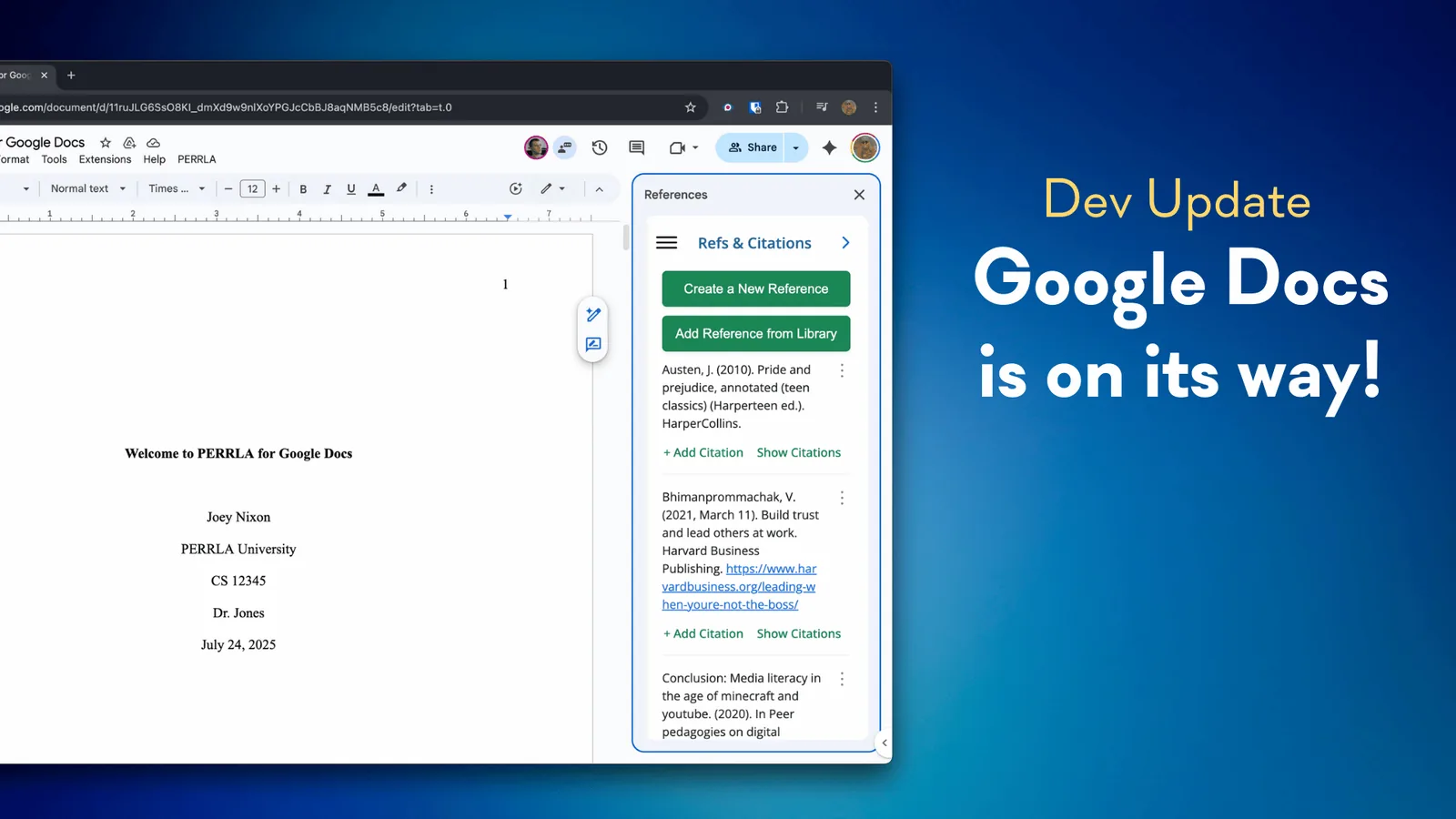
Update: PERRLA for Google Docs is now available, with APA, MLA, and Turabian. See how PERRLA works in Google Docs.
As we head into the fall semester, our team is focused on one major priority: bringing PERRLA to Google Docs.
We know how many students rely on Google Docs every day – for collaboration, accessibility, and cloud-based convenience. And while PERRLA has long supported Word (on desktop and web), we’ve heard the requests loud and clear: you want the same paper-building, citation-handling, formatting-helping experience in Docs.
So this fall, we’re building it. You can sign up here to receive the latest updates as we work.
We’re starting with a foundational set of features – the tools students need most when starting a paper:
This first release is intentionally focused. Rather than duplicating every feature from our Word integration right away, we're prioritizing stability, simplicity, and usability. That means students will be able to write, cite, and stay organized – all inside Google Docs, without switching platforms.
We’ll be expanding functionality over time based on feedback, usage, and what students find most helpful.
Building for Google Docs has been on our roadmap for a while, but it's required a careful approach. Unlike Microsoft Word, Google Docs doesn’t provide the same kind of robust native support for complex add-ins – so we’ve been working closely with their APIs to develop something lightweight, secure, and student-friendly.
What makes this version different is that it’s not trying to replicate the full desktop experience right away. Instead, it’s built to integrate cleanly with what Google Docs does well – and to bring PERRLA’s most important writing and formatting tools along for the ride.
As we roll out the first version of PERRLA for Google Docs, our goal is to make it feel seamless and familiar to existing users – while also opening the door to students who’ve never used Word at all. We're already planning future updates to include things like:
And yes – this work also informs our larger goals of cross-platform consistency and a fully unified PERRLA experience across all major environments.
We’ll be sharing more updates, behind-the-scenes insights, & screenshots as development continues. This includes sneak peeks at the user interface and guidance on how to get started once it launches. If you want to be among the first to know when beta access becomes available, sign up to receive the updates here.
In the meantime, if you're a faculty member, tech lead, or student group interested in early access or testing, reach out – we’d love to hear from you.
Learn the MLA 9 Works Cited format for books — one author, multiple authors, no author, editions, and translations — with in-text citation examples.
Five nursing programs ran full case studies with PERRLA, from a required rollout to one with no requirements at all. Here's what changed for faculty, students, and grades.
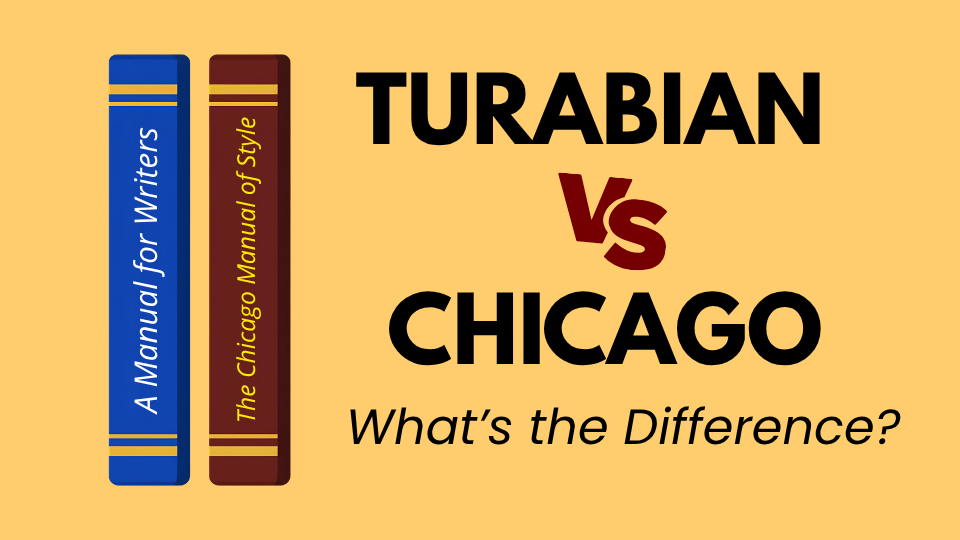
Turabian and Chicago are closely related, but they’re not the same thing. Here’s how the two guides differ, which citation system each one uses, and what PERRLA handles automatically when you start a Turabian paper.
PERRLA formats the whole paper in APA 7, MLA 9, and Turabian 9, from the title page to the last reference.
Try PERRLA free for 7 days