How to Cite a Book in MLA 9
Learn the MLA 9 Works Cited format for books — one author, multiple authors, no author, editions, and translations — with in-text citation examples.
PERRLA/Blog
Writing guides you can use tonight, the odd corners of the APA, MLA, and Turabian formats (we call that series APA Obscura), the sources nursing students cite most, and what's new in PERRLA. Written by people who read the manual so you don't have to.
Learn the MLA 9 Works Cited format for books — one author, multiple authors, no author, editions, and translations — with in-text citation examples.
Five nursing programs ran full case studies with PERRLA, from a required rollout to one with no requirements at all. Here's what changed for faculty, students, and grades.
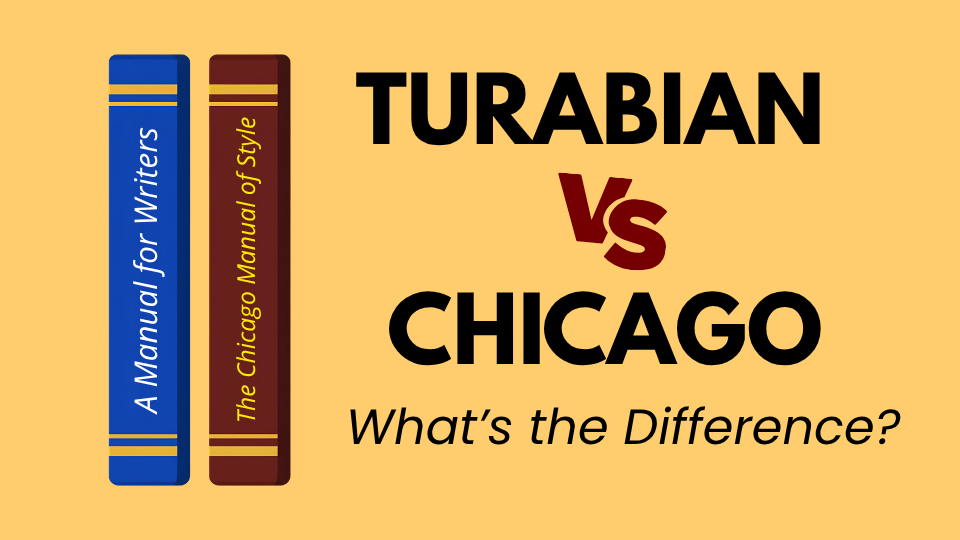
Turabian and Chicago are closely related, but they’re not the same thing. Here’s how the two guides differ, which citation system each one uses, and what PERRLA handles automatically when you start a Turabian paper.
An annotated bibliography follows standard APA reference formatting, then adds a short paragraph below each entry summarizing and evaluating the source. This guide covers what annotations include, how to format the…
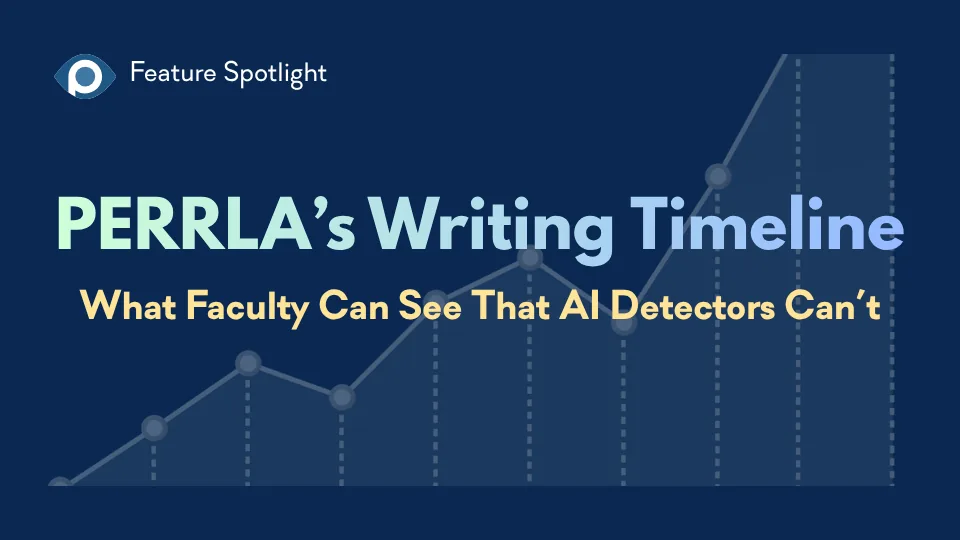
AI writing detectors return verdicts. PERRLA’s Writing Timeline shows faculty how the paper was actually built – the writing sessions, when sources arrived, and how the paper grew over time – without scores, labels, or…
PERRLA vs. EndNote: Which software is better for your academic writing workflow? Compare research management, citation accuracy, AI-assisted research features, pricing, and full-paper formatting. Learn how EndNote's…
Citing a TikTok or Instagram Reel in APA 7 means treating the caption as the title – the first 20 words, preserving the original spelling and capitalization, hashtags and all. This post covers the full format, how to…
PERRLA Online now has a custom spellcheck dictionary saved to your account – add a word once and it follows you to every computer you sign in on. Plus: a new purple squiggle catches format mistakes in real time as you…
PERRLA now offers three storage plans for your research files. The base PERRLA plan includes 2 GB of file storage. PERRLA Pro adds 10 GB and Priority Support. PERRLA Unlimited gives you unlimited storage and the largest…
Most students expect MLA to have a specific heading format like APA does. It doesn’t. MLA 9 provides guiding principles – descending prominence, consistent styling, flush-left internal headings – and leaves the…
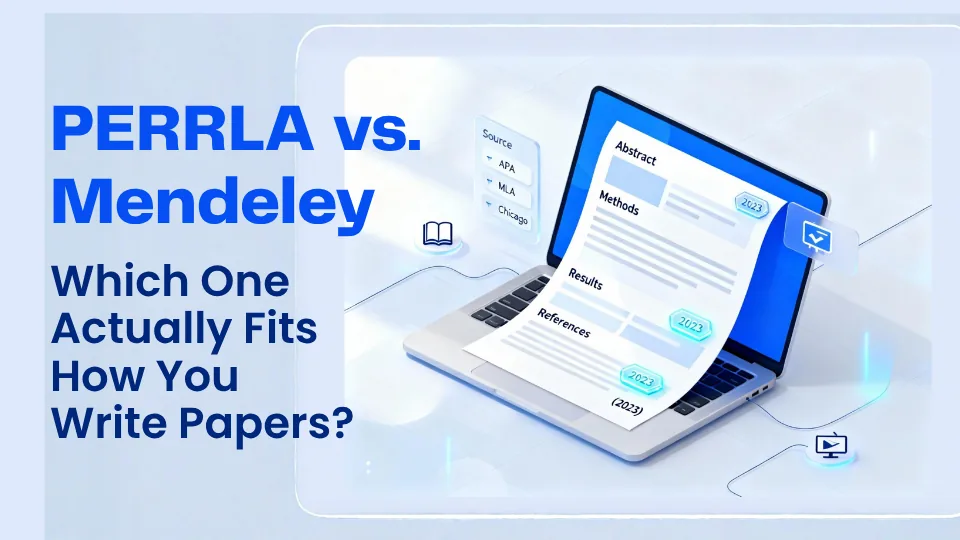
PERRLA vs. Mendeley: Which is better for academic writing? Compare research management, source organization, citation accuracy, APA 7, MLA 9, and Turabian 9 formatting, pricing, and writing workflows. Learn how PERRLA…
Legal citations are specific, jurisdiction-dependent, and easy to get wrong. PERRLA’s reference engine now covers legal citation conventions for all 50 states, D.C., and five U.S. territories – cases, statutes…
If your research lives in Zotero, JabRef, Mendeley, or another reference manager, you shouldn’t have to retype everything to move it into PERRLA. The .bib import has always handled the references. Now it handles the…
PERRLA vs. Zotero: Which tool is better for writing academic papers? Compare reference management, citation accuracy, research notes, Zotero library migration, pricing, and complete APA 7, MLA 9, and Turabian 9…
PERRLA’s Privacy Policy and Terms & Conditions have been updated, effective September 21, 2026. The short version: your work is still yours, we don’t sell your data, and we never have. This post covers the key points…
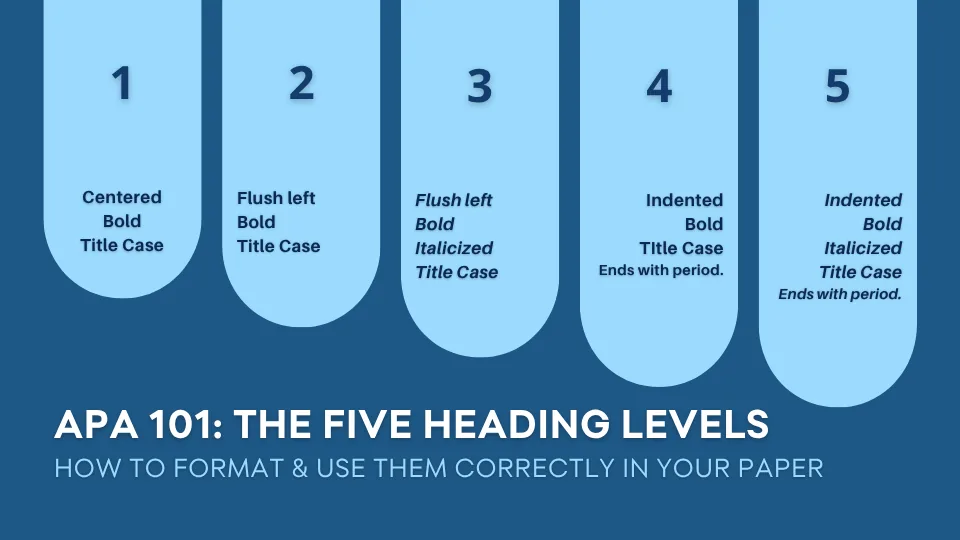
Knowing how to format the five APA heading levels is only half the job. This post covers the practical side: when headings are actually required, why your introduction never gets one, how many levels your paper needs…
Citing a YouTube video in APA 7 isn’t as simple as citing a webpage – especially when it comes to figuring out who the author is. Real name, channel name, or both? This post covers the full format, how to handle every…
Which citation generator is best for students in 2026? Compare free and paid tools like PERRLA, Scribbr, ZoteroBib, EasyBib, Citation Machine, and ChatGPT. Explore citation accuracy, supported styles, ads, pricing, and…
PERRLA’s I’m Finished button now checks your paper for common formatting and citation mistakes before you submit – citations after the period, missing page numbers, hand-typed citations, contractions, wrong title…
PERRLA is proud to offer a 50% discount to all active-duty and retired U.S. military personnel. Getting your discount is simple – send a photo of your military ID to us, and we’ll send you a discount code to use at…
ChatGPT can help students brainstorm, understand concepts, and review writing, but it can also generate inaccurate or fabricated citations. Learn how PERRLA handles APA 7, MLA 9, and Turabian 9 formatting without…
Students who know how to cite a journal article often assume government reports work the same way – they don’t. APA 7 has its own format for formal government reports and data sets, complete with report numbers, agency…
Fall semester is here, and PERRLA has been busy. This newsletter covers everything that’s new since May: the updated I’m Finished button that checks your paper before you download, the new PERRLA Online editor, the…
In Turabian’s Notes and Bibliography system, footnotes and the bibliography work together – and confusing their formats is one of the most common student errors. This guide covers how to set up the bibliography page…
An APA abstract has specific formatting rules, a recommended word count, and a defined purpose – and most students aren’t sure when they need one in the first place. This post covers everything: when an abstract is…
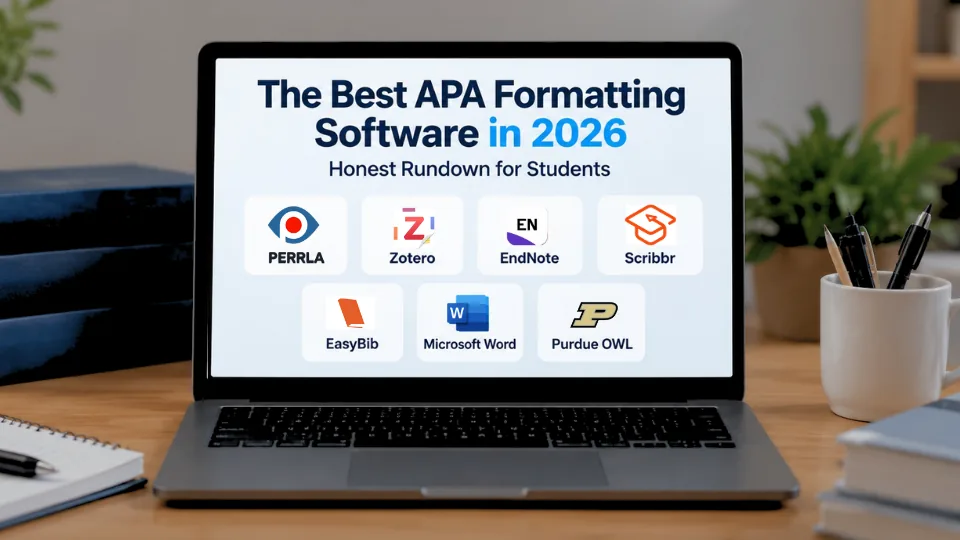
Looking for the best APA formatting software in 2026? Compare PERRLA, Zotero, EndNote, Scribbr, EasyBib, Citation Machine, Microsoft Word, and Purdue OWL. Learn which tools handle citations and references, which help…
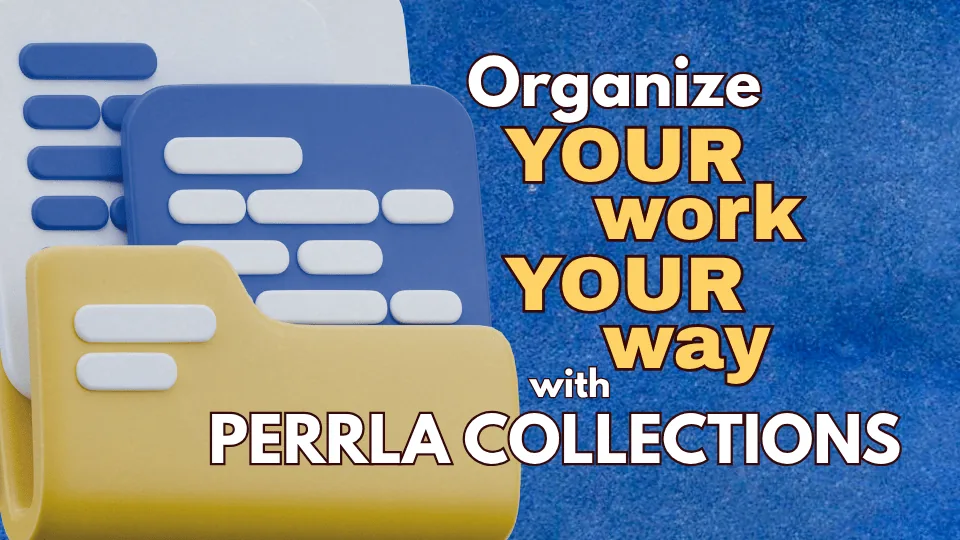
If your research and writing are spread across multiple courses or a long-term project, PERRLA Collections gives you a way to organize everything in one place. Create project-specific containers, nest sub-collections…
Most students assume AI either helps or hurts – pick a side. But a 2025 Anthropic study found the answer is more complicated: students who used AI scored 17 percentage points lower on comprehension assessments than…
APA 7 formatting is a common requirement throughout nursing school, from associate-level coursework to doctoral research. Learn how to avoid mistakes with reference lists, heading levels, title pages, and citations, and…
The Works Cited page is where your MLA 9 paper gets its credibility – and where a lot of students lose points they didn’t have to lose. This guide covers how to format the page itself, the rules that apply to every…
Most students who’ve written a few APA papers think they have the basics covered. Most of those students are still making at least one of these five mistakes. From period placement to block quote thresholds to reference…
If your research library lives in Zotero, you can now bring it into PERRLA in one import – references, PDFs, notes, PDF annotations, tags, and collections included. The connection stays active so updating is one click.…
PERRLA hosts free live webinars four times every week – no signup, no pressure, no cost. Each session includes a full product demo followed by a live Q&A with the PERRLA Customer Support Team. Whether you’re new to…
PERRLA launched three new features this summer – a redesigned Chrome Extension, the Reference Annotator, and a new paper editor. Each one is useful on its own. Together, they form a connected workflow that takes you…
Citing an interview in APA 7 seems simple – until you realize that how you cite it depends entirely on whether your reader can access it. A personal interview you conducted yourself doesn’t go in the reference list at…
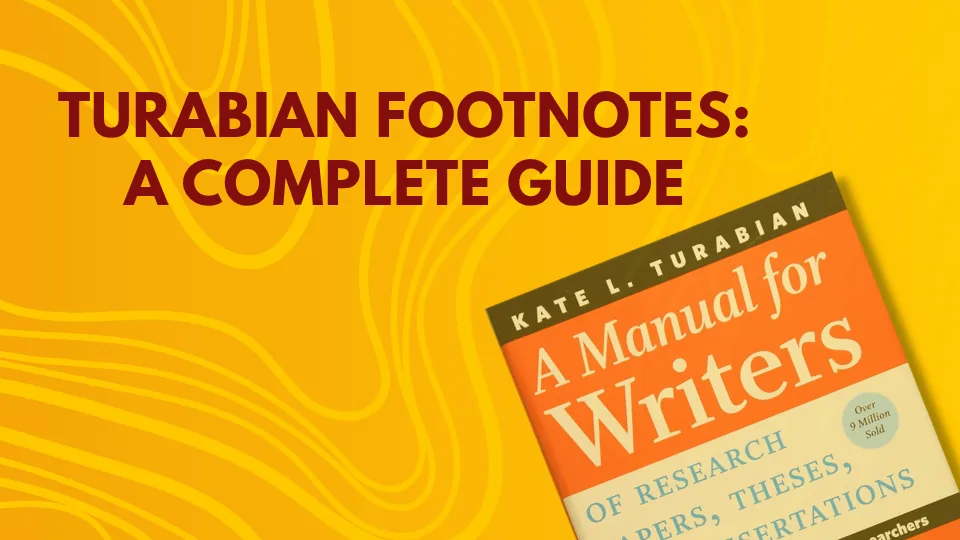
Footnotes are at the heart of the Turabian Notes and Bibliography system, and they have more rules than most students expect. This complete guide covers the full footnote format for all major source types, first…
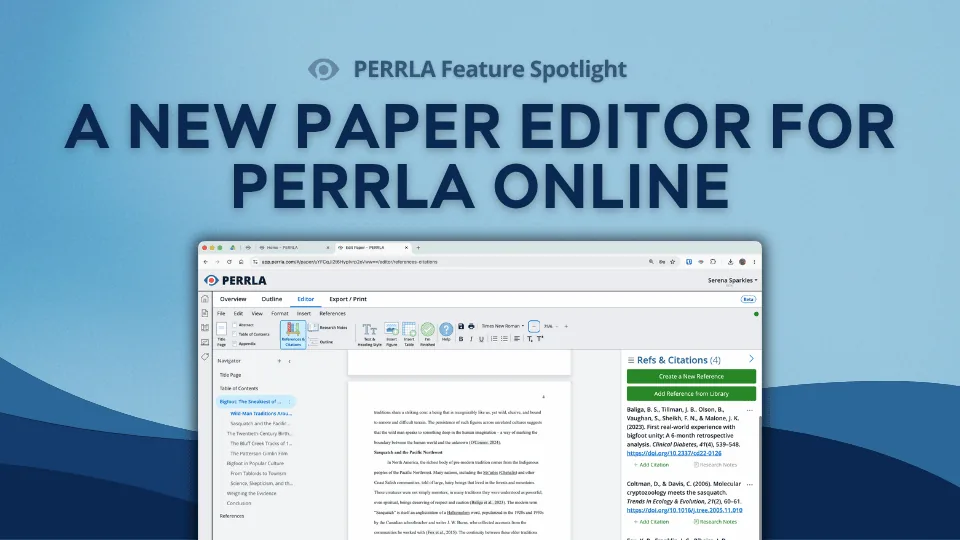
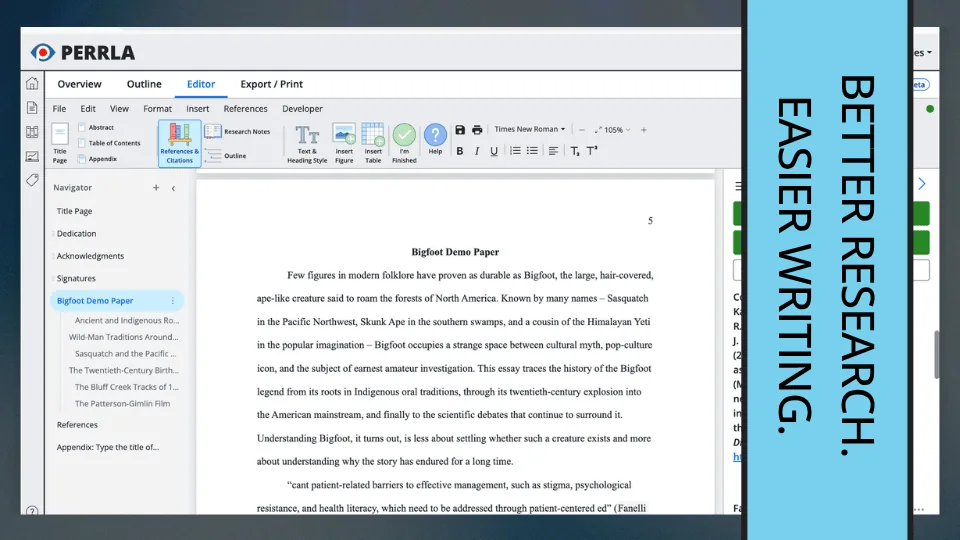
PERRLA Online has a brand-new paper editor, one built from the ground up and available now for every new paper you create. Real page breaks, a navigator panel for jumping between sections, zoom controls, auto-generated…
Academic writing means using sources, but using them well is a skill most students learn the hard way. This post covers quoting, paraphrasing, and summarizing, what plagiarism really includes (including the accidental…
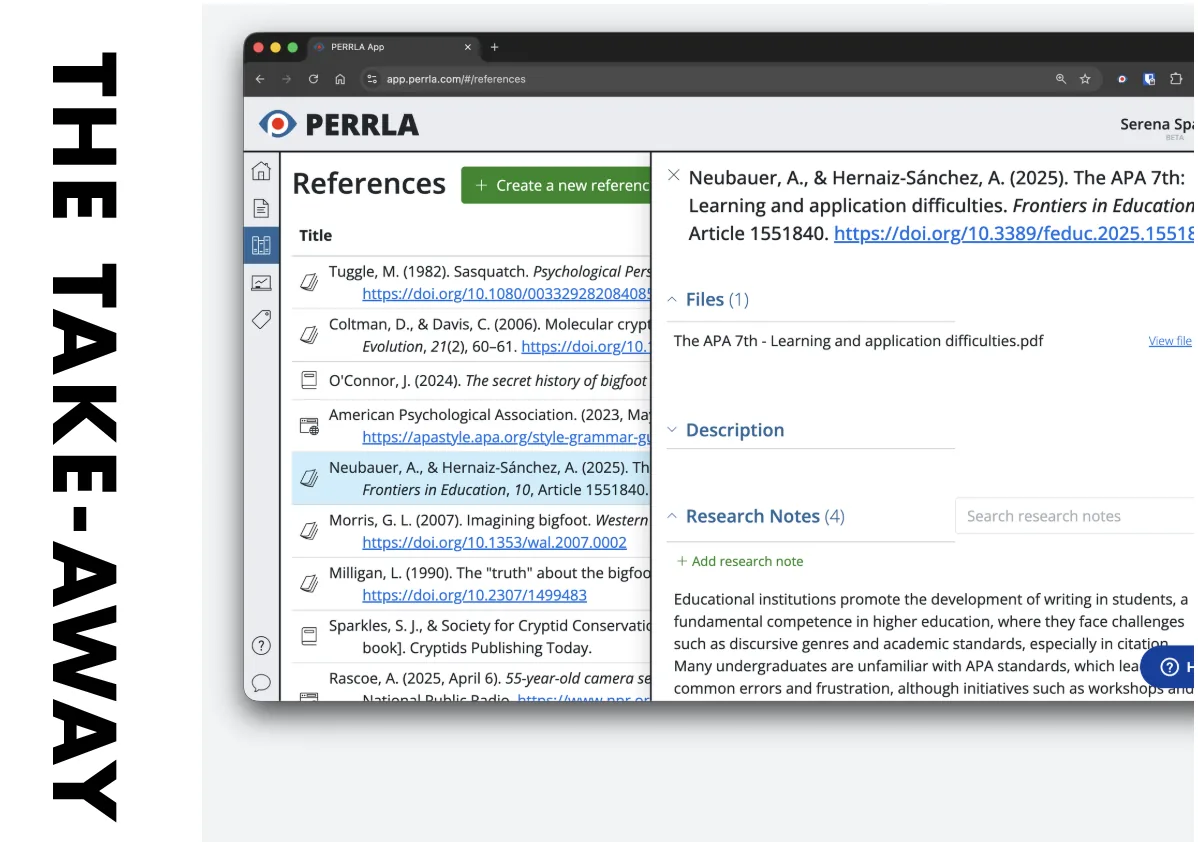
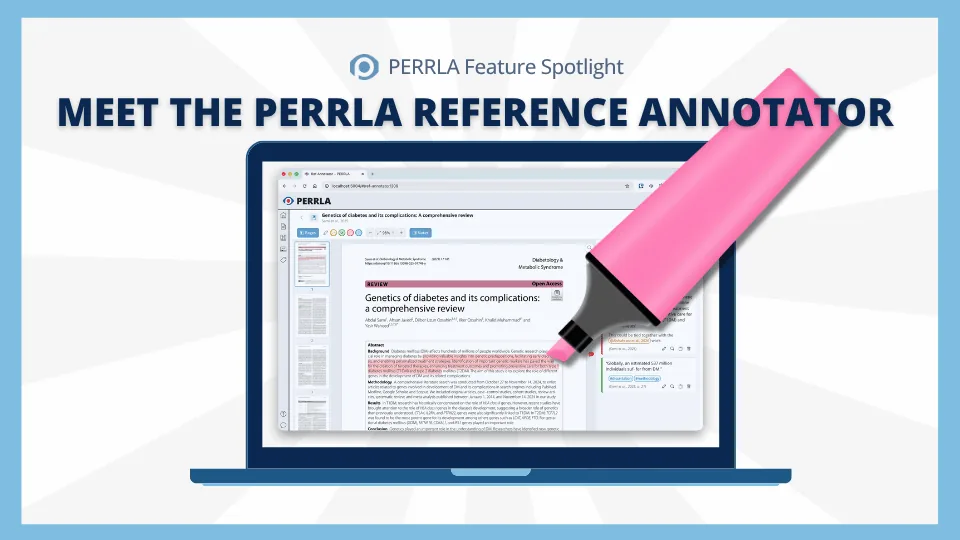
Research papers are messy – PDFs in one window, notes in another, and no clear path from what you read to what you write. The PERRLA Reference Annotator fixes that. Attach a PDF to any reference, read and highlight it…
Finding good sources is one of the most important – and most underestimated – research skills a student can develop. This guide covers where to look for credible academic sources, how to evaluate what you find, the…
PERRLA’s July newsletter covers three things worth knowing about: the first-ever research poster presentation on PERRLA from Stephen F. Austin State University, a closer look at the Reference Annotator and how it…
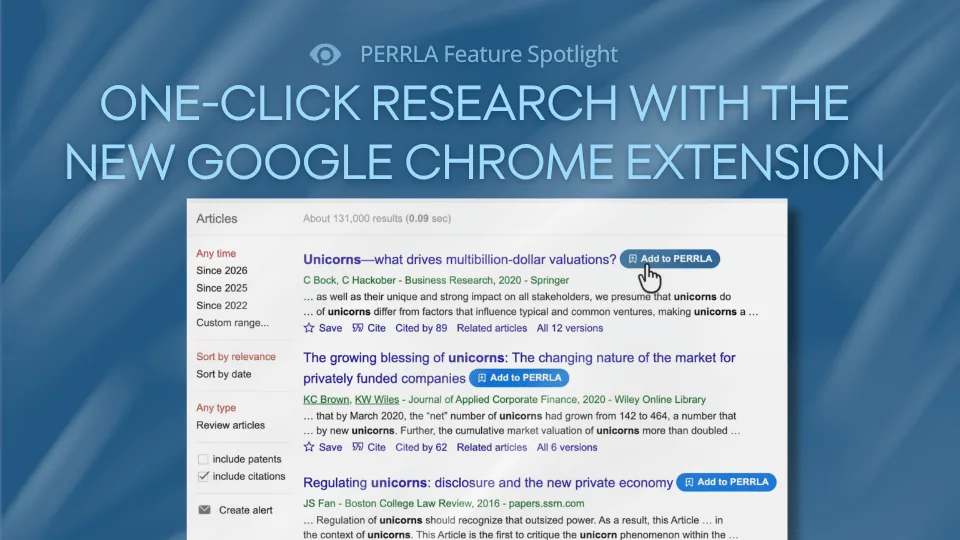
The PERRLA Chrome Extension just got a major upgrade. A new Add to PERRLA button now appears on Google Scholar, PubMed, JSTOR, and 100+ research sites, letting you create a perfectly formatted reference with a single…
Podcasts are showing up in academic papers more than ever, but the APA 7 citation format trips a lot of students up. This post covers everything: reference list format, in-text citations, how to handle direct quotes…
In-text citations are one of the most common places students lose points in MLA papers – a missing comma rule here, an extra page number there. This guide covers the complete MLA 9 in-text citation system: basic format…
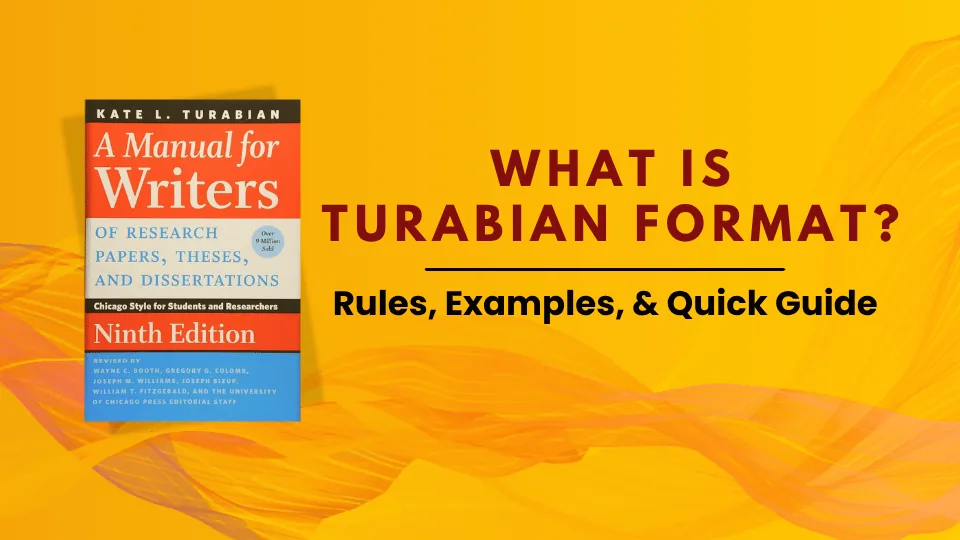
Turabian format is one of the most common citation styles in history, theology, and other humanities disciplines, and it has more specific rules than most students realize. This guide covers everything: page setup, the…
The agency is the author, the department is the publisher, and the retrieval date depends on whether the page keeps changing. Examples for the CDC, NIH, CMS, WHO, and Healthy People 2030.
Any direct quote of 40 words or more becomes a block quote in APA, and block quotes play by different rules than regular in-text quotes. This post covers everything: when to use one, how to format it correctly, how to…
APA formatting is one of the most persistent challenges in nursing education, and research confirms it doesn’t resolve itself as students advance. Learn why a growing number of nursing programs are choosing PERRLA…
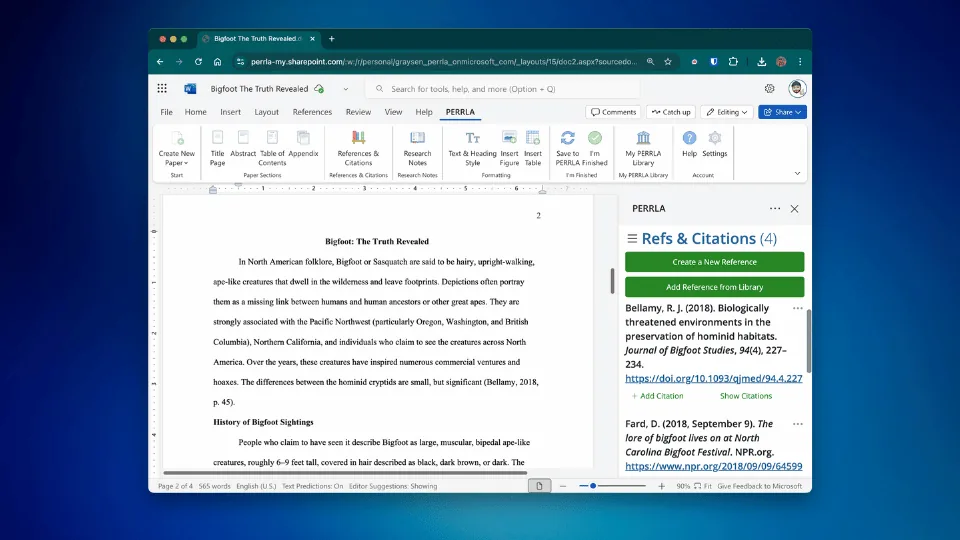
If Microsoft Word is where you write, PERRLA installs right inside it. This step-by-step guide walks you through installing the PERRLA Word Add-In, creating a formatted APA paper, adding references, citing as you write…
Nursing students work with a specific set of sources that come with their own APA formatting considerations – from peer-reviewed journal articles and CDC publications to clinical practice guidelines and UpToDate. This…
APA 7 gives you five heading levels to work with – and each one has its own formatting rules. But knowing how they look is only half the job. This post covers how to format all five levels correctly and how to use them…
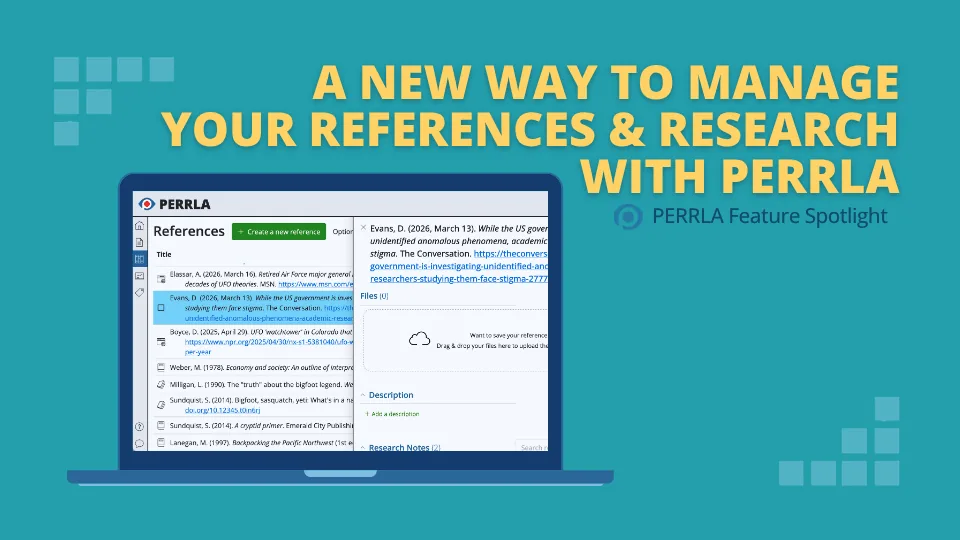
Managing sources while writing a paper just got easier. PERRLA Online’s redesigned References panel keeps your full reference list visible while you view and edit individual references in a side panel – and a new file…
Et al. looks simple – until you realize the rules changed in APA 7, and there’s a whole ambiguity problem most students never learn about. This post covers exactly when to use et al., what’s different from APA 6, how to…
MLA format is the standard citation and formatting system for humanities papers – and it has more specific rules than most students realize. This guide covers everything: page setup, in-text citations, Works Cited…
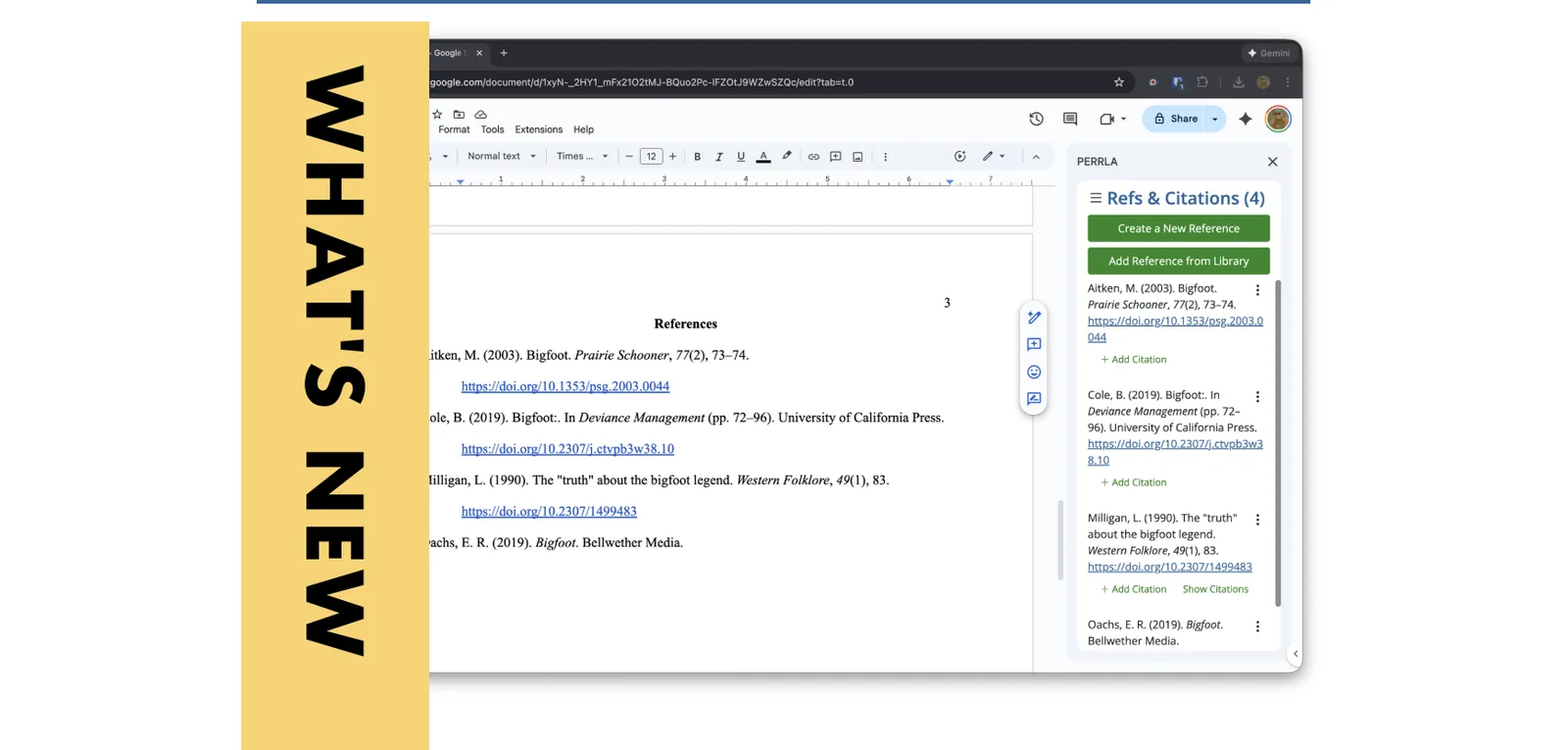
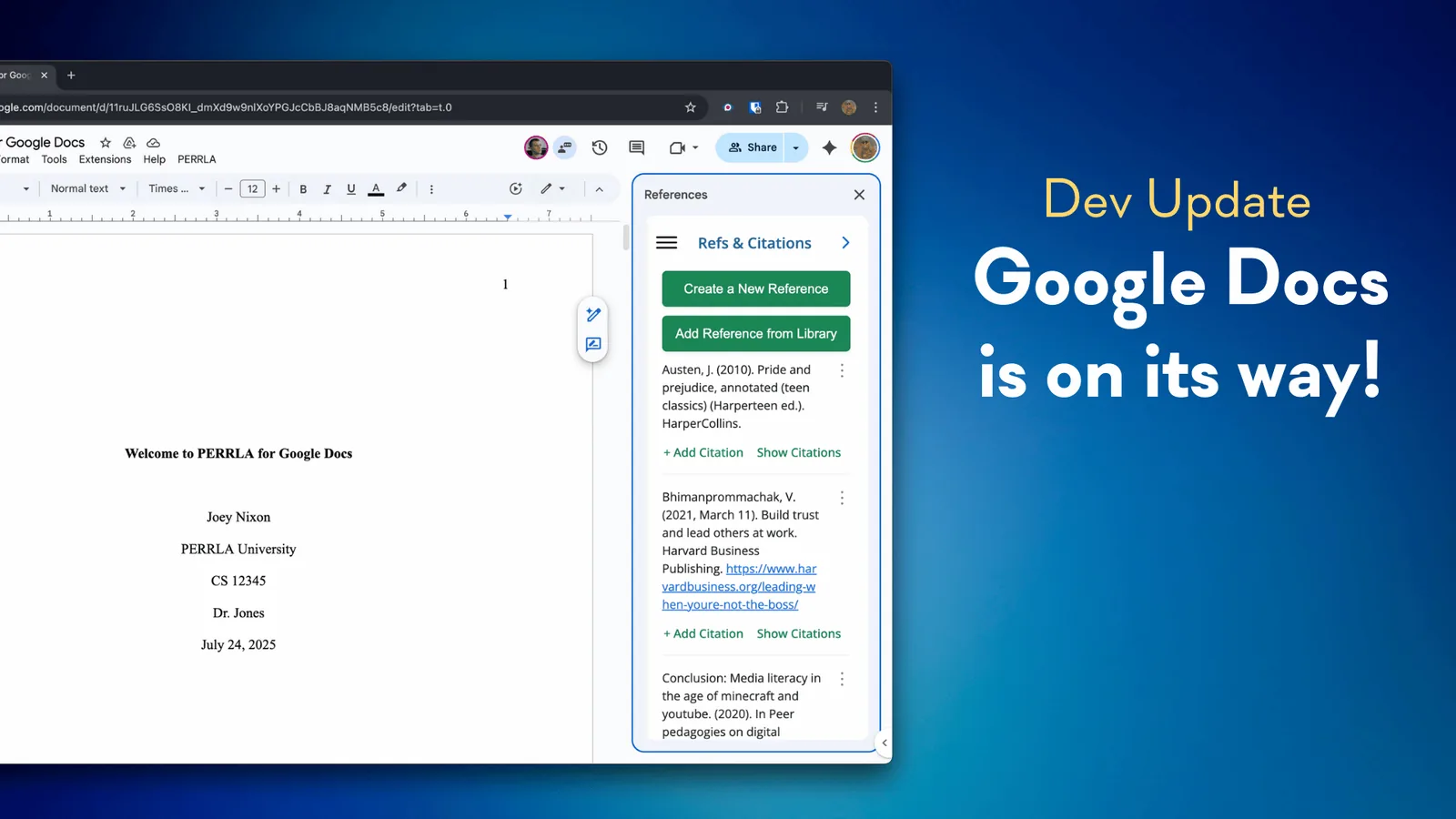
PERRLA is now available in Google Docs – and it works just like it does in PERRLA Online and the Word Add-In. This step-by-step guide walks you through installing the PERRLA Add-On, creating a formatted APA 7 paper…
Citing your sources inside your paper is just as important as the reference list at the end, and the APA format has specific rules for how to do it. This guide covers the basic citation format, how to handle multiple…
You found the perfect idea ... but in someone else's paper, not the original source. APA has a specific way to handle this: the secondary source citation. This post covers when it's appropriate, how to format the "as…
APA 7 doesn’t format all papers the same way – and if you’re setting up a student paper using rules meant for professional manuscripts, your formatting will be off before you write a single word. Here are the six…
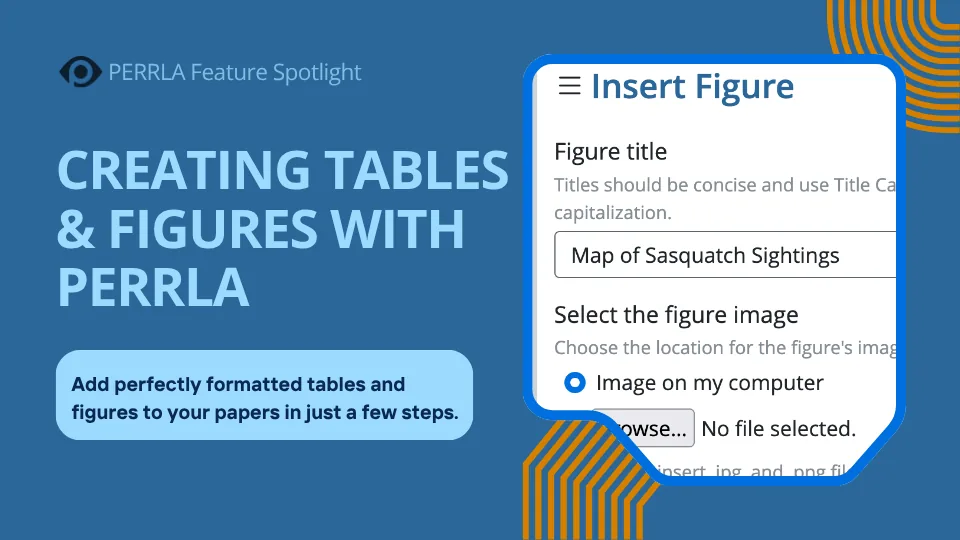
Tables and figures are two of the trickiest formatting areas in APA – and two of the most important. This post breaks down exactly what APA 7th Edition requires for each, then shows you how PERRLA handles all of it…
Citations aren’t just a formality – they’re the backbone of academic writing. But what actually needs a citation, and what happens when you skip one? This post breaks down why we cite, what plagiarism really means, and…
TED Talks make for compelling research sources – but do you know how to cite them correctly in APA? Whether you’re linking to TED.com, YouTube, or a TEDx event, the format varies in a few key ways. Here’s exactly what…
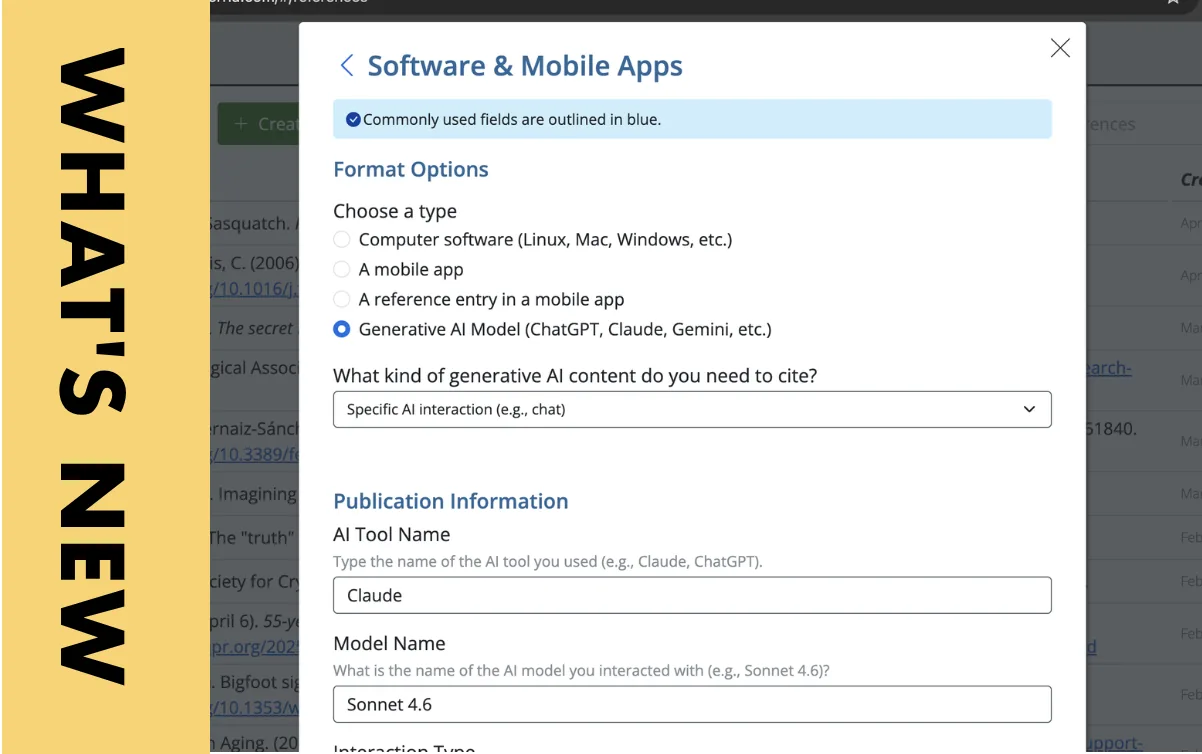
Finals are here – and PERRLA has two updates timed just right. You can now cite AI tools like ChatGPT and Gemini directly inside PERRLA’s reference engine. And a redesigned References panel makes managing sources…
APA 7th Edition has specific rules for when to use numerals versus spelled-out numbers. This post covers eight key rules – including the zero-through-nine baseline, the measurement exception, sentence-starting numbers…
Most APA citation tools – Zotero, Mendeley, EndNote, EasyBib – run on the same generic open-source engine. PERRLA's Reference Engine is different: human-built using the APA, MLA, and Turabian manuals. It handles every…
Citing a webpage in APA 7 takes five elements: author, date, title, site name, and URL. This post walks you through each one with examples and additional guidance for special cases, like when there's no author listed.
AI detectors have become ubiquitous seemingly overnight, but do you know how they work? Learn what they're really measuring, why they sometimes flag innocent writers, and why your best defense has nothing to do with…
Most APA references don't need a retrieval date, but some do. Getting it wrong not only clutters your reference list, but it can also cost you points. Learn exactly when to include one, when to skip it, and how to…
Social media posts are showing up in research papers more than ever. Here's your quick guide to citing them correctly in APA 7th Edition format.
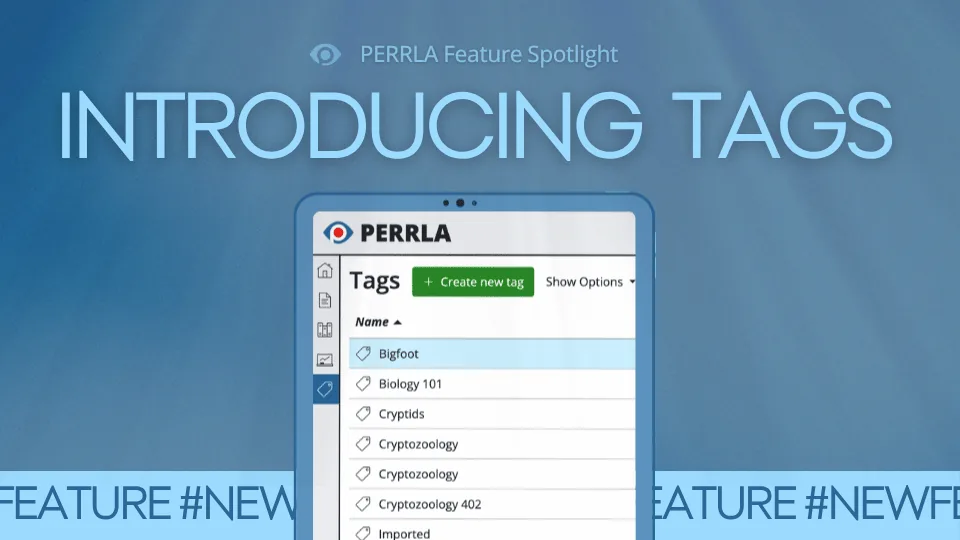
Your research library shouldn't feel like a scavenger hunt. PERRLA's new Tags feature lets you create custom labels, attach them to your sources, and search your library with a simple # shortcut. We've even included…
APA 7 reference lists have more formatting rules than most people realize, and punctuation and capitalization are where mistakes pile up fast. Getting the details wrong can cost you points, delay a journal submission…
APA 7 journal article references follow a specific seven-part structure. Each element has distinct formatting rules around italics, capitalization, and punctuation. Though the process is more involved than other…
When a source lacks page numbers, APA style offers alternatives to help readers locate quotations.For webpages and ebooks, you can use section headings, abbreviated headings, or paragraph numbers. For audiovisual…
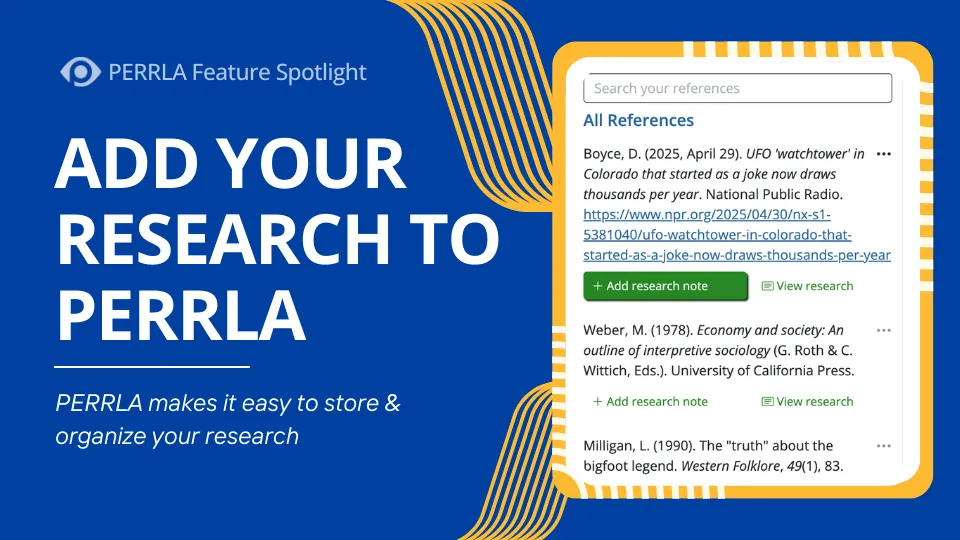
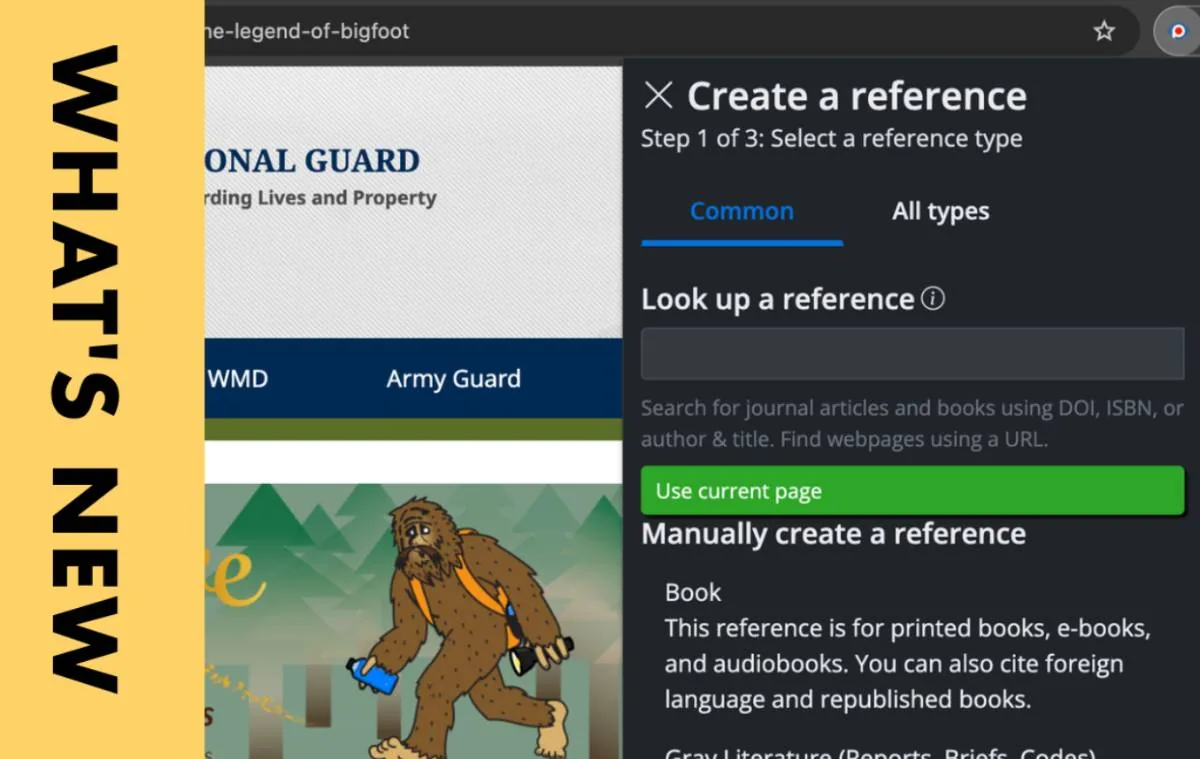
PERRLA's Google Chrome Extension streamlines research by letting you instantly create references from any webpage and save quotations as Research Notes. Those notes can then be inserted directly into your paper…
In APA 7, book references have four main components: author, date, title, and source. While there are many variations of this formula, this brief tutorial on formatting a basic book reference is a helpful place to start.
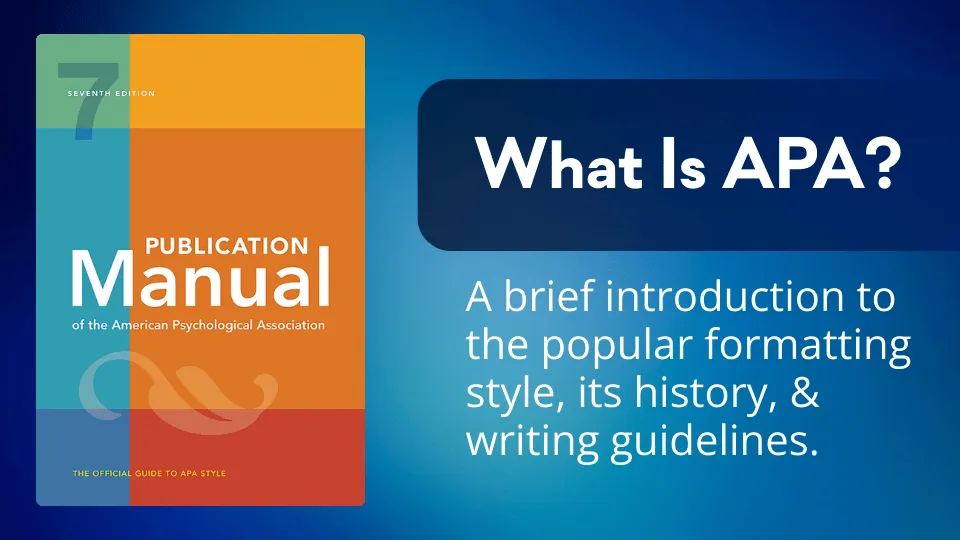
APA (American Psychological Association) Style is a standardized system for formatting academic papers and citing sources widely used in the social sciences. Founded almost a century ago, the association published its…
If you find the perfect quotation for your research paper, but there's a citation inside the quoted work, don't fret. You can still include the quotation in your paper by following a couple of simple guidelines.
Check out the latest announcements and updates from the March 2026 newsletter, including Tags in PERRLA Online, an upgrade to PERRLA's Google Chrome Extension, and details on a new Institutional Affiliate Program.
APA citation generators offer multiple benefits for students working on research papers. Quality tools help students save time by automating the citation process, allowing them to focus on content rather than…
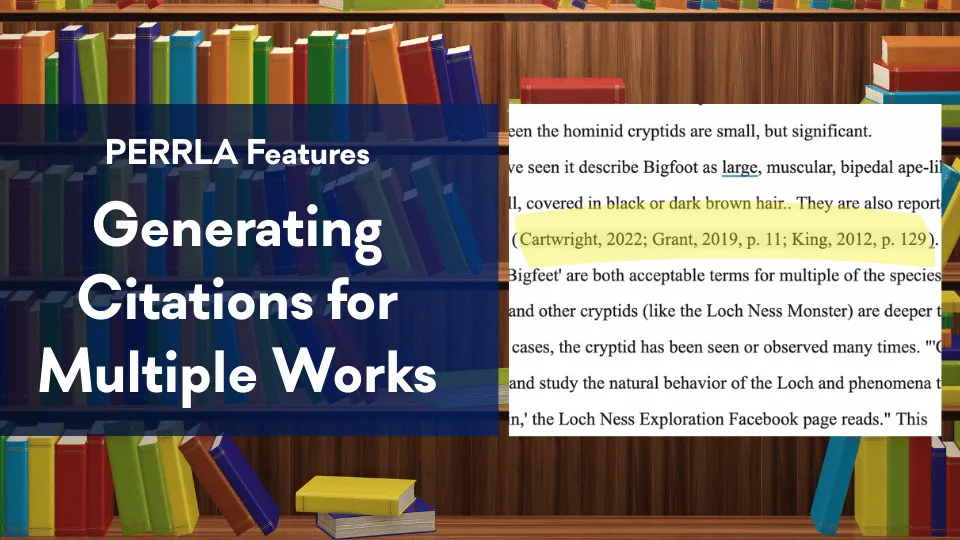
In APA 7, when multiple authors make similar points you'd like to reference in your paper, you'll need to combine their citations into a single set of parentheses. Let's take a look at how to properly format such a…
PERRLA helps our partner institutions improve student APA accuracy, emphasize good writing practices, and reduce grading time. But don't just take our word for it; check out what representatives from Stephen F. Austin…
A good reference list shows you have grounded your research paper in credible, established evidence. By consistently gathering reliable sources and formatting them correctly, you can produce a clean, verifiable…
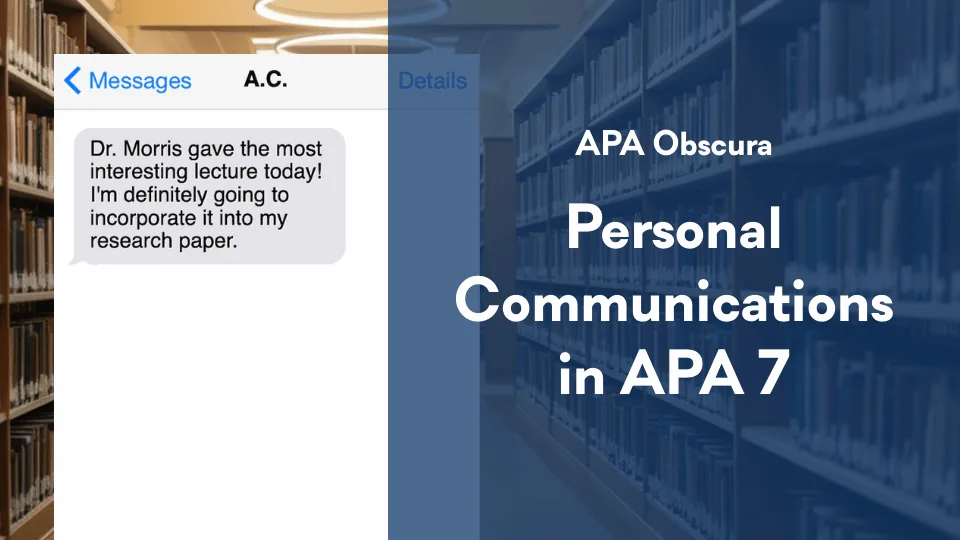
Sources like personal interviews, text messages, or unrecorded classroom lectures can be viable, even if your reader is unable to view them. These types of sources are called "personal communications," and even though…
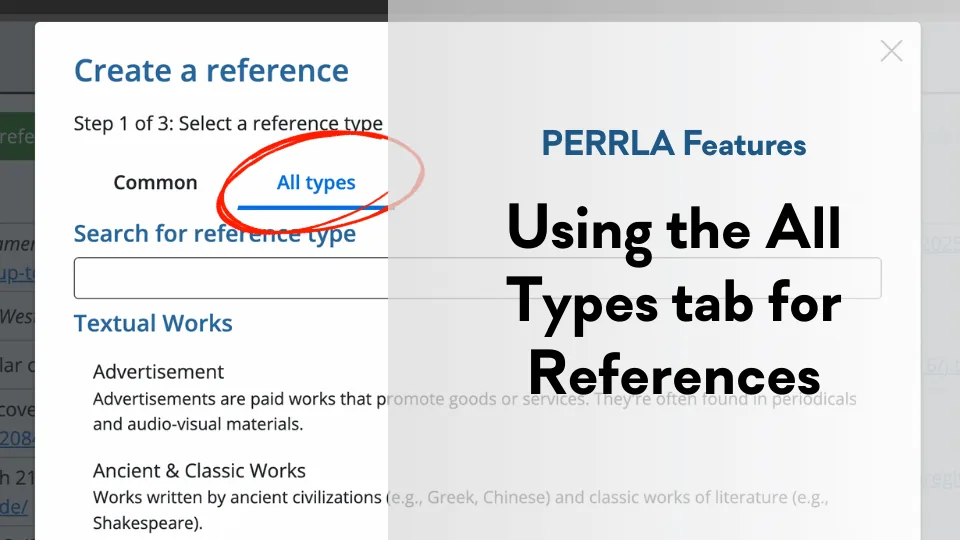
PERRLA doesn't just handle the "big three" reference types (books, journal articles, and webpages). With the 'All Types' tab, you can use PERRLA to easily create perfectly formatted references for every reference type.
Start a new page titled References (centered, bold), double-space and alphabetize entries, and use a 0.5″ hanging indent – or let PERRLA build it automatically.
PERRLA's February 2026 newsletter covers Google Docs integration progress and upcoming features for the spring semester.
APA 7 doesn’t require an Introduction heading – the paper’s first paragraphs are assumed to be introductory. On page 2 of a student paper, repeat the title (bold, centered, Title Case), press Return once, and begin the…
The body of an APA 7 student research paper is where your ideas, evidence, and arguments come together, and correct formatting helps readers focus on your content. This post walks through the key APA requirements for…
PERRLA never fabricates references: we pull data from authoritative ISBN/DOI databases and page metadata, our tool won’t invent sources, and we provide features to help demonstrate a student’s authorship and preserve…
Your APA 7 title page is your paper’s first impression — this quick guide shows exactly what to include and how to format it, and PERRLA can build it automatically.
Import .bib files from Zotero, Mendeley, EndNote, and other tools into PERRLA to convert references and research notes into accurate APA, MLA, or Turabian citations in seconds.
Emojis are valid in APA 7 references – include the emoji itself when possible, or if you can’t, write the emoji’s name in square brackets (e.g., [grinning face emoji]) – and PERRLA will automatically format social-media…
A great research paper starts with a great idea, but turning that idea into a successful student research paper begins with a correctly formatted document – this first APA 101 installment explains the difference between…
APA 7’s rules for works with large author lists: include all authors in references up to 20, but for 21 or more list the first 19, an ellipsis, and the final author; in-text citations still use et al.
Beat end-of-semester stress by outlining your research paper. Learn how to structure your introduction, body, and conclusion, place evidence, and use PERRLA to streamline the writing process.
We need to update our renewal pricing – active subscriptions will keep their current rate as long as they remain active, but expired accounts that renew after Jan 15, 2026 will pay current pricing.
PERRLA’s development team is ~75% complete on the Google Docs Add-On, prioritizing core capabilities and a rearchitected reference engine to guarantee identical citation and formatting behavior across platforms. We're…
AI-generated text can fabricate information and even pollute future models, so researchers must vet sources carefully and prioritize academic integrity when using or citing LLMs.
PERRLA supports integrity-friendly workflows without replacing the intellectual work students must do.
Academic tone is about clarity, precision, and evidence – not sounding robotic.
PERRLA’s Fall development priorities with a focus on the first-phase Google Docs integration.
If you're new to APA Style, learning how to cite your sources can feel overwhelming – but it doesn't have to be.
Your Writing Timeline shows the sessions you worked, how long you spent, and how your paper grew, built from the saves PERRLA already makes. Here's what it shows, what it never shows, and how to share it.
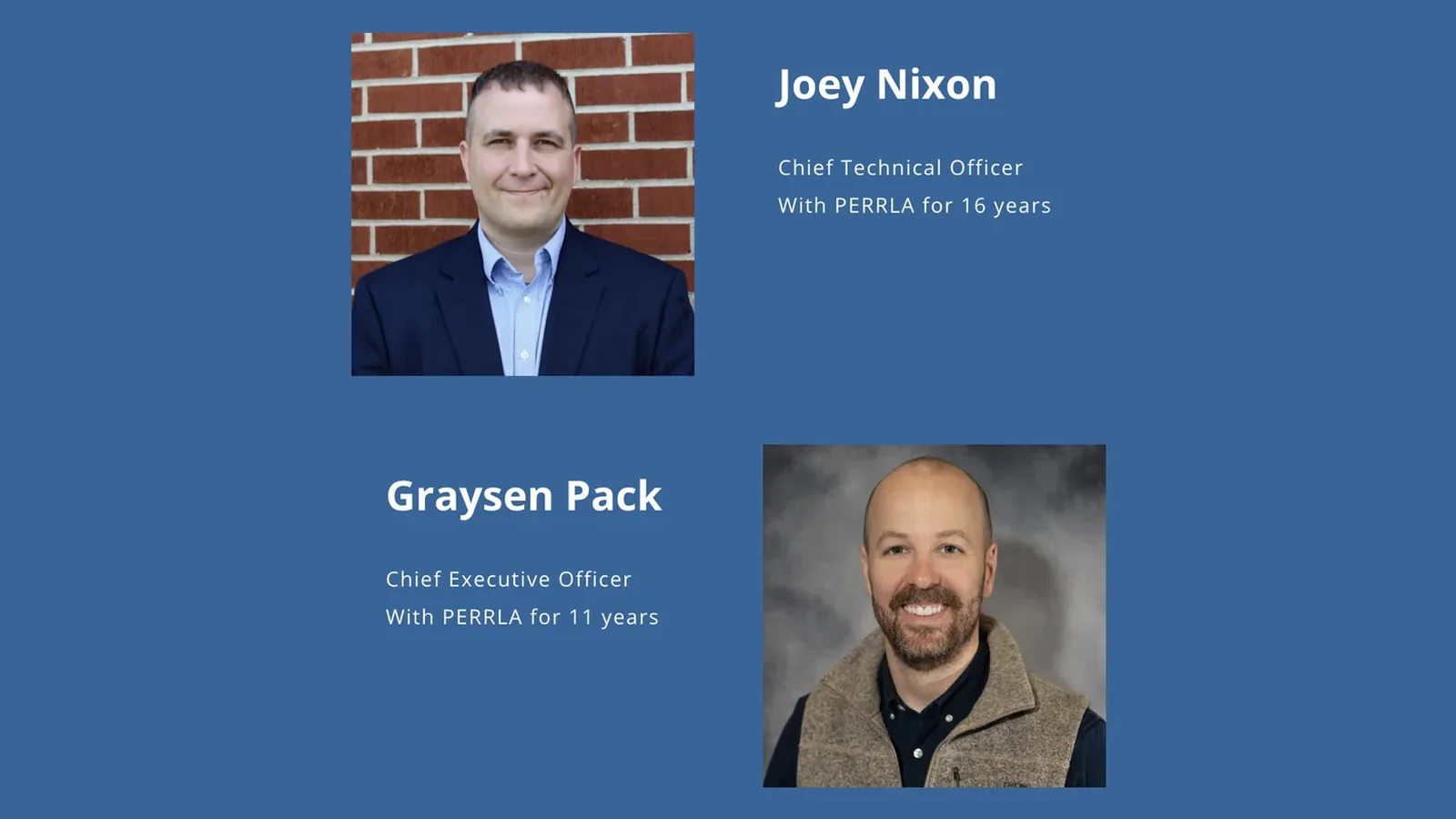
Cliff Batson says goodbye, and longtime PERRLA insiders Joey Nixon and Graysen Pack say hello. The company keeps its mission, mascot, and pricing, but supercharges features to help students write smarter, stress-free…
PERRLA’s summer updates add Word for Web support, one-click clean paper downloads, cloud backups, and in-app reference library access. These features streamline academic writing, with more integrations and tools planned…
Learn how to create a clean, properly formatted MLA 9 Works Cited page that gives credit where it’s due. This quick guide covers essential rules, common pitfalls, and easy shortcuts to make citation formatting…
Struggling to start a college paper? Learn a simple, proven structure – introduction, body, and conclusion – plus a powerful outlining tip that makes writing clearer, faster, and far less overwhelming from start to…
Learn how to properly cite ChatGPT and other AI tools in APA style, avoid plagiarism pitfalls, and understand when and how to credit AI assistance – plus practical tips, examples, and common mistakes every student…
APA style matters – but teaching its tedious rules in class misses the point. Professors should focus on critical thinking, credible sourcing, and strong arguments, while tools handle formatting – freeing students to…
Paraphrasing isn’t as simple as it sounds. Learn how to restate ideas clearly, avoid common mistakes, and cite correctly so you can write with confidence, stay original, and never worry about accidental plagiarism again.
Struggling with APA References? This quick, no-stress guide breaks down exactly how to format your page perfectly – spacing, punctuation, and all – so your citations look polished, professional, and completely…
110 posts.
APA 101 is the same material in order: eighteen short lessons from page setup to the final checks before you submit.
Support answers every day until 10 PM Central, and the Help Center has articles and videos on using PERRLA.
The PERRLA newsletter goes out when there is something worth reading: a new guide, a new feature, or a change to the format.