Focus on the writing.
We'll handle all the formatting.

PERRLA's human-built engine knows all the in's & out's of APA, MLA & Turabian. From the title page to the last reference, we make sure you don't lose any points to formatting mistakes.

Your perfect paper is only a few steps away

See how PERRLA handles the formatting through the writing process
PERRLA builds a perfect paper for you

PERRLA creates and sets up your paper automatically for you so you’re ready to start writing. You’ll never have to set up the paper’s margins, running head, headers, page numbers, or text formatting again!
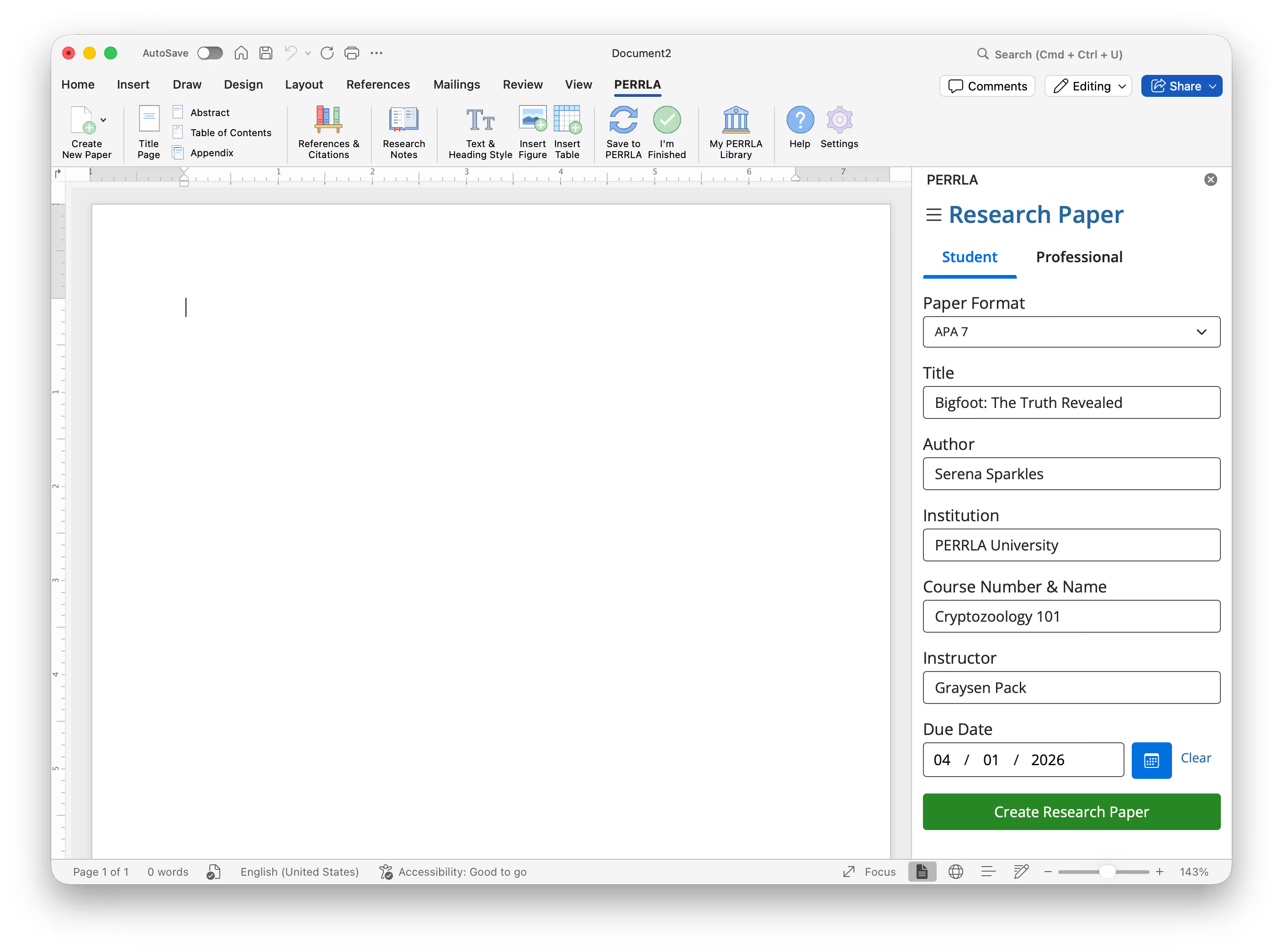
Image of creating a paper using PERRLA in Microsoft Word
Effortless, perfect references for every type

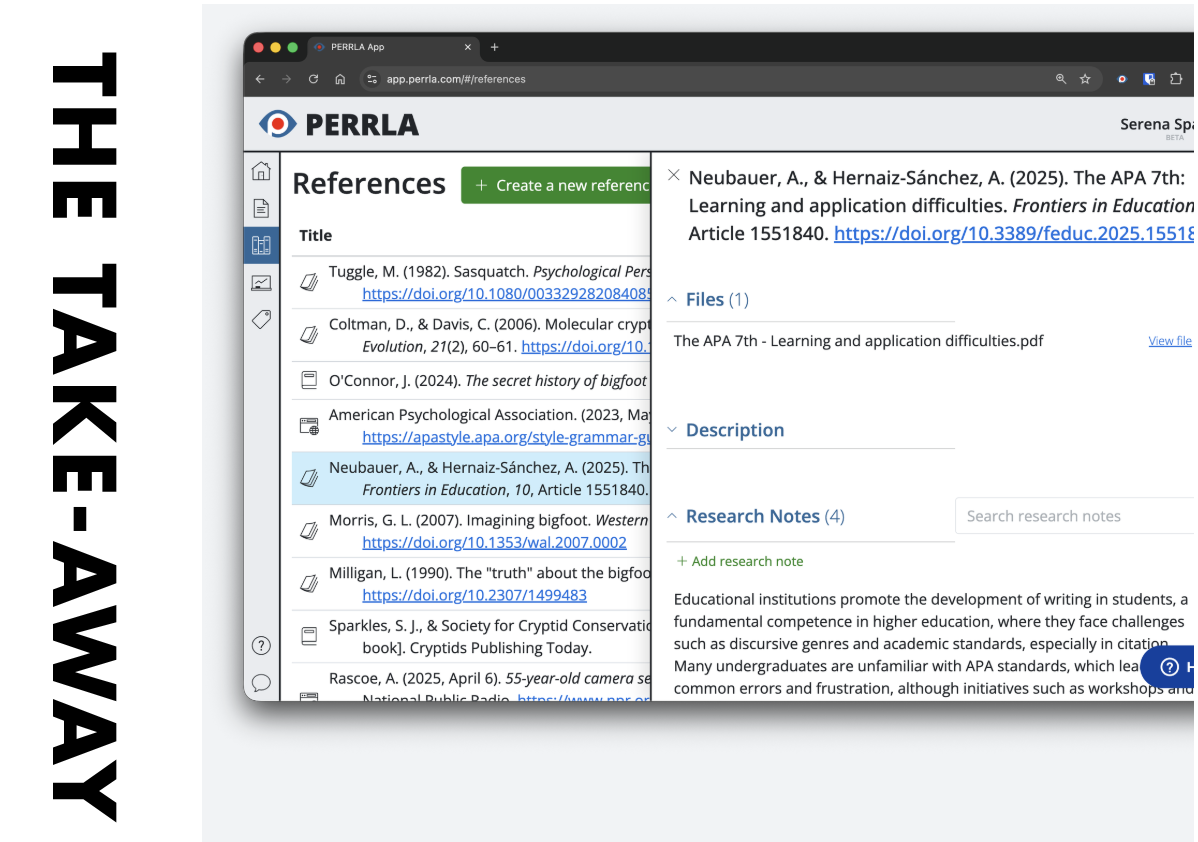
You can create every single APA, MLA & Turabian Reference type with PERRLA’s human-built, human-tested proprietary Reference Engine. PERRLA saves your references to re-use them in future papers – save time on references twice.
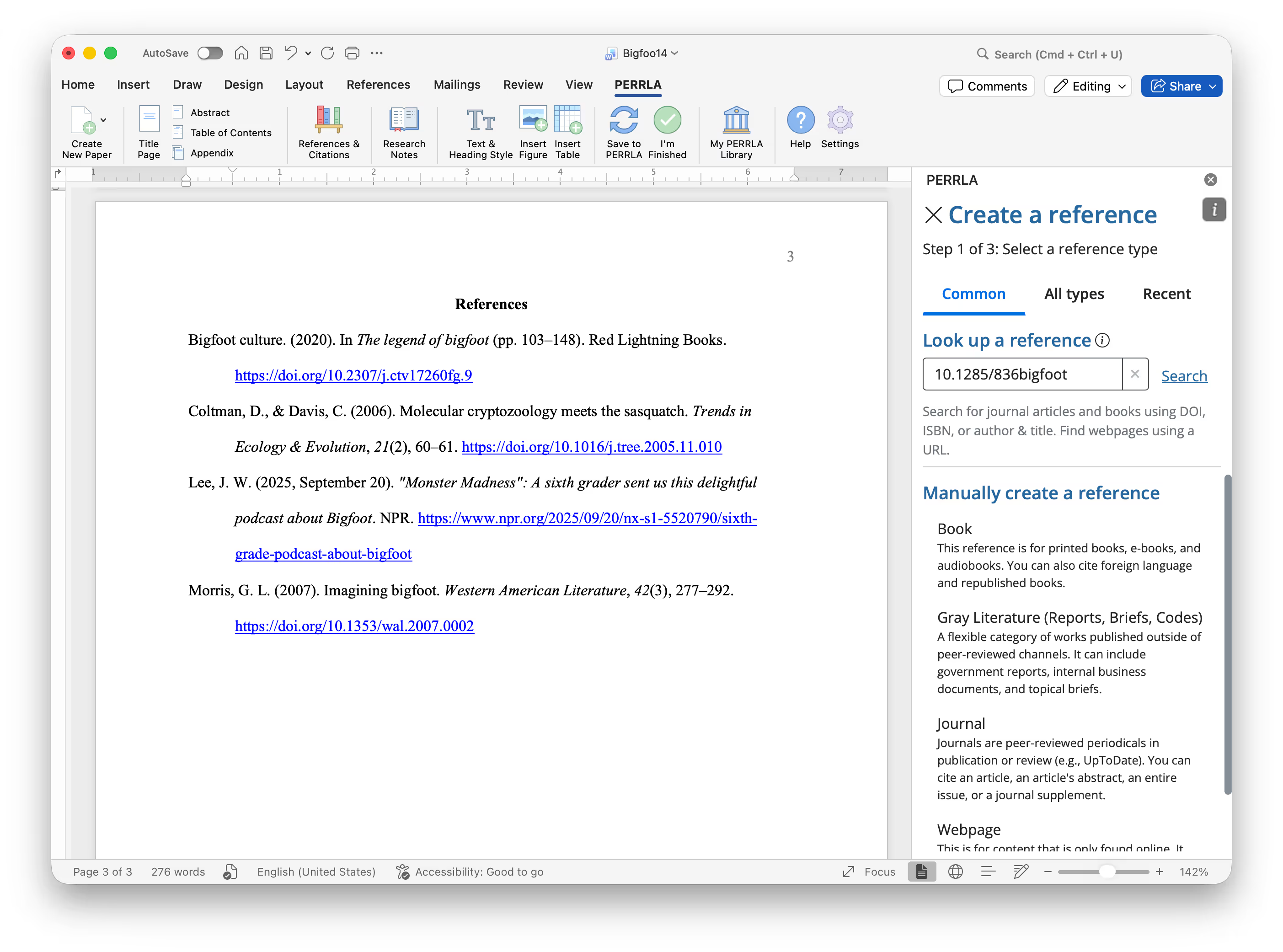
Image of creating a journal article reference in PERRLA
Cite your evidence with formatting confidence

Place your cursor where you want a citation and PERRLA handles the rest. We follow all the (obscure) rules, so you can cite your research and move on with your paper. PERRLA also creates tables, figures, abstracts, tables of content, appendices & heading levels too.
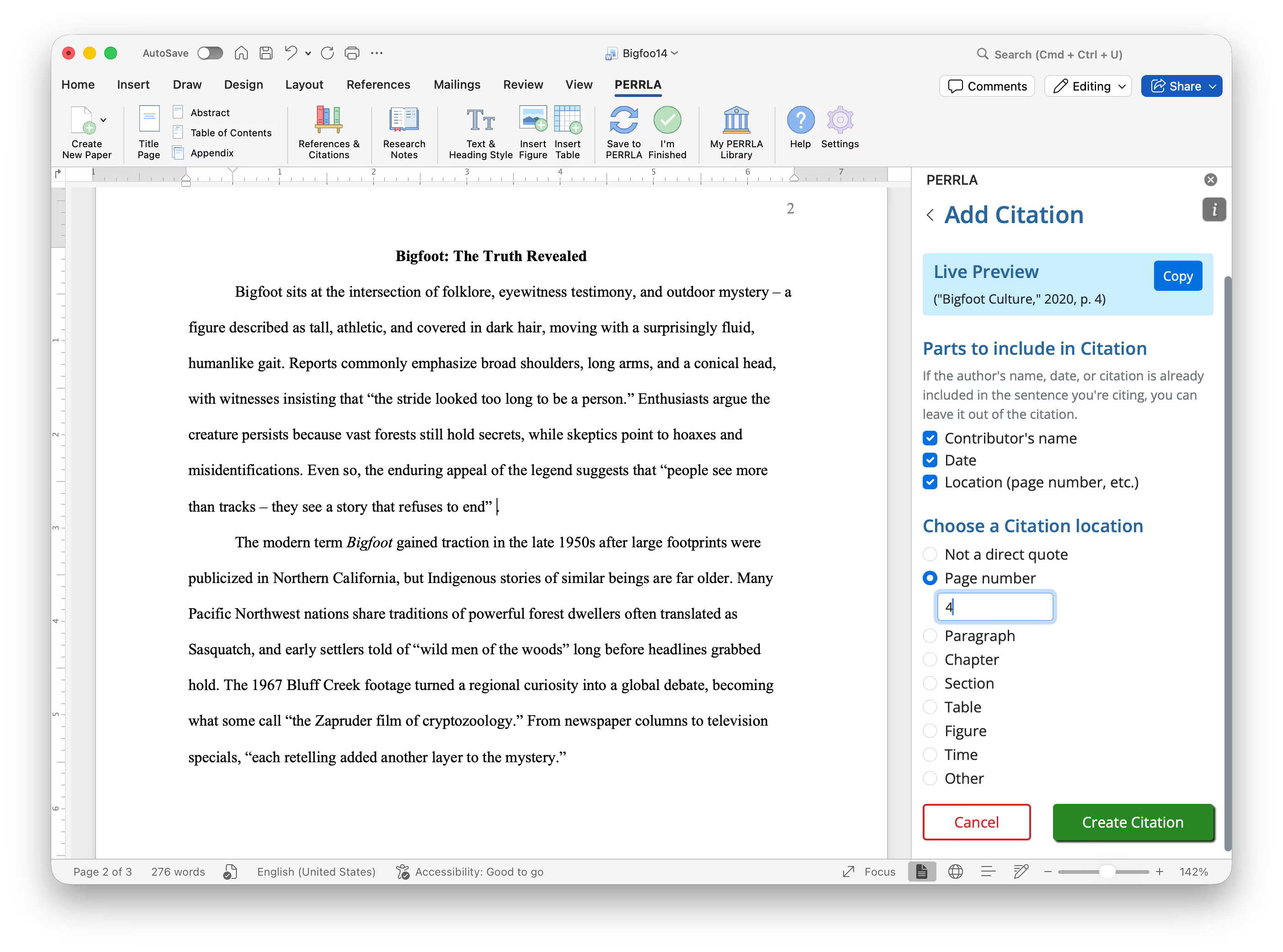
Image of inserting a citation using PERRLA in Microsoft Word
Turn in a Word Doc (just like normal)

You always end up with a normal Word document with PERRLA – ready to turn in, submit for review, or print (the old school way).

Image of exporting a paper from PERRLA as a Word document

Use PERRLA wherever you write

PERRLA integrates into your preferred writing software
Microsoft Word Icon
Microsoft Word – Desktop & Word for Web

PERRLA's Microsoft Word Add-in is easy to install and use. All of PERRLA's features live in a ribbon-tab inside Word. It works with both the desktop version of Microsoft Word and Word for Web.

Laptop icon
PERRLA Online – write right in your web browser

Our custom web-based application makes it easy to write APA, MLA & Turabian papers directly from your web-browser. Once you're finished, download your papers as a Word document to turn in.

Google Chrome Extension for PERRLA everywhere

Our Google Chrome Extension lets you create References and save Notes to your Library while doing research. You can access your entire library anywhere, anytime – even when you're working on a discussion post.

Google Docs icon
Google Docs – coming soon!

We're building a new version of PERRLA that will run right inside Google Docs. Sign up below to learn about our development progress.

Sign up for updates
US-based Support available daily

You always get access to our world-class Support Team. They're available every day until 10 pm (Central) to answer all of your PERRLA, writing & formatting questions. Reach out anytime with your questions!

We're more than just references & citations

There's more that goes into perfect papers – we cover it all
Magic dust icon
Effortless references & citations

PERRLA creates, formats, and keeps your references up to date as you write. Our human-built reference engine supports every source type in the APA, MLA & Turabian styles. Perfectly formatted citations and references are just a click away!

Paper document icon
Perfect layout & margins

We're more than just references: PERRLA builds a fully styled paper for you – just create it and start writing.

Laptop icon
Works everywhere you do

Use PERRLA in Microsoft Word (desktop and web), in PERRLA Online & with our Google Chrome extension – take PERRLA wherever you write. Google Docs coming soon!

Microsoft Word Icon
Turn in polished Word docs

Wherever you write, PERRLA generates a perfectly formatted Word document that’s ready to turn in. Create Research Papers, Discussion Posts, Reference Lists, and Annotated Bibliographies with confidence.
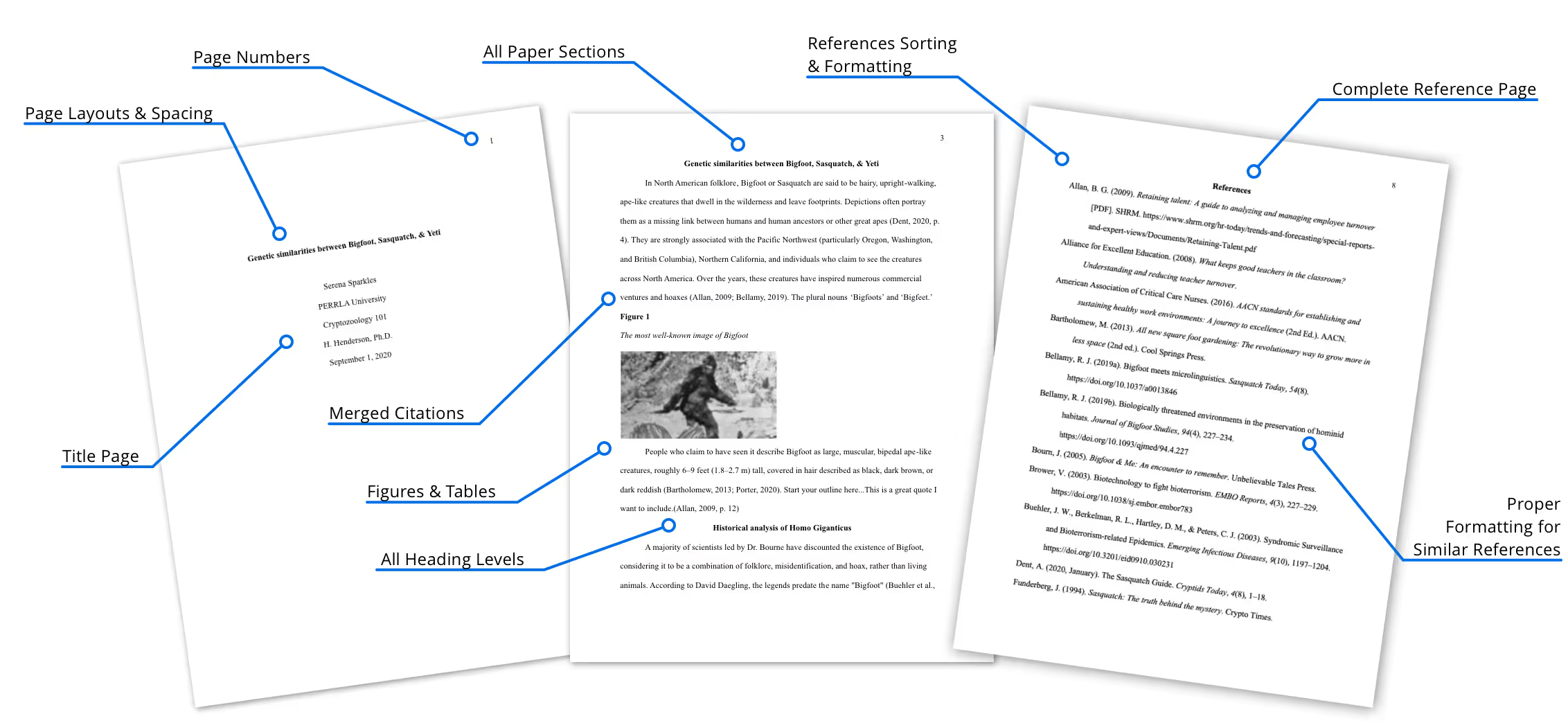
PERRLA handles all the formatting

From start to finish – you get perfect papers every time
Image of a research paper with pointers to all the elements formatted by PERRLA

Pick your perfect plan

Subscribe for as long as you want & save along the way
Monthly
$12.95

✔️ Access to all PERRLA features & software

✔️ Great for exploring PERRLA's functionality

✔️ Our most affordable option

Subscribe Now
6 Months
$49.95

✔️ Great for your last semester

✔️ Access to all PERRLA features & software

✔️ Great for students with just a semester left in school

Subscribe Now
1 Year
$79.95

✔️ Save 20% over 6 Months

✔️ Access to all PERRLA features & software

✔️ Excellent choice for full-time students

Subscribe Now

Most Popular

2 Years
$129.95

✔️ Save 35% over 1 Year

✔️ Great value for Masters & Doctoral students

✔️ Access to all PERRLA features & software

Subscribe Now
Image of student holding books

Want some help getting started?

Join us every week for PERRLA 101: Getting Started
Every week we host a webinar help you learn how to use PERRLA. You can join us:
   Thursday (7 pm Central Time)
   – Saturday (4 pm Central)
   
Sunday (4 pm Central),
Join us on Zoom using this link, or with the Meeting ID: 918 8789 2946
You can watch one of our recent webinars any time you want as well.
Sign up for a reminder
Join PERRLA 101 on Zoom

Your writing questions, answered fast.

PERRLA makes for smooth, stress-free writing. Find answers to our most-asked questions below.

Who's this for?

Perfect for traditional and adult students, working professionals, and anyone tackling academic papers. Whether you're new to writing or a seasoned pro – PERRLA is your go-to tool.

What citation styles can I use?

APA 7, MLA 9 & Turabian 9 (Notes – Bibliography style) are all here. Switch styles between papers & re-use your references anywhere.

Where can I use PERRLA?

PERRLA works in Microsoft Word (both their desktop & web-based application), in our very own web app – PERRLA Online, and as a Google Chrome extension. We're working on Google Docs integration as well. Sign up to learn about our progress.

Is there a free trial?

Absolutely! Try every feature free – no card needed. Sign up and start writing today.

How do I buy a plan?

You can subscribe to PERRLA right now! Select a subscription based on how long you're in school – from 6 months to 2 years. The longer you use PERRLA, the more you save!

Need help along the way?

We’ve got your back! Check the Help Center for guides and tips to get you started. Want to talk to a human? Reach out to our friendly, human Support Team whenever you need it.

Don't take our word for it

We've helped 1.5+ million students since 1998
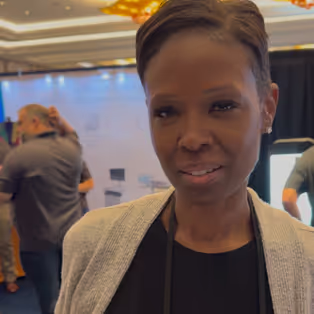
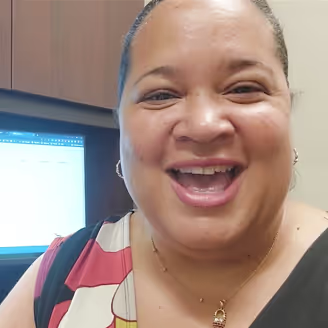
"When you've not been a student... PERRLA helps you do perfect APA papers!"

Yolanda, student & instructor

"I wholeheartedly recommend PERRLA... it has been the best money I've spent in my program!"

Andrew, student

Photo of PERRLA student - Trenay
"PERRLA has been a god-send...it has been wonderful!"

Trenay B., Ph.D. student

"I love PERRLA because I used it for my Bachelors, Masters, & Doctorate!"

Nursing Instructor

"I would not have made it through graduate school without PERRLA!"

Jenn, grad student

"PERRLA was a game-changer for me when I was finishing Nurse Practitioner school!"

Emma, nursing student

"I've done a lot of research on websites to help with citations, and I've not found one better than PERRLA."

Patrick, student

"PERRLA was great at storing all of the research accumulated through the years..."

James W.

"PERRLA has changed my life - yea! It's been life-changing!"

Shayna, student

"It helps me formatting my essays & up to date with the latest APA 7th Edition."

Nikita, student

Photo of PERRLA student - Elizabeth
"My professor encouraged it & it's a game-changer! You save so much time with PERRLA..."

Elizabeth L., student & author

"I love PERRLA because I'm a little chaotic...and bottom line, work smart & not hard!"

Kathleen, Nursing faculty

Read more testimonials

Read the latest

Catch up on PERRLA news with our weekly blog.

Questions? Let's chat – real humans here

Image of students gathered around a desk

PERRLA for your institution

Ready for your students to turn in better papers? Ask us about plans, pricing, and how to get rolling.
Email our CEO
Image of student typing at a laptop

Talk to support

Email us for a fast, clear response. Check out our Help Center for articles, tutorials, and videos on using PERRLA.
Email PERRLA Support