PERRLA & Word:
the original power couple

PERRLA's Microsoft Word Add-In makes it easier than ever to write perfect APA & MLA papers.

Get PERRLA now

Perfect papers from start to finish in your favorite writing software

PERRLA has worked with Microsoft Word for over 20 years. Our new Microsoft Word Add-in is the most powerful version yet!
The PERRLA for Word Add-in includes the APA 7, MLA 9, & Turabian 9 (footnotes) formats.

Install PERRLA from inside Microsoft Word

PERRLA for Word isn't a traditional download. Instead, you install it from within the Microsoft Word Add-in Store. It's simple – sort of like installing an app on your phone and only takes a few seconds.
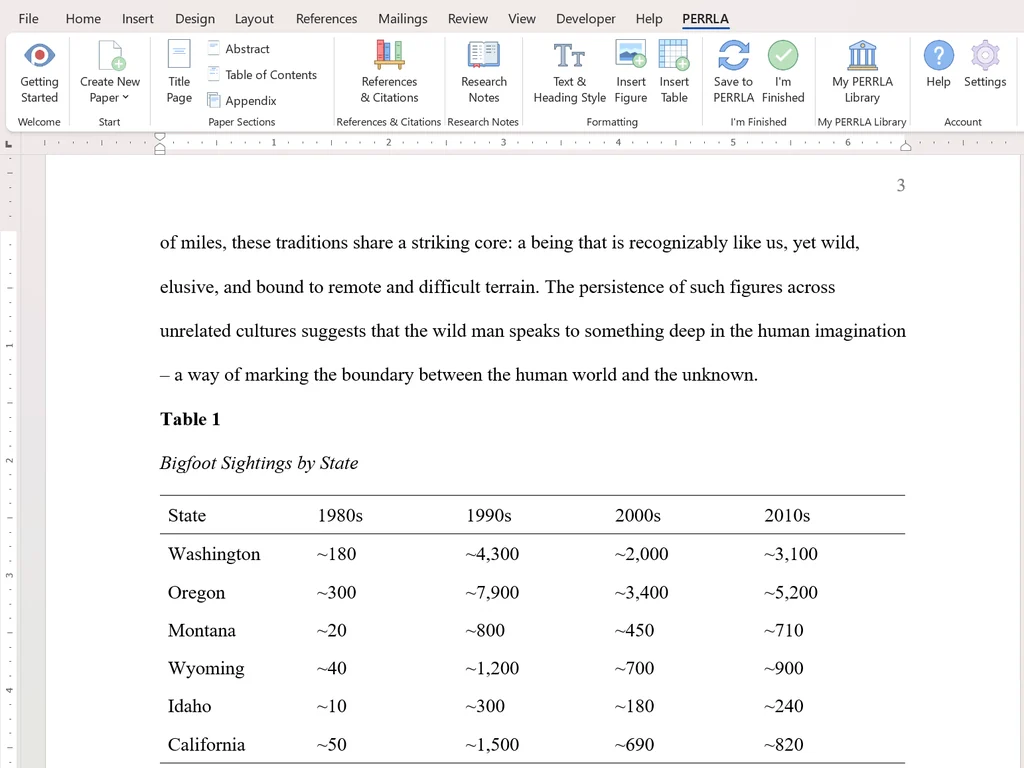
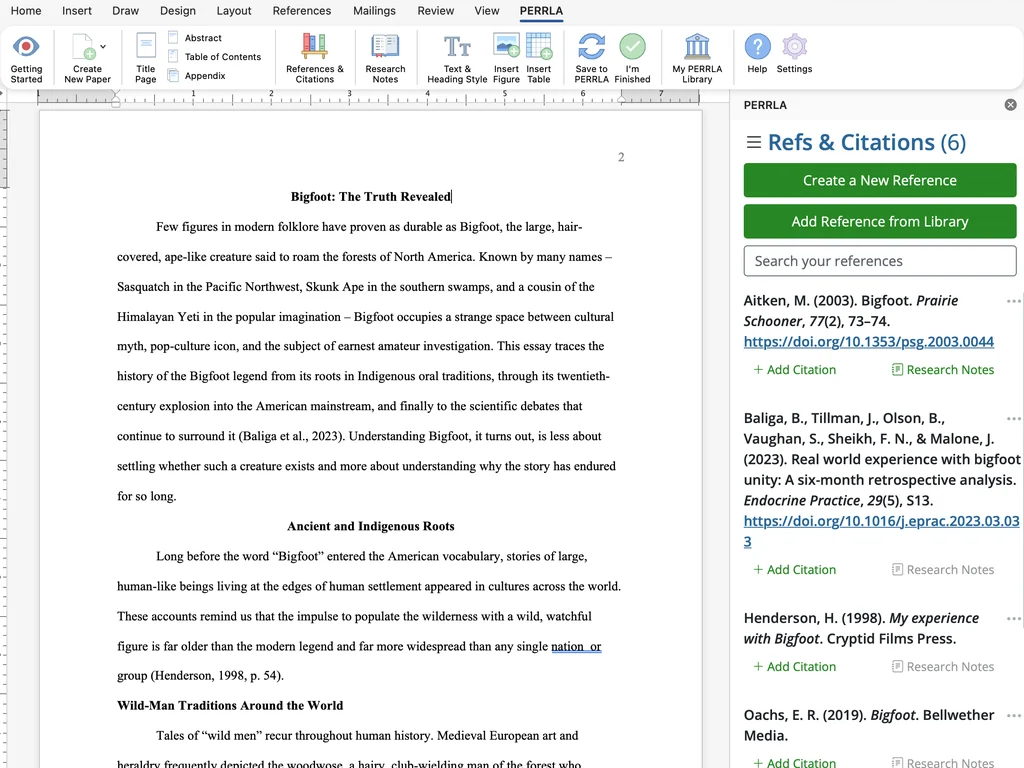
Once installed, access all of PERRLA's features in the new PERRLA ribbon tab.

Create Research Papers and Discussion Posts

We'll create and set up your paper automatically – just start writing!
Research Papers include a title, body, and references page.  Discussion Posts are a body and references on a single page so it's easy to copy into your school's online forum.
Create Student and Professional Research Papers for the APA 7th Edition.

Create & manage your references.

Create book, journal article, and website references by searching for their DOI, ISBN, URL, or publication information. We retrieve your reference data so you don't have to enter the bibliographic data by hand.
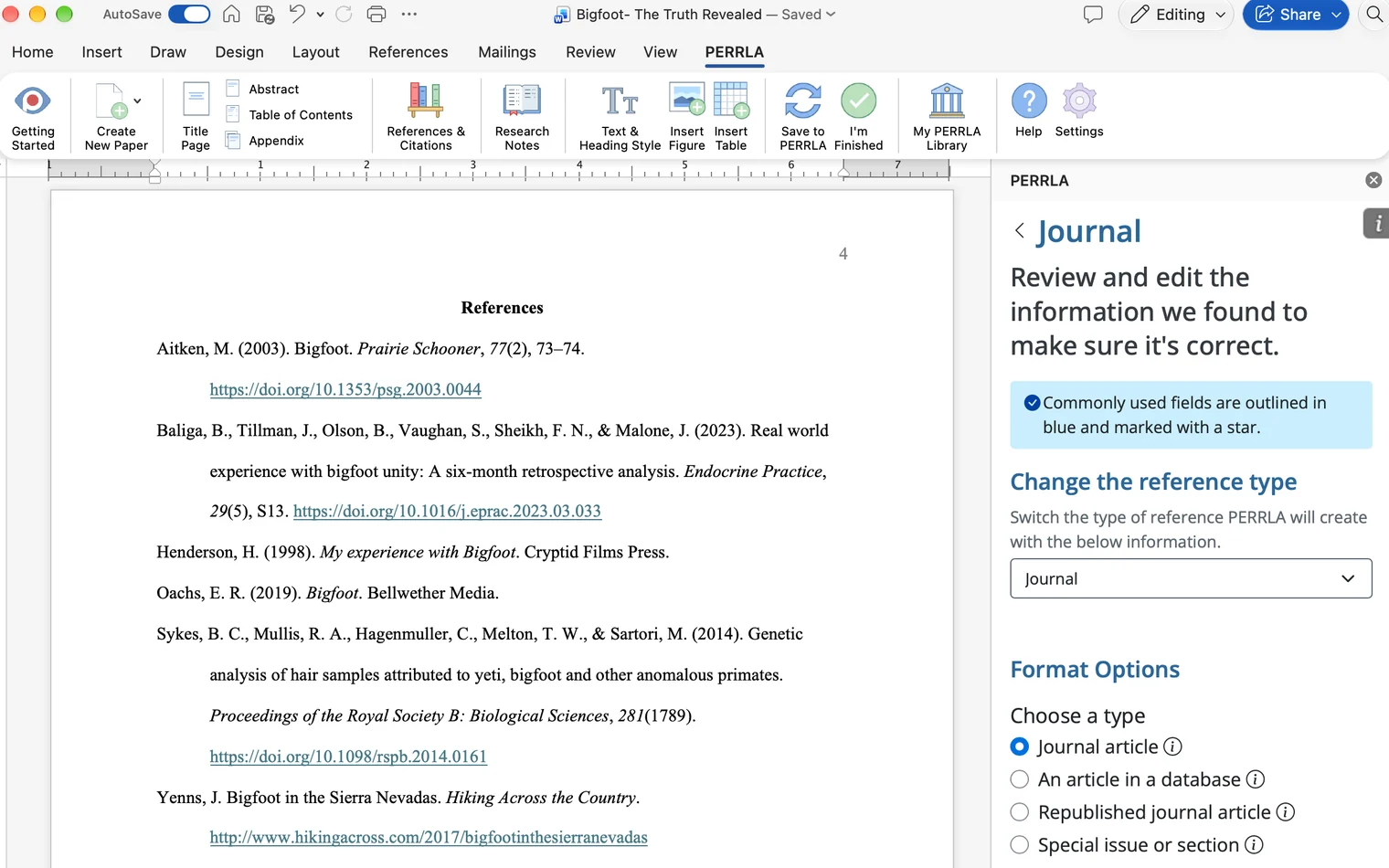
Our step-by-step Reference Wizard guides you through the process of creating all of the other APA & MLA reference types.
PERRLA automatically updates your paper as you make changes to your references and citations.

PERRLA does it all

  • Creates & formats your Title Page
  • Auto-fill Reference creation lets you search for references instead of typing them in
  • Reference Wizard guides you step-by-step to create any possible reference types
  • Reference Library keeps all of your previous references to reuse in future papers
  • Create perfect citations for every type of reference
  • Inserts properly formatted page headers
  • Insert an Abstract page with keywords
  • Create all five section Heading levels
  • Add a Table of Contents based on your paper headings
  • Create APA & MLA-compliant tables
  • Create properly formatted figures

Your papers are normal Word documents

They aren't "PERRLA Papers" – they're Word documents that PERRLA makes awesome.
You can print, email, and save them just like any other paper.

Don't just take our word for it.

Check out some actual reviews from students like you. See even more reviews from real students here.
Rodney D.

"It literally saved me HOURS of time and energy. There are so many 'generators' out there and none of them come close to the perfection that is PERRLA."

Darla C.

"PERRLA has really helped me going back to college! It's an excellent program and very easy to use! When I got my undergraduate degree, we did not have to use APA format so I was behind the eight ball when I started my graduate degree. PERRLA has made it so much easier!"

Chet B.

"Seamless integration into Word. It has saved me a lot of time and headaches in trying to relearn academic formatting in my return to grad school. Highly recommended."

Kimberly S.

"This is the most amazing way to write college level papers! This will take ALL the stress away. No more worrying about 'did I get the citations correct?' This add-in does it for you! It is a must-purchase to make writing APA/MLA papers a dream! You’ll wish you’d done it sooner."

Heather H.

"This software is simply awesome! After 14 years of not writing papers I went back to writing papers with ease and formatting them like a pro! You will not be disappointed!"

Joe R.

"I have been using this product for about 6 or more years and was quickly impressed with its ease of use and functionality. It managed to help me get all of my referencing right on point, which at one time got me on the Dean's list. I always recommend PERRLA to everyone I know that is in school..."

Lynda T.

"PERRLA has made citations in my graduate school papers SO much easier than I could have imagined. Thank you, PERRLA, for saving me hours and hours double and triple checking my APA style reference pages."

D. A.

"I had been out of school for almost 20 years. PERRLA was my life saver when I had to start writing papers again. Easy to use, keeps all your prior references to reuse, company constantly updating you to keep you ahead of the game. Like I said, don't leave home without it"

Rita U.

"If I had not had PERRLA, I would not have made it through school while working full time. It almost wrote my papers for me! Now I am teaching and back in school while working full time. But I got this. Why? PERRLA! I tell all my students and classmates to use it. Worth every cent."

Judith N.

"I LOVE PERRLA!!!! Have used for years both in undergrad and graduate classes. All my papers are done in PERRLA, I am SO happy that I can concentrate on content and PERRLA does my formatting! I have recommended the software to everyone I know that has to write APA formatted papers, and they have all thanked me for it."

David M.

"I have been using PERRLA for several years now. PERRLA saves me hours every week and paid for itself in the first week of use. Not only does it pay for itself in the hours it saves me, but it allows me to focus on content rather than format or looking up how to cite obscure references. It does all that for you, correctly, and it keeps all of your valuable references in your library for quick use. Never lose a reference again!"

Heather R.

"I have been out of school for 18 years and have not written any papers in about 23 years. This program makes writing APA papers easier than I would have thought. I enjoy the fact that when I enter a reference the program guides me through the process."

Joette

"I have been using PERRLA for 3 years now. The newest update, making PERRLA an add-in of WORD, is smooth and effortless. I love the fact that I can save my documents anywhere that I would like."

Al

"I have used PERRLA 5 semesters, and I cannot imagine writing an APA paper without it. Support is very responsive. The new release is nice. I highly recommend this product."

Melissa C.

"Guys...When I say you need this...You NEED THIS. The new in-app function is amazing! It's so much easier to use, you don't have to have multiple windows open, and the only thing I wish it had was spellcheck BUT Word does that for you already. If you're doubting getting this, please don't! You will never go back to formatting a paper on your own. I'm so so so glad I found this!"

PERRLA Logo
Microsoft Word Logo

PERRLA runs circles around Microsoft Word's built-in formatting features

Friends don't let friends format papers using Microsoft Word's built-in formatting tools.
Whether you're setting the correct font, updating citations, or making manual changes to your references, Microsoft Word can't deliver quality APA and MLA papers.
Always use the PERRLA ribbon tab for perfect results – not the outdated "References" tab in Word.

System Requirements

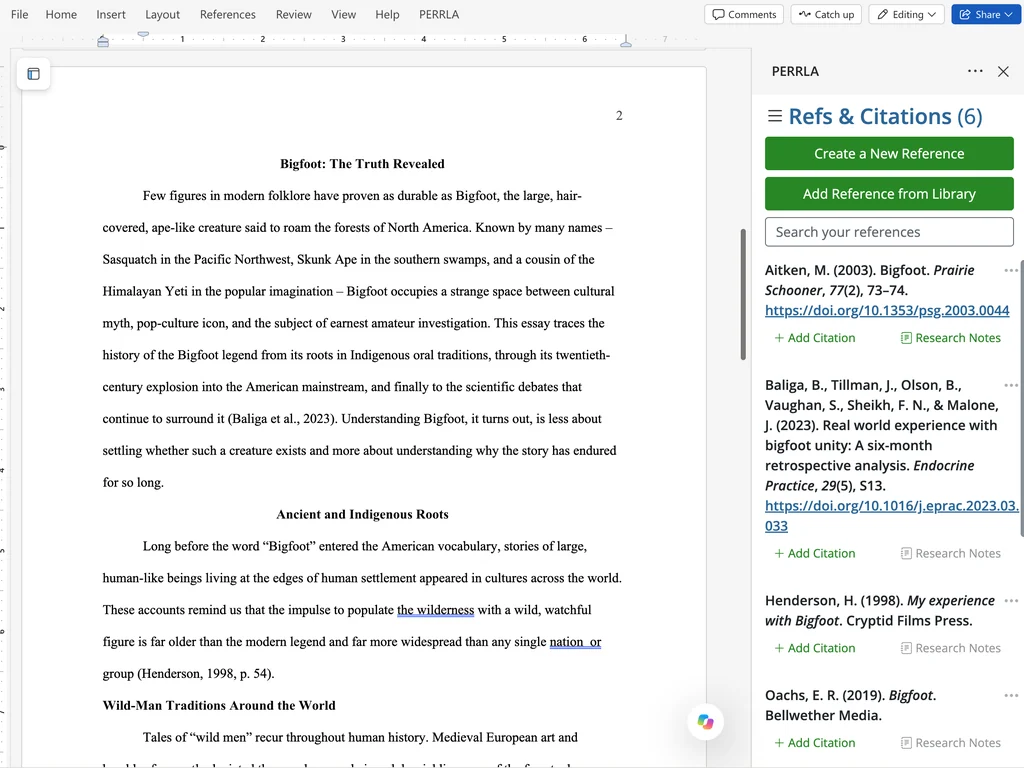
You can use the PERRLA Add-in on Windows, Mac, and iPad!
Windows & Mac require Microsoft Word 2016 or newer (Word 2019+ preferred).
Use the Microsoft Word app for iOS.
You can also use Word for Web for APA 7 papers.
Just install PERRLA from the Microsoft Word Add-in Store in the Home ribbon tab.

Want to write papers without Microsoft Word?

Every PERRLA subscription includes both the PERRLA Add-in for WordPERRLA Online.

PERRLA Online

PERRLA Online is a web-application you can access from any internet browser (no downloads necessary).
Create perfect papers just like PERRLA for Word.

Ready to get started?

See why countless students have used PERRLA to create their best papers.
Every PERRLA subscription includes full access to:
- PERRLA for Word (Desktop & Word for Web)
- PERRLA Online
- PERRLA's Google Chrome Extension
- US-based, 7-days a week Customer Support (until 10pm each night)
Subscribe Todaystart a free trial