
Five Nursing Programs Tried PERRLA: Here’s What Happened
Five nursing programs ran full case studies with PERRLA, from a required rollout to one with no requirements at all. Here's what changed for faculty, students, and grades.
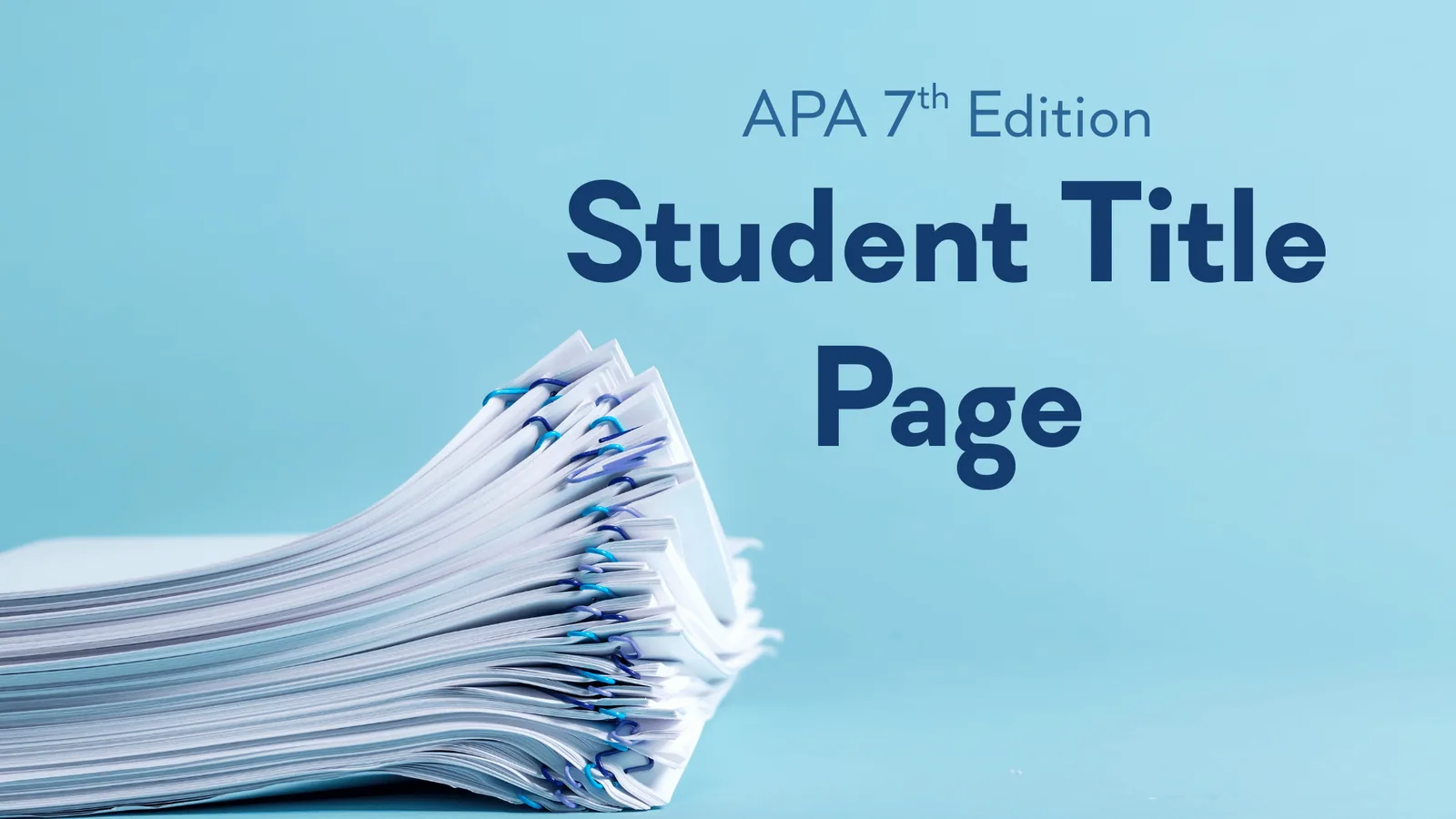
First impressions matter. Just like a firm handshake and a friendly smile, a well-formatted title page sets the tone for your APA 7 student research paper. A polished title page shows professionalism, organization, and attention to detail – qualities instructors notice immediately.
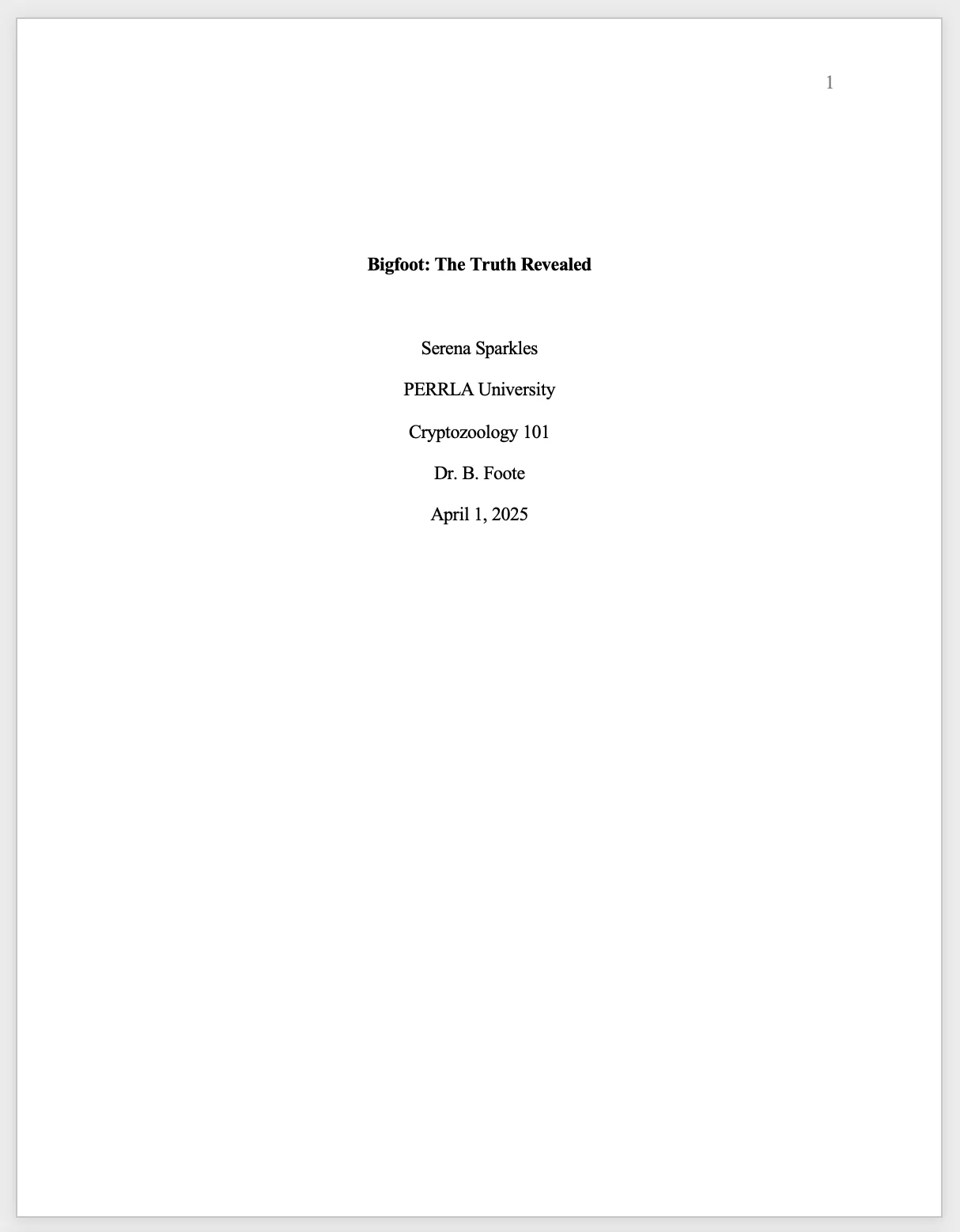
For APA 7 student papers (different from professional research papers), the title page neatly organizes key details about the student, course, and instructor in a simple, easy-to-read layout. Follow this step-by-step guide to make sure your title page meets APA standards and impresses your instructor.
Here’s a checklist of the elements required on an APA 7 title page, with formatting tips for each. Remember: instructor preferences always take priority.
Formatting requirements:
All elements should be centered and placed in the top half of the page (usually starting on the 3rd or 4th double-spaced line). Only place one item per line.
Pro Tip: Include the page number in the top-right header. APA 7 no longer requires a running head for student papers.
Even small mistakes on your APA 7 title page can cost points. Here are the most common pitfalls:
1. Misaligned or improperly spaced elements
2. Incorrect capitalization
3. Forgetting the empty line
4. Including degrees or titles
5. Inconsistent formatting for school, course, or instructor info
6. Omitting the page number
7. Incorrect date format
By watching out for these errors, your title page will meet APA standards and create a strong first impression.
A professional-looking title page is more than just following rules. These tips will ensure your title page stands out:
1. Stick to consistent fonts and sizes
2. Double-check line spacing
3. Preview your layout
4. Keep your title concise
5. Follow instructor-specific rules
6. Proofread thoroughly
7. Use templates carefully
Creating an APA 7 title page doesn’t have to be stressful. By following these step-by-step guidelines, avoiding common mistakes, and applying a few finishing touches, your title page will make a professional impression and set the stage for your entire research paper.
A well-crafted title page is your paper’s first impression—make it count!
If you’re using PERRLA to create your paper, then PERRLA will automatically build your title page as soon as you create your paper. All you’ll have to do is fill out a form, providing the information to include on the title page, and PERRLA will handle everything else. You can try PERRLA completely free for 7 days here.
See you soon for the next installment of our APA 101 series, when we’ll be taking a closer look at formatting the body of an APA 7 student research paper!
If you're ready to learn more about the APA, you can read through all of our APA 101 articles here.
Five nursing programs ran full case studies with PERRLA, from a required rollout to one with no requirements at all. Here's what changed for faculty, students, and grades.
An annotated bibliography follows standard APA reference formatting, then adds a short paragraph below each entry summarizing and evaluating the source. This guide covers what annotations include, how to format the…
Citing a TikTok or Instagram Reel in APA 7 means treating the caption as the title – the first 20 words, preserving the original spelling and capitalization, hashtags and all. This post covers the full format, how to…
PERRLA formats the whole paper in APA 7, MLA 9, and Turabian 9, from the title page to the last reference.
Try PERRLA free for 7 days