How to Cite a Book in MLA 9
Learn the MLA 9 Works Cited format for books — one author, multiple authors, no author, editions, and translations — with in-text citation examples.
PERRLA/Blog/Prove Your Paper is Yours: Using PERRLA’s…
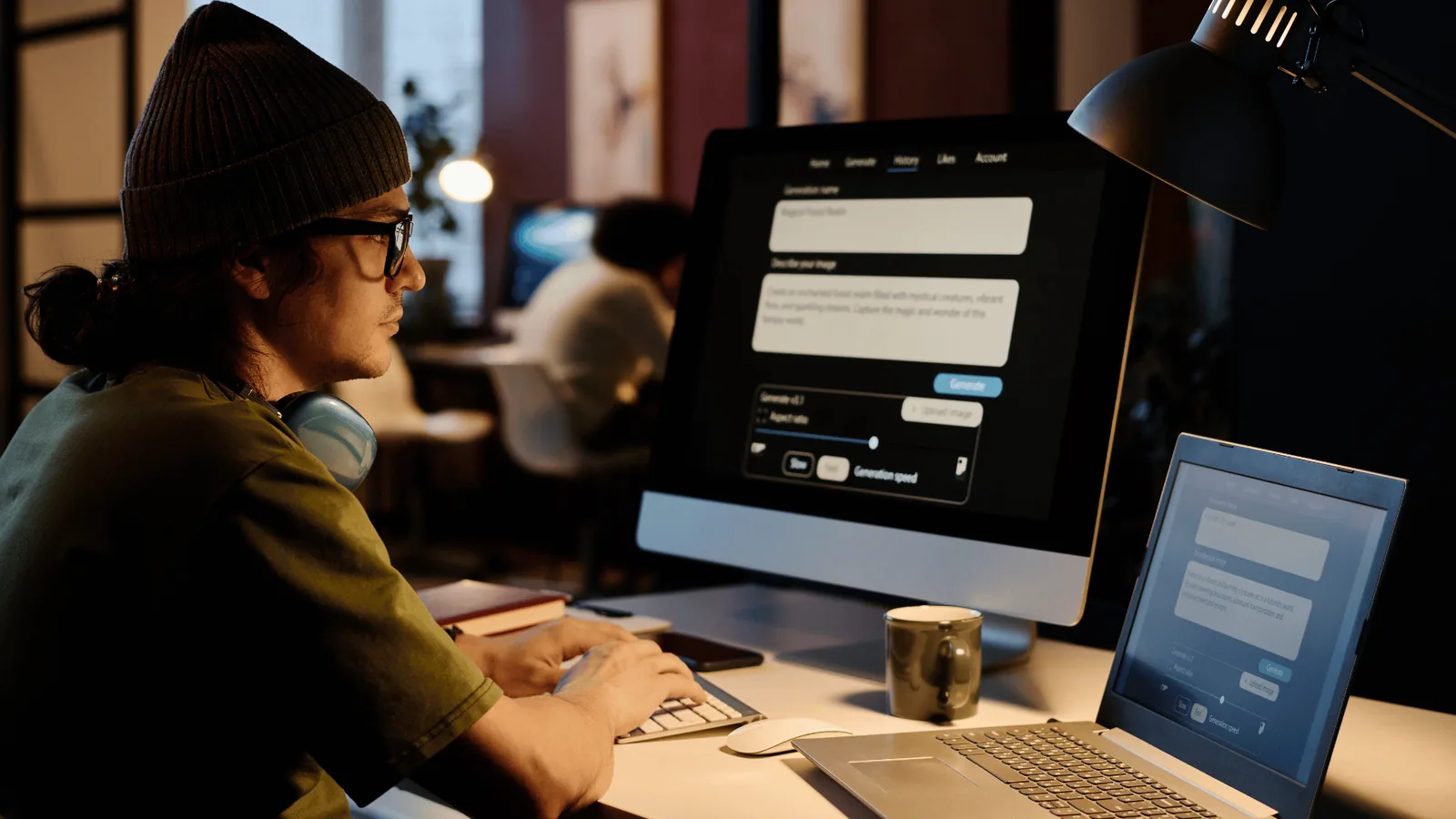
Your Writing Timeline shows the sessions you worked, how long you spent, and how your paper grew, built from the saves PERRLA already makes. Here's what it shows, what it never shows, and how to share it.
“Did you actually write this?” — it’s a question no student wants to hear. In today’s world of AI tools, professors are more cautious than ever, and students are left wondering how to prove their work is their own.
Good news: with PERRLA’s Version History, you don’t just turn in a paper – you can turn in a timeline of your writing journey. Every step, every save, every late-night edit.
Whenever you use PERRLA Online, Word for Web, or Word Desktop with the PERRLA Add-In, we automatically back up your paper for 30 days.
That creates a running list of your work, showing:
It’s like a behind-the-scenes look at your paper coming to life.
Your professor doesn’t just want a final draft – they want to see the process that got you there. Version History gives you:
Instead of worrying about AI suspicion, you can show your progress with confidence.
Now you’ve got a timestamped trail of your writing process – ready to share if needed.
Writing takes time, and you’ve put in the work. PERRLA doesn’t just help with citations: it helps you show your professors that effort.
So next time you’re asked, “Did you really write this?” you can answer with more than words – you can show the proof.
👉 Try Version History today at perrla.com.
Learn the MLA 9 Works Cited format for books — one author, multiple authors, no author, editions, and translations — with in-text citation examples.
Five nursing programs ran full case studies with PERRLA, from a required rollout to one with no requirements at all. Here's what changed for faculty, students, and grades.
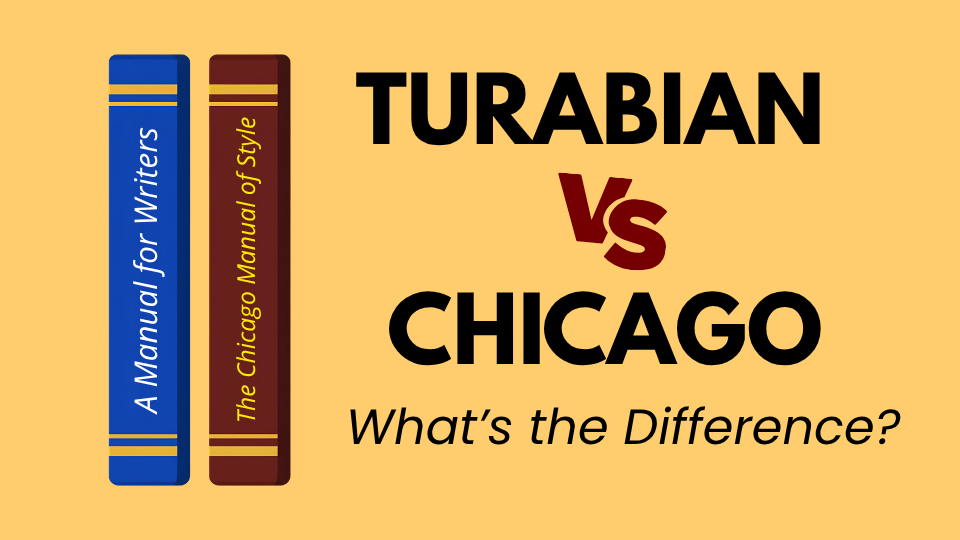
Turabian and Chicago are closely related, but they’re not the same thing. Here’s how the two guides differ, which citation system each one uses, and what PERRLA handles automatically when you start a Turabian paper.
PERRLA formats the whole paper in APA 7, MLA 9, and Turabian 9, from the title page to the last reference.
Try PERRLA free for 7 days