Feature Spotlight: Get the Most from PERRLA with the ‘All Types’ Tab
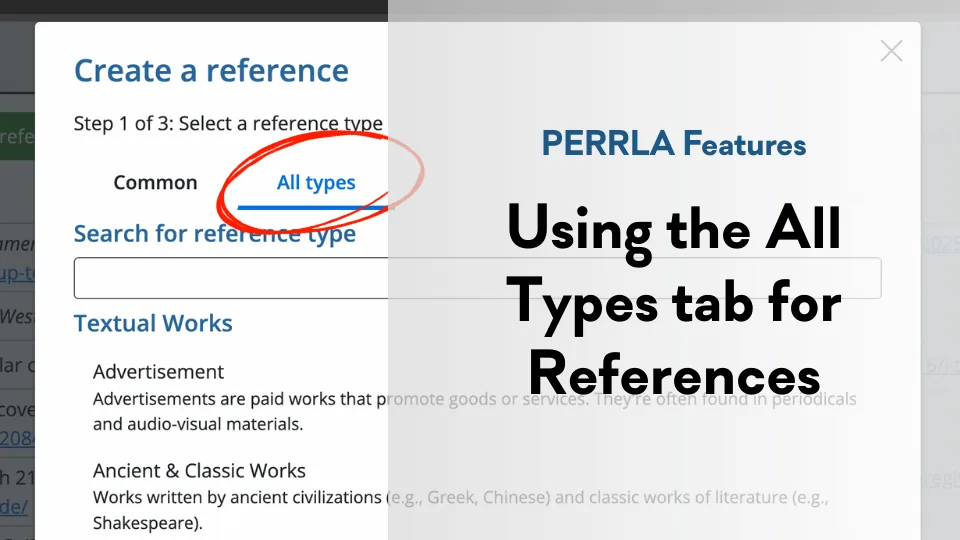
PERRLA doesn't just handle the "big three" reference types (books, journal articles, and webpages). With the 'All Types' tab, you can use PERRLA to easily create perfectly formatted references for every reference type.
B
Brian @ PERRLA · Published February 16, 2026
When you’re using PERRLA to create a reference for a book, journal article, or a webpage, the process couldn’t be much more straightforward: input an ISBN, a DOI, or a URL, and let us handle the rest.
But what about the umpteen other types of references? What if you need to create a reference for a mobile app, an advertisement, a pamphlet, or maybe even…(ahem) a certain blog?
PERRLA’s got you covered, and all the magic can be found in the ‘All Types’ tab of our References & Citations panel.
When we say “all types,” we do mean “all”
The process of creating any reference with PERRLA always begins in the References & Citations panel, but if you need a reference for something other than one of the “big three” reference types (journal articles, books, & webpages), you’ll want to use the panel’s ‘All Types’ tab (it’s near the top).
When you do, you’ll be able to find the reference type you need, or you can simply scroll through all possible reference types. (Consider us the Pokémon trainers of reference types. We had to catch ‘em all.)
Once you’ve found the reference type you need, you’ll just click on it, fill out the form PERRLA provides, and presto, PERRLA will generate a perfectly formatted reference.
Pro Tip: When filling out the reference form, the fields outlined in blue are the most common and useful fields to fill in. We also provide helpful text under each field to help you fill it out successfully.
So, should you ever need to cite a blog post comparing reference-formatting software to Pokémon, now you know how!
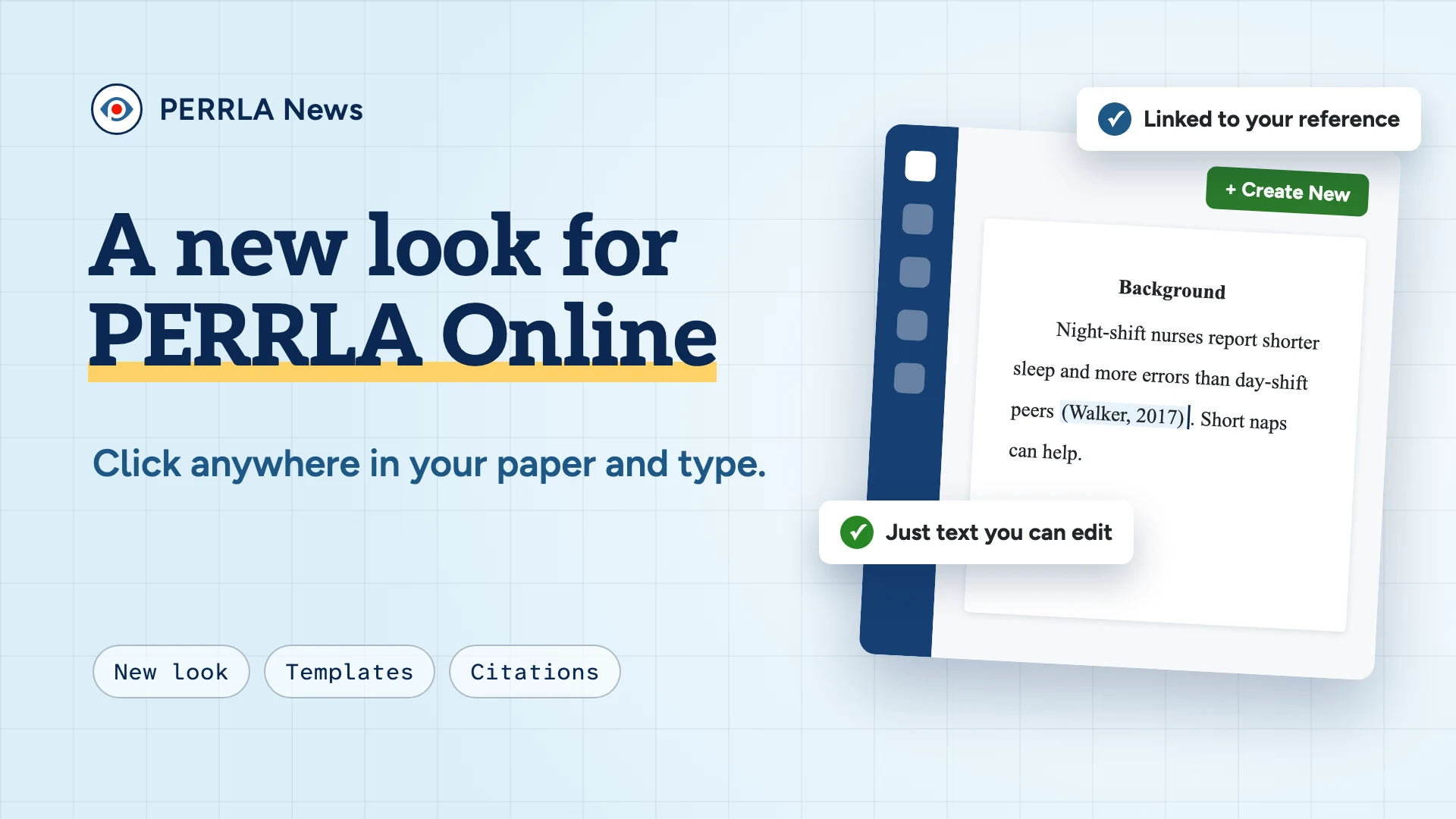
PERRLA Online's new look is in Beta now, and it reaches everyone in late December: one menu, templates you can build yourself, a cleaner reference library, and new papers where every citation is plain text you can click…
Your discussion post is due in an hour, and your citations are in PERRLA – in a completely different tab. The new PERRLA extension for Chrome and Edge puts a PERRLA button right inside Brightspace, Canvas, and…
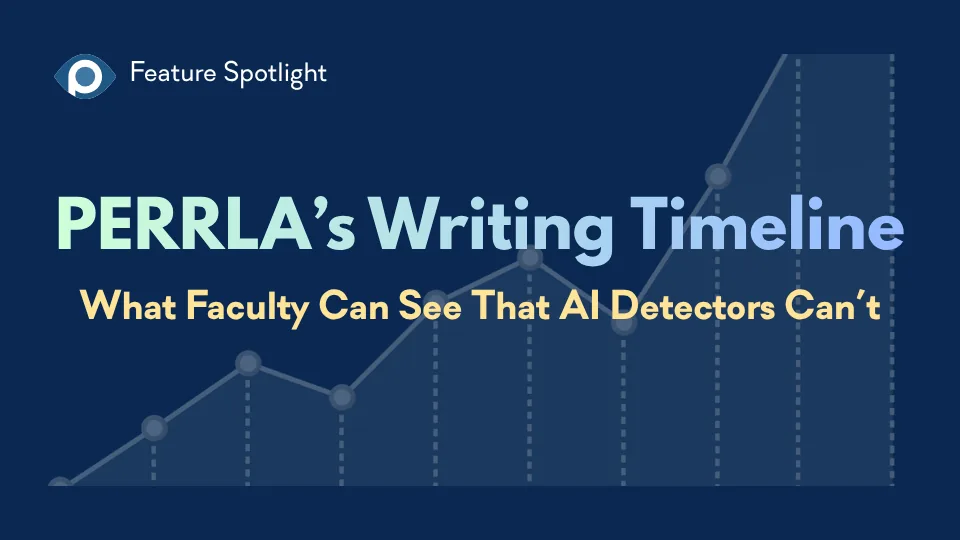
AI writing detectors return verdicts. PERRLA’s Writing Timeline shows faculty how the paper was actually built – the writing sessions, when sources arrived, and how the paper grew over time – without scores, labels, or…
PERRLA formats the whole paper in APA 7, MLA 9, and Turabian 9, from the title page to the last reference.