Feature spotlights2026
AI writing detectors return verdicts. PERRLA’s Writing Timeline shows faculty how the paper was actually built – the writing sessions, when sources arrived, and how the paper grew over time – without scores, labels, or…
Feature spotlights2026
PERRLA Online now has a custom spellcheck dictionary saved to your account – add a word once and it follows you to every computer you sign in on. Plus: a new purple squiggle catches format mistakes in real time as you…
Feature spotlights2026
PERRLA now offers three storage plans for your research files. The base PERRLA plan includes 2 GB of file storage. PERRLA Pro adds 10 GB and Priority Support. PERRLA Unlimited gives you unlimited storage and the largest…
Feature spotlights2026
Legal citations are specific, jurisdiction-dependent, and easy to get wrong. PERRLA’s reference engine now covers legal citation conventions for all 50 states, D.C., and five U.S. territories – cases, statutes…
Feature spotlights2026
If your research lives in Zotero, JabRef, Mendeley, or another reference manager, you shouldn’t have to retype everything to move it into PERRLA. The .bib import has always handled the references. Now it handles the…
Feature spotlights2026
PERRLA’s I’m Finished button now checks your paper for common formatting and citation mistakes before you submit – citations after the period, missing page numbers, hand-typed citations, contractions, wrong title…
Feature spotlights2026
If your research and writing are spread across multiple courses or a long-term project, PERRLA Collections gives you a way to organize everything in one place. Create project-specific containers, nest sub-collections…
Feature spotlights2026
If your research library lives in Zotero, you can now bring it into PERRLA in one import – references, PDFs, notes, PDF annotations, tags, and collections included. The connection stays active so updating is one click.…
Feature spotlights2026
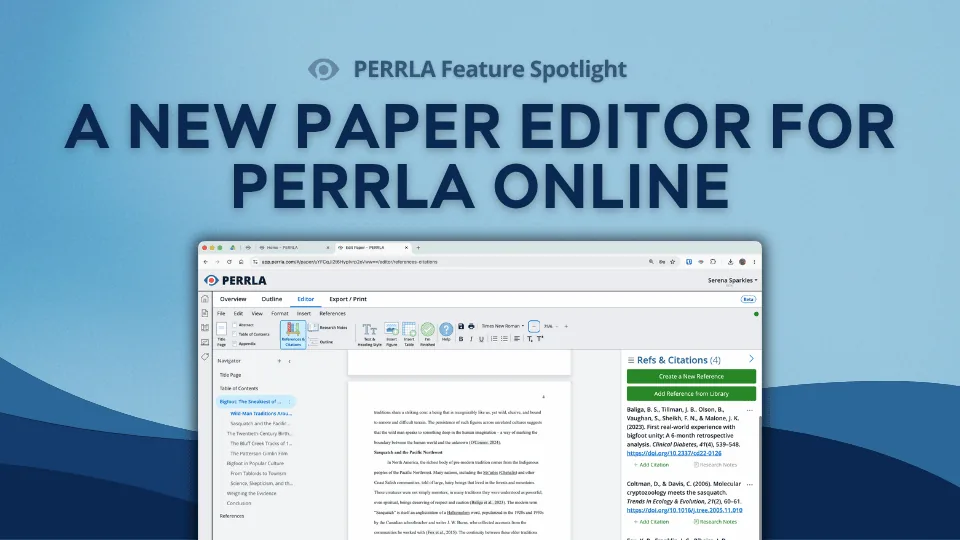
PERRLA Online has a brand-new paper editor, one built from the ground up and available now for every new paper you create. Real page breaks, a navigator panel for jumping between sections, zoom controls, auto-generated…
Feature spotlights2026
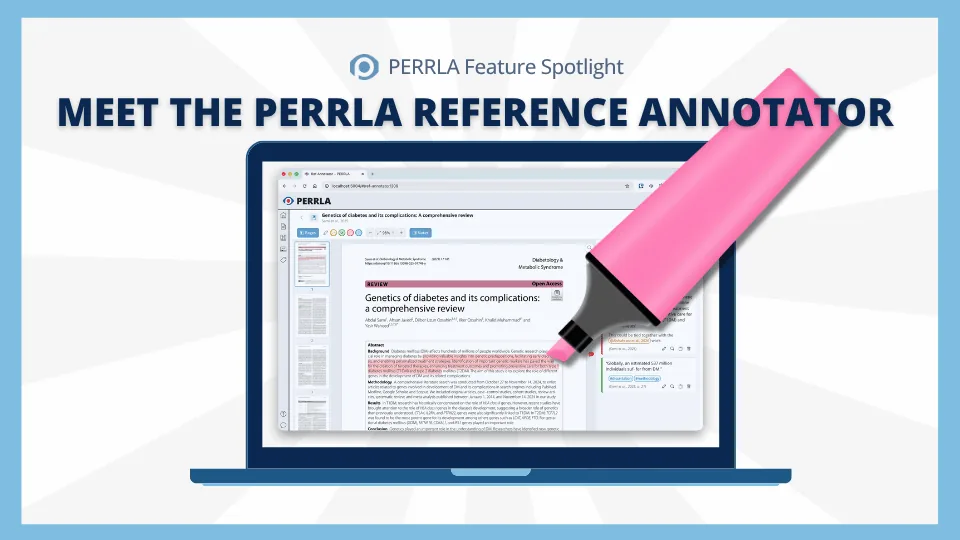
Research papers are messy – PDFs in one window, notes in another, and no clear path from what you read to what you write. The PERRLA Reference Annotator fixes that. Attach a PDF to any reference, read and highlight it…
Feature spotlights2026
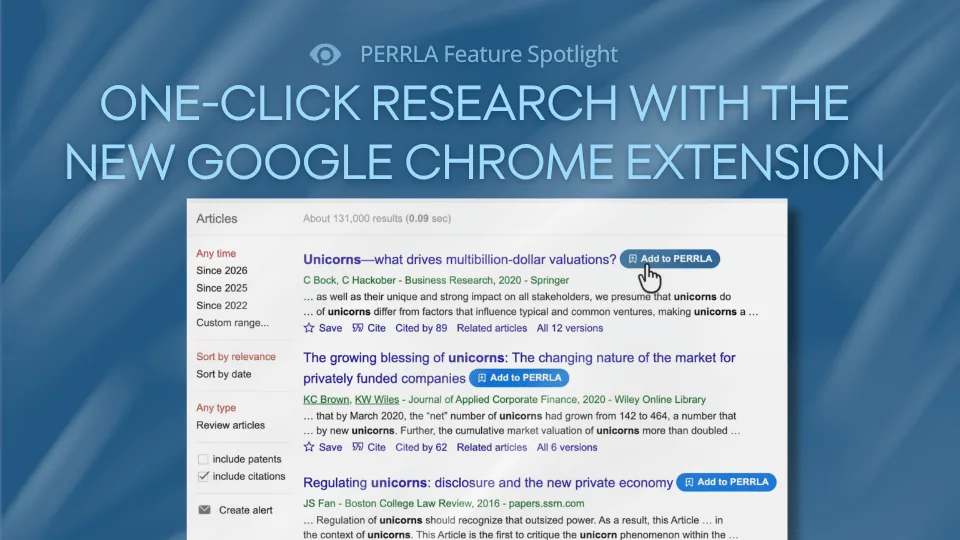
The PERRLA Chrome Extension just got a major upgrade. A new Add to PERRLA button now appears on Google Scholar, PubMed, JSTOR, and 100+ research sites, letting you create a perfectly formatted reference with a single…
Feature spotlights2026
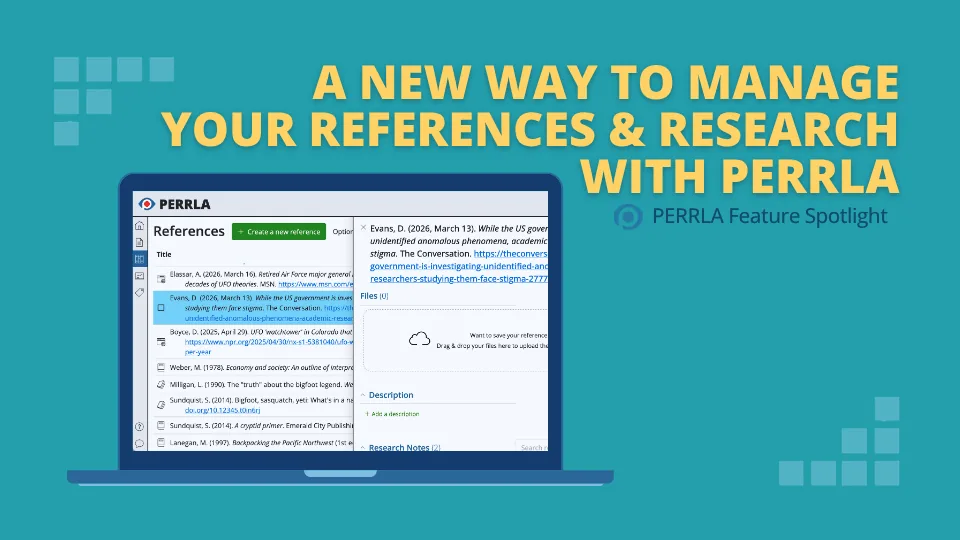
Managing sources while writing a paper just got easier. PERRLA Online’s redesigned References panel keeps your full reference list visible while you view and edit individual references in a side panel – and a new file…
Feature spotlights2026
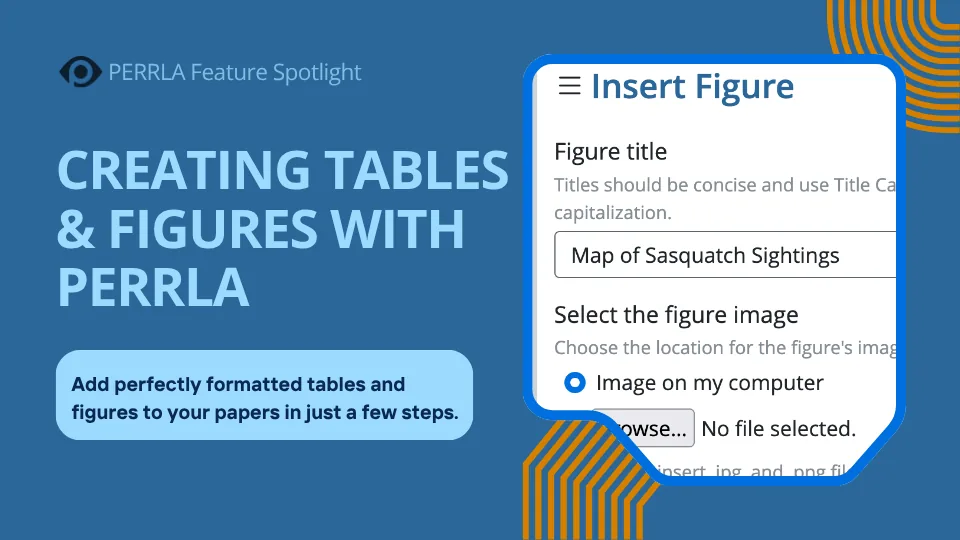
Tables and figures are two of the trickiest formatting areas in APA – and two of the most important. This post breaks down exactly what APA 7th Edition requires for each, then shows you how PERRLA handles all of it…
Feature spotlights2026
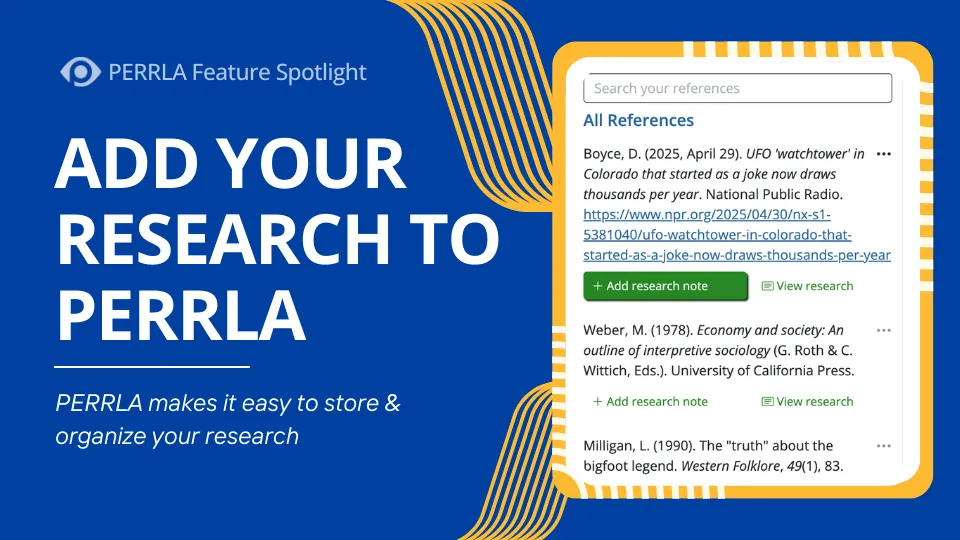
PERRLA's Google Chrome Extension streamlines research by letting you instantly create references from any webpage and save quotations as Research Notes. Those notes can then be inserted directly into your paper…
Feature spotlights2026
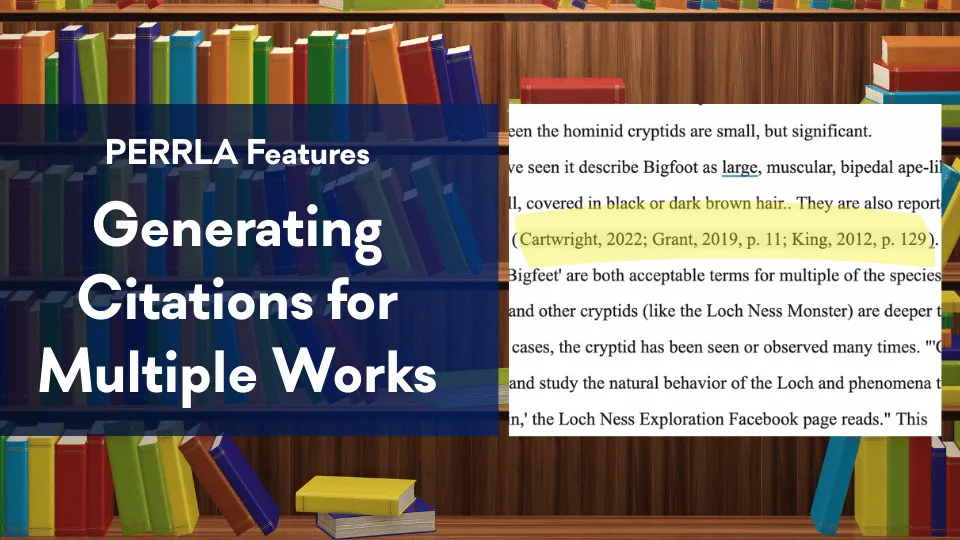
In APA 7, when multiple authors make similar points you'd like to reference in your paper, you'll need to combine their citations into a single set of parentheses. Let's take a look at how to properly format such a…
Feature spotlights2026
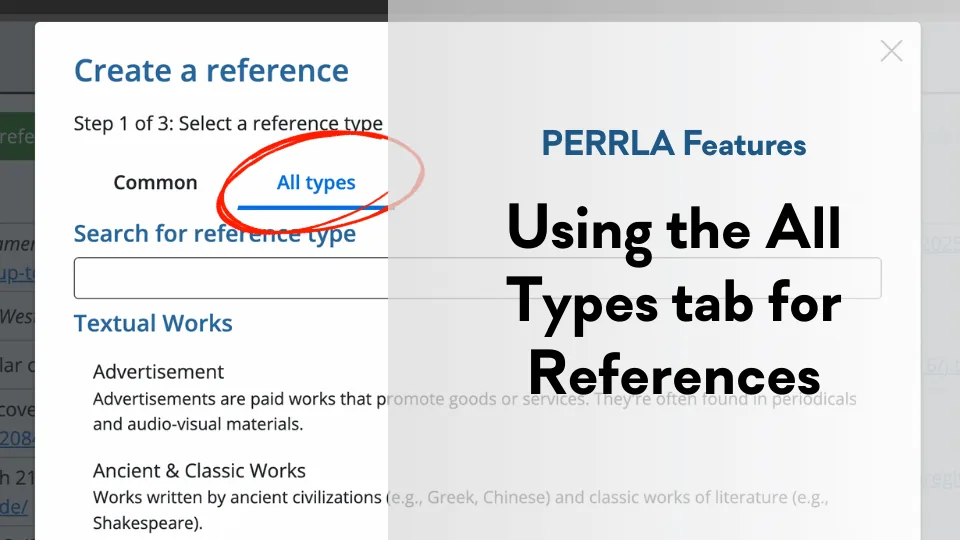
PERRLA doesn't just handle the "big three" reference types (books, journal articles, and webpages). With the 'All Types' tab, you can use PERRLA to easily create perfectly formatted references for every reference type.
