

If you’ve ever found yourself juggling browser tabs full of PDFs, a separate notes document, and PERRLA all at once while trying to write your paper, this one’s for you.
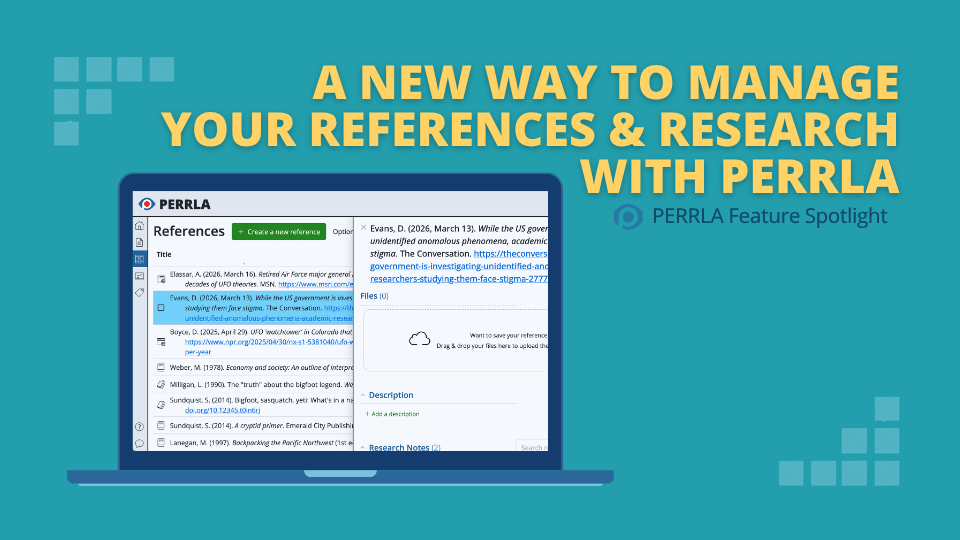
PERRLA Online has two new features that streamline how you manage your references and research: a redesigned References panel and a new file upload feature. Together, they keep your sources, notes, and files in one place – right where you’re already working.
The redesigned References panel
The References tab in PERRLA Online works the same way it always has. You’ll still see your full reference library when you open it. What’s changed is what happens when you click on a reference.
Instead of opening a separate view that replaces your library, reference details now open in a side panel. Your full reference library stays visible on the left while the details for the selected reference appear on the right. You can click between references quickly without losing your place, and you can edit reference details directly in the panel without navigating away.
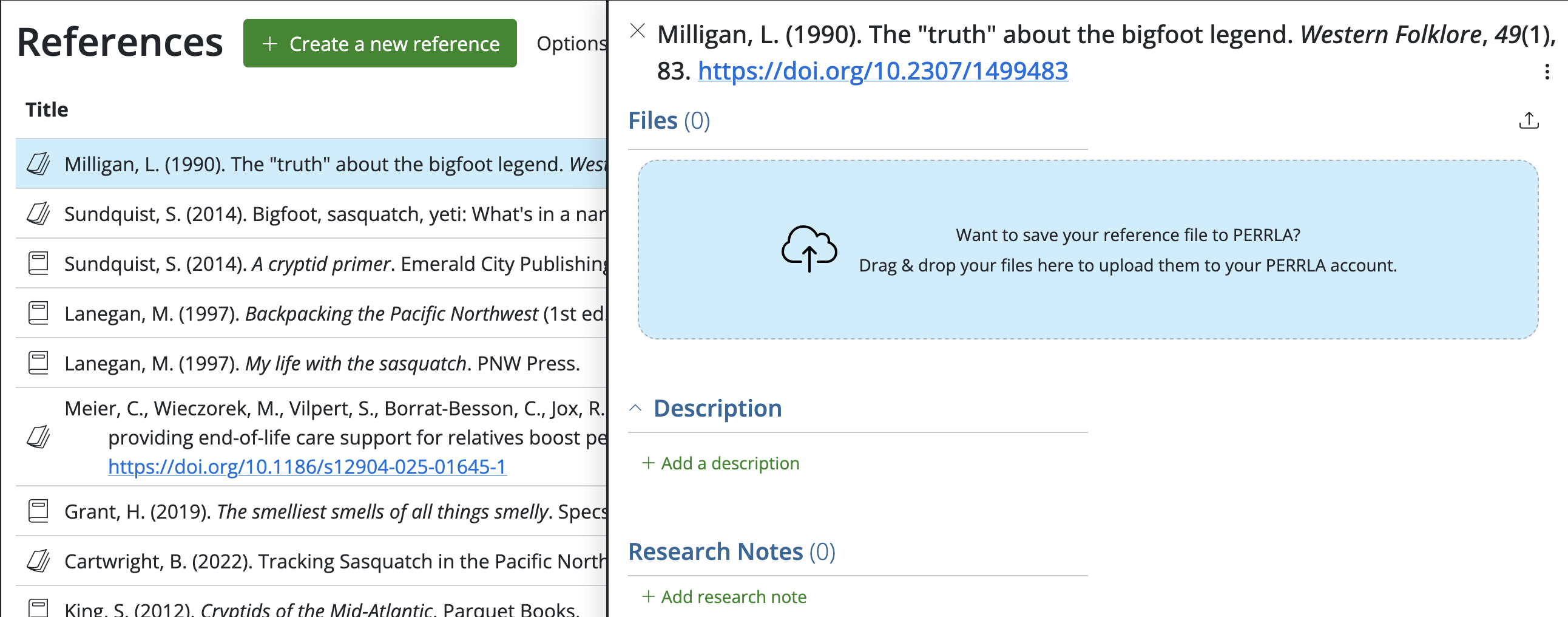
Everything about a reference is now accessible from that single panel:
- Reference details and the ability to edit them
- A description field – easy to expand and edit
- Research notes – no longer a separate tab, but viewable, searchable, and editable right in the panel
- Tags associated with that reference
- A list of which of your papers the reference has been used in
- Uploaded files
Upload your source files directly to your reference library
The second new feature takes things a step further. You can now upload files directly to a reference in your PERRLA library, so the source file lives alongside the reference entry itself.
Say you downloaded a PDF of a journal article you’re citing. Instead of hunting through your downloads folder every time you need to check a quote or a page number, you can attach that PDF to its reference in PERRLA. Click the reference, and the file is right there in the panel. If it’s a PDF, you can view it directly in your browser without leaving PERRLA. We’ve got big things in the works for this new feature, and we’ll be excited to share more in a future post.
What you can upload
PERRLA supports most common file types, including:
- PDFs
- Microsoft Word documents
- Spreadsheets
- Images (JPEGs, PNGs, and similar formats)
Executable files (.exe and similar app files) can’t be uploaded for security reasons, but all standard document and image formats are supported.
Storage limits
Updated September 21, 2026. How much you can store depends on your plan. PERRLA includes 2 GB of file storage, with files up to 10 MB each. PERRLA Pro includes 10 GB, with files up to 50 MB each. PERRLA Unlimited has no storage limit and takes files up to 100 MB each. To see how much you’ve used, open Settings in PERRLA Online and scroll to Library & data. Click Manage files to see every file you’ve stored and remove any you no longer need. Compare the plans.
One important note: deleted files are permanently removed from your PERRLA account – there’s no archive or recovery option. If you need to free up storage space, download the file to your computer first before deleting it from PERRLA.
How to access both features
Both the redesigned References panel and file uploads are available now in PERRLA Online, no setup required. Here’s how to get started:
- Log in to PERRLA Online at app.perrla.com.
- Click References in the left navigation menu.
- Click on any reference in your library. The new side panel opens automatically.
- To upload a file, look for the file upload option within the panel and select the file you’d like to attach.
Both features are available to all PERRLA subscribers. Every PERRLA subscription includes complete access to PERRLA Online.
Not a PERRLA subscriber yet? Try PERRLA free for 7 days – no credit card required.