Academic Writing Tools: Save Time with APA, MLA, & Turabian Formatting

Academic writing is a pain. You're juggling research, citations, and deadlines, all while trying to sound like a scholar. If you've ever felt overwhelmed by APA, MLA, or Turabian, trust me, you aren't the only one.

The tools available for this have actually gotten way better recently. Using them right can save you a massive headache.

The Formatting Tax

Generated illustration

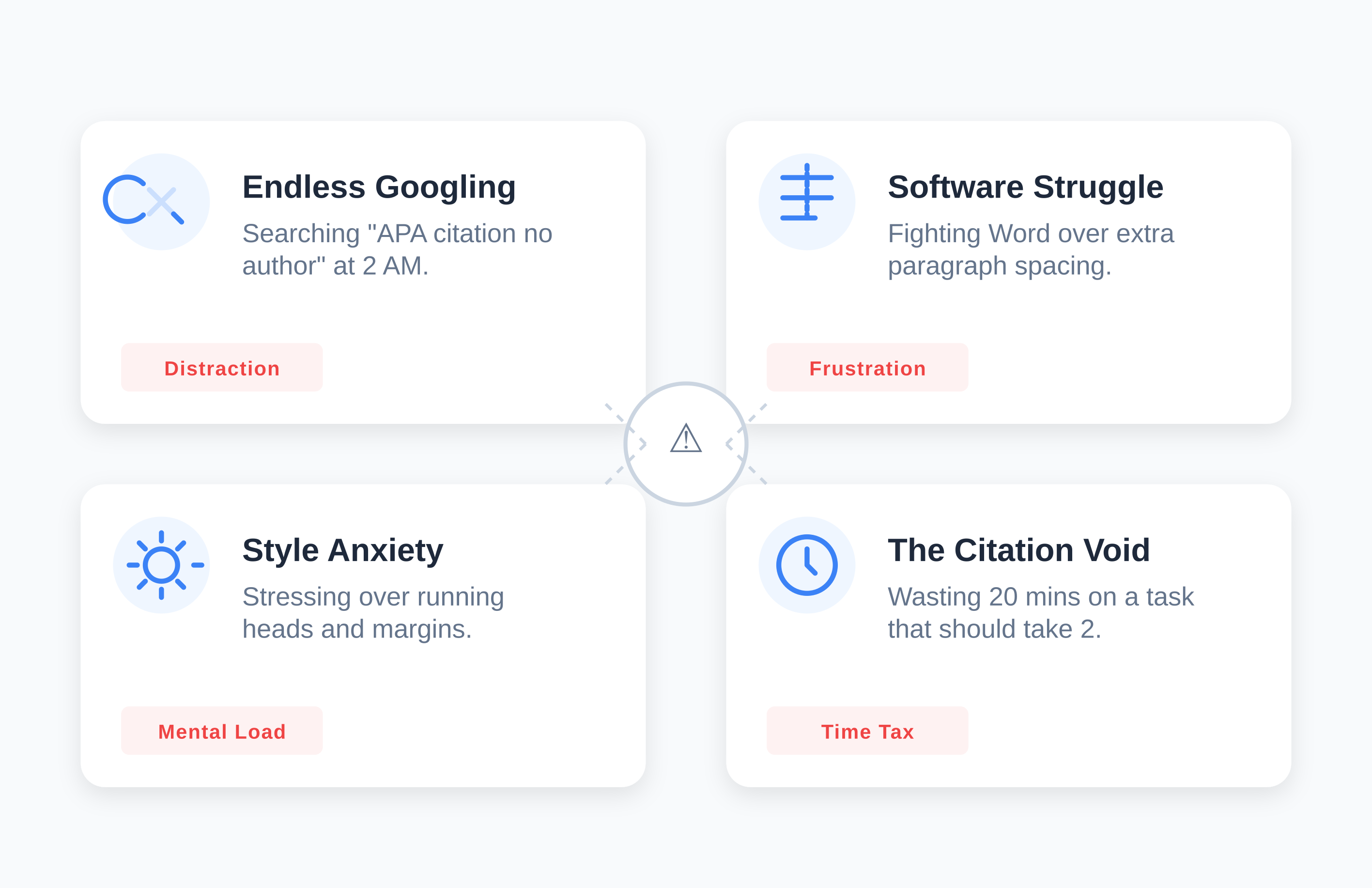
Let's be honest about why this matters. Most students don't realize how much mental energy formatting eats up. I've seen students spend nearly half their time on a paper just fixing citations and margins. That's time not spent on the actual argument.

Think about your last paper. How many times did you:

  • Google "APA website citation no author" at 2 AM?
  • Manually fix spacing between paragraphs because Word decided to add extra space for no reason?
  • Stress about whether your running head was right?
  • Waste 20 minutes on a single citation that should have taken two minutes?

These interruptions kill your flow. Every time you stop writing to check a rule, you pull yourself out of the zone. It’s like trying to have a deep conversation while someone taps you on the shoulder every five seconds.

What Modern Tools Actually Do

The new generation of academic tools goes beyond simple citation generators. They handle the technical burden so you can focus on ideas.

Intelligent Citation Management

Modern platforms actually understand context. If you reference a source twice, the tool remembers. It knows when to use "et al." based on previous citations. This context awareness stops one of the most common errors getting the second citation wrong.

Real-Time Formatting

Instead of formatting at the end (and hoping you didn't miss anything), advanced tools apply rules as you write. Your margins, spacing, and font adjust automatically. You see the final format from the first word, which helps you catch structural issues early.

Research Organization

The best platforms include research management. You can tag sources, take notes, and organize references by theme. When you need to cite, you search your library rather than hunting through fifty open browser tabs.

Version History

Here’s a feature people overlook: timestamped version history. This creates a paper trail of your writing process. If anyone questions your work, you can prove your paper developed over time, rather than appearing fully formed the night before it was due.
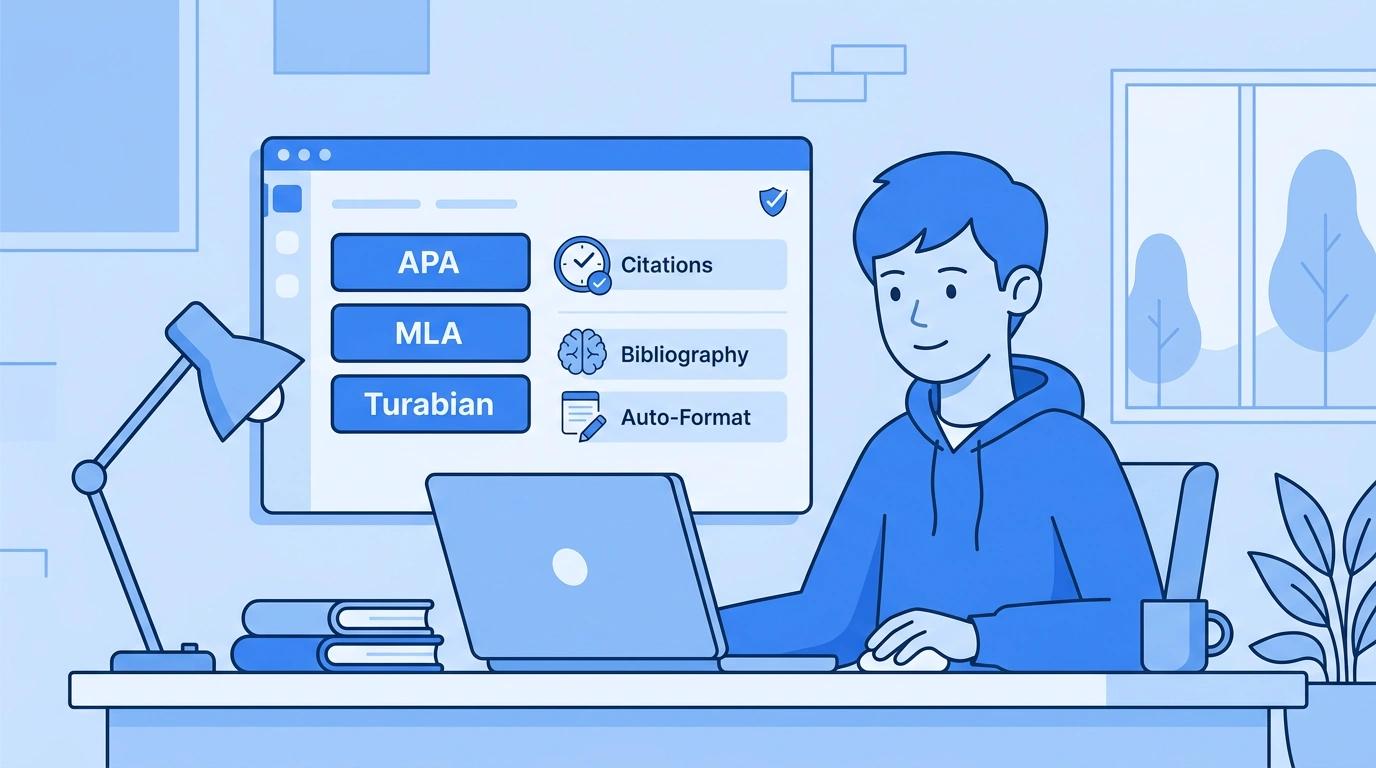
Microsoft Word vs. Google Docs

Generated illustration

Most universities use Word as the standard. Professors expect .docx files. If you use a web-based tool, you eventually have to export, which often causes formatting glitches.

When you use tools built for Word, like this Word Add-in approach, you skip the export step. You eliminate the risk of formatting surprises.

Google Docs is great for collaboration, but a nightmare for academic formatting. It wasn't built for APA or MLA. Tools designed for Google Docs formatting bridge that gap, bringing citation management to the collaborative space.

APA 7: The Details Matter

APA's 7th edition (2019) changed things significantly. If you are in social sciences, nursing, or business, APA 7 formatting is your life.

Here's where people mess up:

Simplified Headings: The new system is more intuitive, but many students still use old APA 6 rules they learned as in the past.

URL and DOI Formatting: DOIs are now URLs (https://doi.org/xxxxx). The old "doi:" format is dead.

Author Attribution: The "et al." rules changed. APA 7 uses "et al." from the first citation for three or more authors.

Missing Information: APA 7 has clearer guidance for missing info, but the rules are more nuanced, which creates new traps.

Automatic tools stay updated, ensuring you don't look outdated.

MLA 9 and Turabian 9

Generated illustration

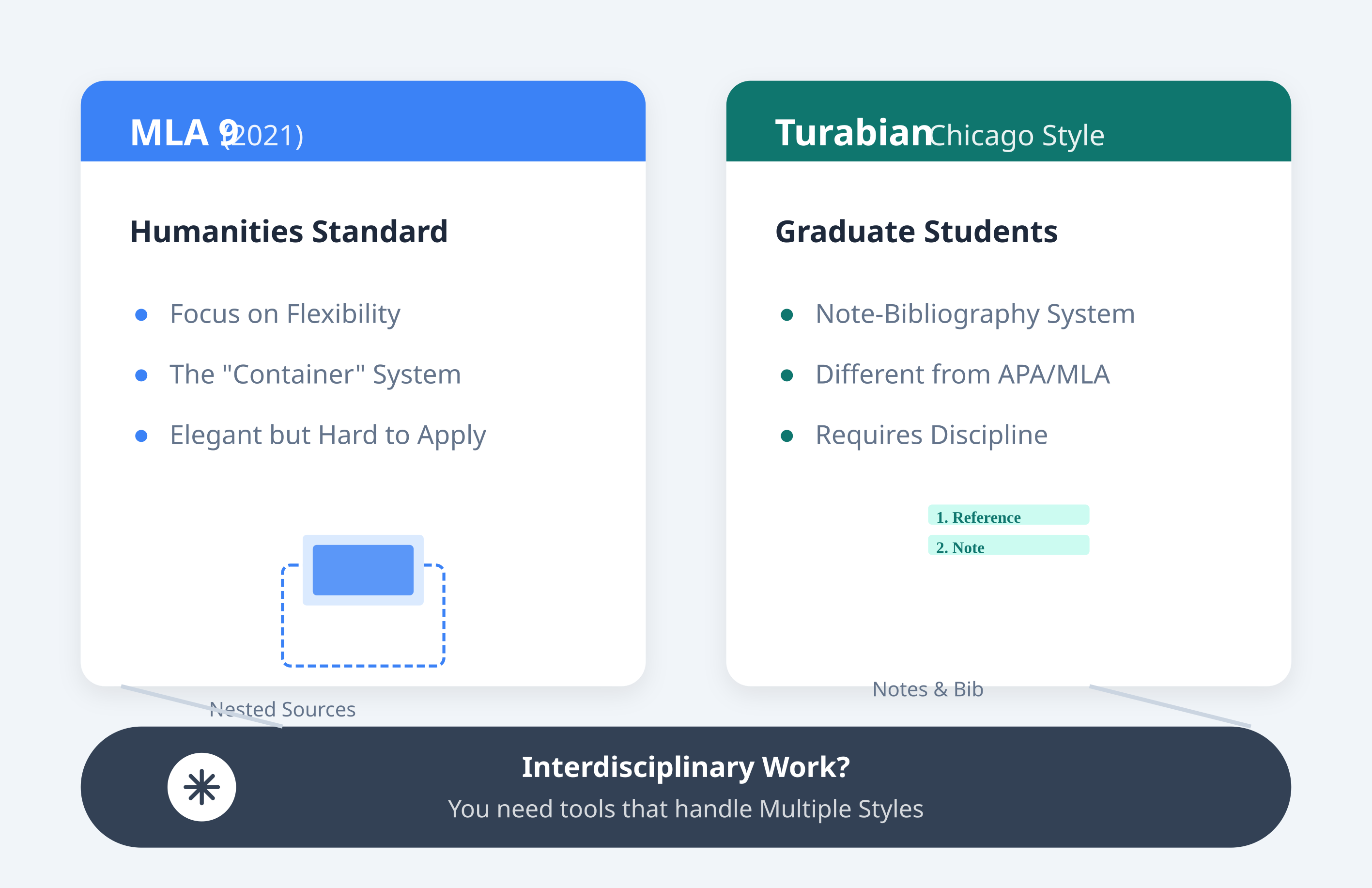
Graduate students often face Turabian (Chicago Style for students). The note-bibliography system is fundamentally different from APA/MLA. If you move between disciplines, having a tool that handles multiple styles is crucial.

For humanities, MLA 9 (2021) is the standard. It emphasizes flexibility over rigid rules, which sounds nice but is confusing in practice. The container system is intellectually elegant but hard to apply. MLA 9 tools help by prompting for the right info.

How to Choose a Tool

Not all tools are equal. Here's what actually matters:

  • Accuracy: Does it support the current version (APA 7, MLA 9)? Many free tools lag behind by years.
  • Source Coverage: Can it handle podcasts, social media, and datasets? Or just books?
  • User Experience: Is it intuitive? Good design reduces cognitive load.
  • Integration: Does it fit your workflow?
  • Support: When you hit a weird citation wall, can you get help?

Protecting Your Flow

The real benefit isn't just time saved it's maintaining momentum. Writing requires deep focus. Research shows it takes 23 minutes to regain focus after an interruption.

Imagine writing a draft without worrying about citation format. You mention a source, mark it, and keep writing. Your ideas flow because you aren't switching tasks. That flow state is where the best work happens.

Conclusion

Choosing an academic writing tool is personal. It depends on your level, discipline, and budget.

Many students find success with PERRLA's comprehensive approach, which handles APA, MLA, and Turabian across Word and Google Docs.

The right tools amplify your thinking. They handle the mechanics so you can focus on critical thinking. Whether you choose PERRLA or something else, decide how you'll manage the technical side. Don't let formatting just happen to you.

Your papers represent hard work. They deserve to be presented professionally. When you eliminate formatting stress, you create space for deeper engagement with ideas. That's where the real learning happens.

Pick your perfect plan

Subscribe for as long as you want & save along the way
7-Day Free Trail
$0

✔️ Great for testing how PERRLA works for you

✔️ Access to all PERRLA features & software

✔️ No credit card requried!

Try PERRLA for 7 Days
Monthly
$12.95

✔️ Access to all PERRLA features & software

✔️ Great for exploring PERRLA's functionality

✔️ Our most affordable option

Subscribe Now
1 Year
$79.95

✔️ Save 50% over 12 Months

✔️ Access to all PERRLA features & software

✔️ Excellent choice for full-time students

Subscribe Now

Most Popular

2 Years
$129.95

✔️ Save 35% over 1 Year

✔️ Great value for Masters & Doctoral students

✔️ Access to all PERRLA features & software

Subscribe Now

Questions? Let's chat – real humans here

Image of students gathered around a desk

PERRLA for your institution

Ready for your students to turn in better papers? Check out our Partners page to learn how PERRLA can help your institution's students succeed.
Image of student typing at a laptop

Talk to support

Email us for a fast, clear response. Check out our Help Center for articles, tutorials, and videos on using PERRLA.
Email PERRLA Support