
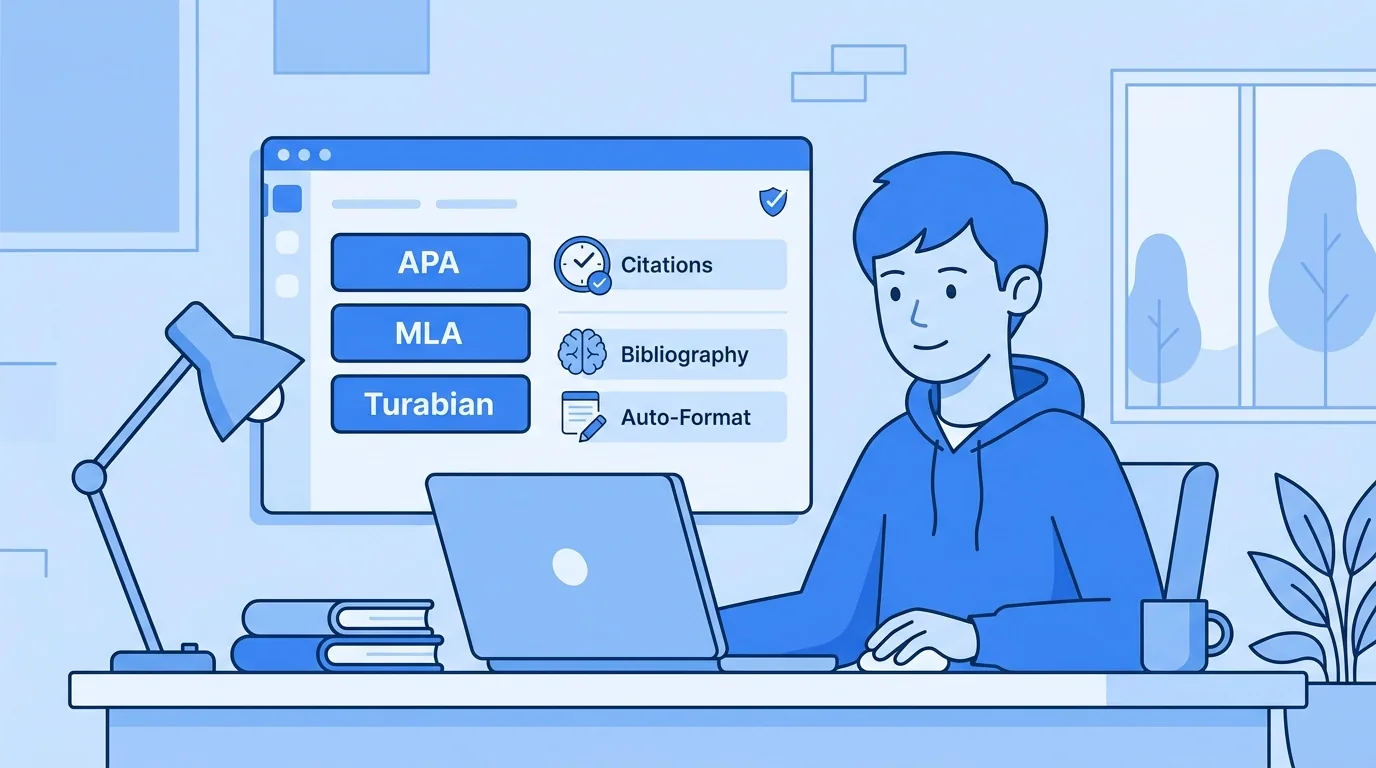
Academic writing is a pain. You're juggling research, citations, and deadlines, all while trying to sound like a scholar. If you've ever felt overwhelmed by APA, MLA, or Turabian, trust me, you aren't the only one.
The tools available for this have gotten noticeably better, and knowing which features actually matter can save you a lot of wasted time.
What Changed in This Guide
This article was refreshed to reflect how academic writing tools work today, not how they worked a few years ago. The core advice hasn't changed: the right tool should handle formatting so you can focus on ideas. What's updated is the detail underneath that advice.
-
Clarified current APA 7 and MLA 9 formatting rules, since these are the versions instructors expect right now.
-
Added a direct comparison of free citation generators versus paid academic writing software.
-
Expanded the Word versus Google Docs breakdown into a full comparison table.
-
Added an FAQ section answering the questions students actually type into Google.
Why Does Academic Formatting Take So Much Time?
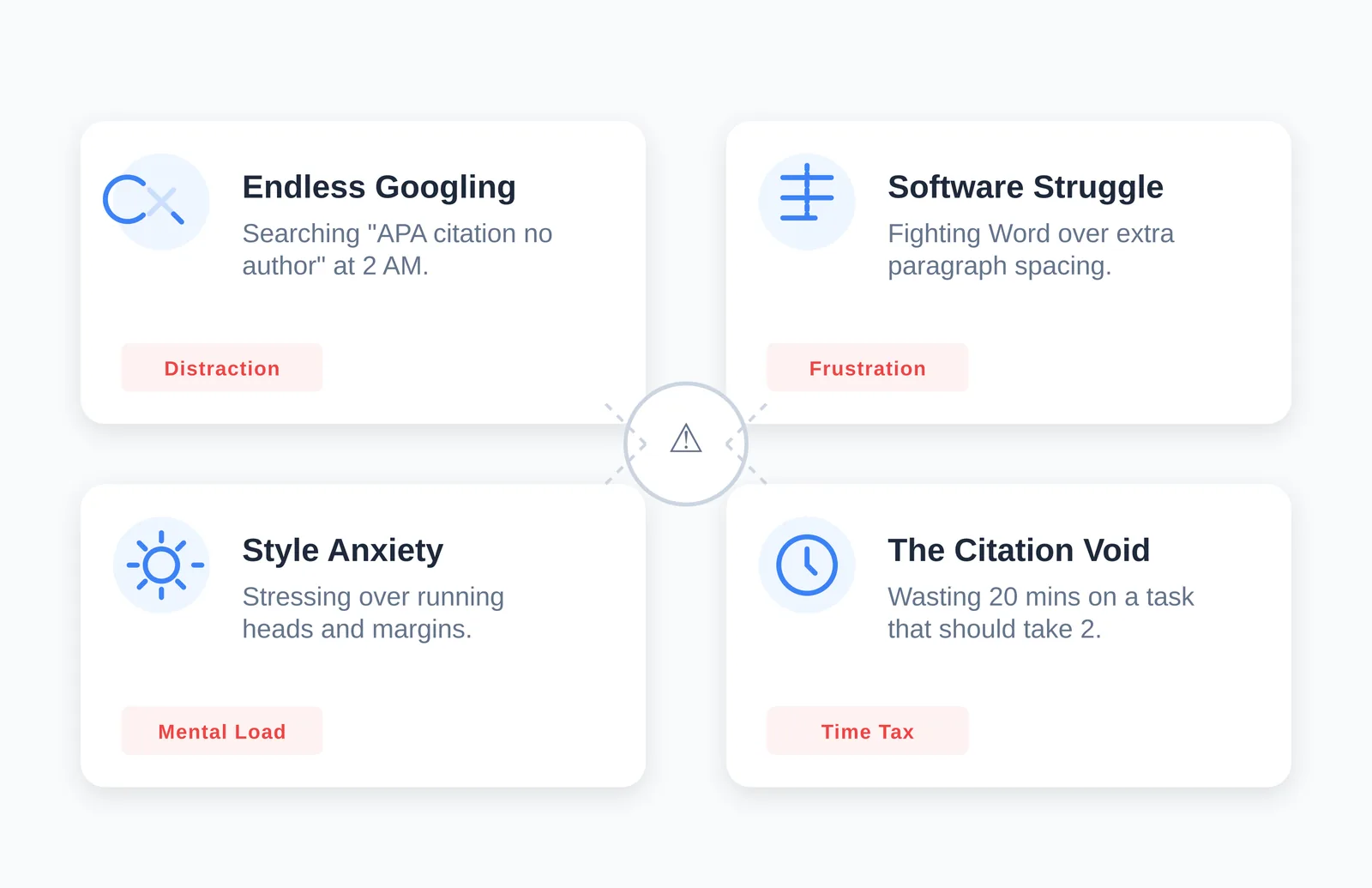
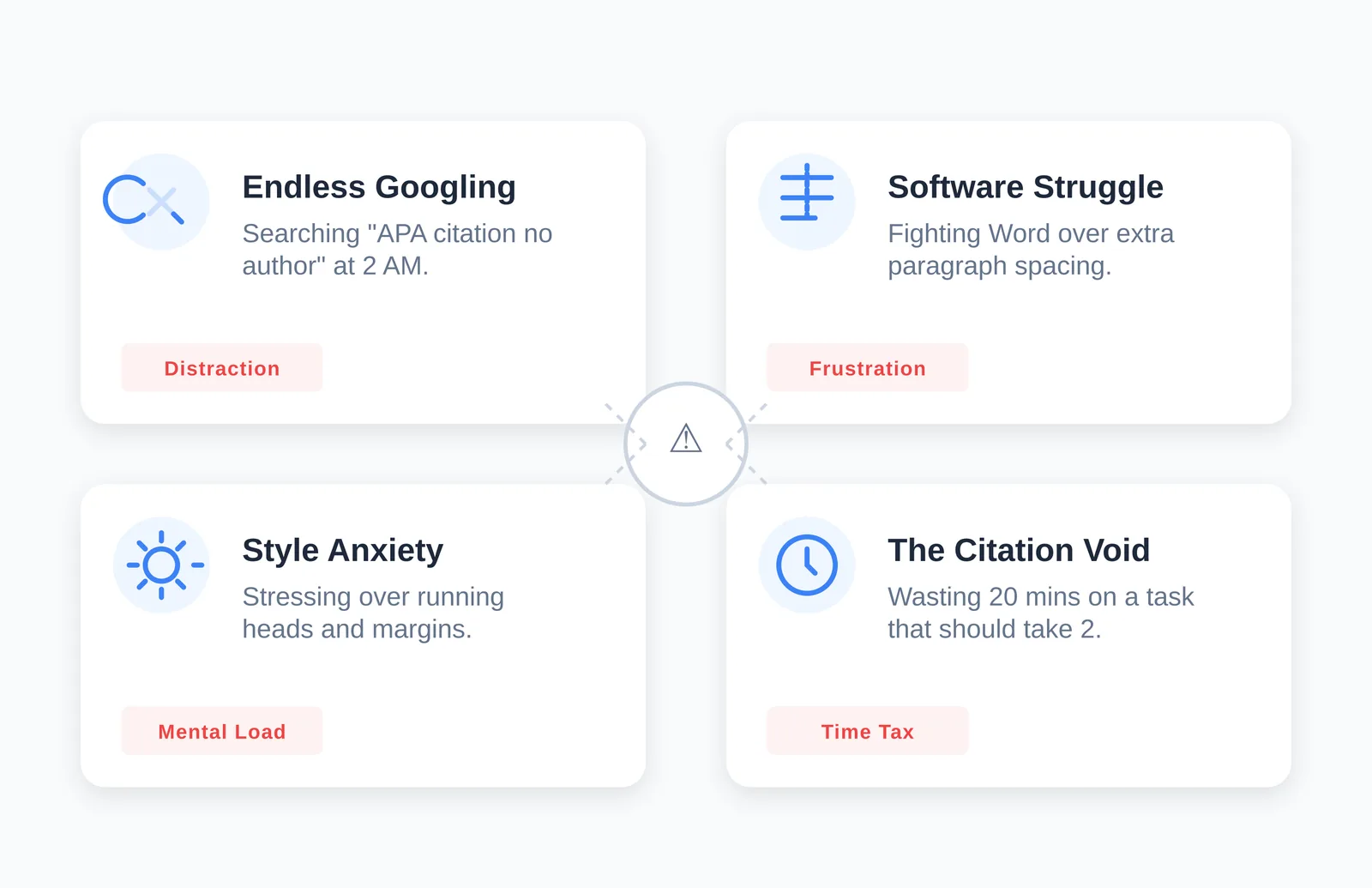
Formatting eats up mental energy that should be going toward your argument. Many students spend a surprising share of their writing time just fixing citations, margins, and spacing instead of developing ideas.
Think about your last paper. How many times did you:
-
Google "APA website citation no author" at 2 AM?
-
Manually fix spacing between paragraphs because Word decided to add extra space for no reason?
-
Stress about whether your running head was right?
-
Waste 20 minutes on a single citation that should have taken two minutes?
These interruptions kill your flow. Every time you stop writing to check a rule, you pull yourself out of the zone. It's like trying to have a deep conversation while someone taps you on the shoulder every five seconds. Understanding why citations exist in the first place also helps: if you want the full picture of what citations are protecting you from, PERRLA's guide to academic citations covers that in more depth.
What Do Modern Academic Writing Tools Actually Do?
The current generation of academic writing tools goes well beyond a basic citation generator. They handle the technical burden of formatting so you can spend your time on the actual writing.
Intelligent citation management. Modern platforms understand context. If you reference a source twice, the tool remembers. It knows when to switch to "et al." based on how many authors you've already cited and how many times. That context awareness stops one of the most common student errors: getting the second citation of the same source wrong.
Real-time formatting. Instead of formatting at the end and hoping you didn't miss anything, better tools apply the rules as you write. Your margins, spacing, and font adjust automatically, so you see the final format from the first word instead of discovering problems the night before it's due.
Research organization. The best platforms include a way to tag sources, take notes, and organize references by theme. When you need to cite something, you search your own library instead of hunting through fifty open browser tabs.
Version history. A feature people overlook: timestamped version tracking. This creates a record of how your paper developed over time. If anyone ever questions your work, you can show your paper's writing history instead of it appearing to materialize the night before the deadline.
Word Add-in, Google Docs, or Web-Based Tool: Which Should You Use?
The right choice depends on where you already write, not on which tool has the most features. Most universities still expect a .docx file, so if you write somewhere else, you'll eventually export, and that's where formatting glitches sneak in.
| Workflow | Best fit | Main risk |
|---|---|---|
| You write directly in Microsoft Word | A Word add-in that formats as you type | Low, no export step needed |
| You collaborate with classmates or a group project | A tool built for Google Docs formatting | Native Google Docs has no real APA/MLA support on its own |
| You switch between multiple devices or a shared library | A web-based tool with its own editor | Formatting can shift on export to Word |
Google Docs is genuinely great for collaboration, but it wasn't built with APA or MLA formatting in mind. Tools designed specifically for Google Docs bridge that gap by bringing citation management into the collaborative space instead of forcing you to format everything by hand after the fact.
What Are the Current APA 7 Formatting Rules?
APA's 7th edition is the version instructors currently expect. If you're in social sciences, nursing, or business, APA 7 formatting is part of your daily life. Here's where students most often get tripped up:
Simplified headings. The heading system is more intuitive than older APA rules, but plenty of students still apply the heading style they learned as freshmen, which no longer matches current guidance.
URL and DOI formatting. DOIs are formatted as full URLs (https://doi.org/xxxxx). The older "doi:" prefix format is no longer used.
Author attribution. For three or more authors, APA 7 uses "et al." starting from the very first citation, not just later ones.
Missing information. APA 7 gives clearer guidance for handling missing details like a missing author or date, but the rules are more nuanced than they look, which creates new traps for anyone applying old habits.
A tool that stays current with these rules means you don't have to memorize every edge case yourself, and you won't accidentally submit a paper formatted to an older standard.
How Are MLA 9 and Turabian Different from APA?
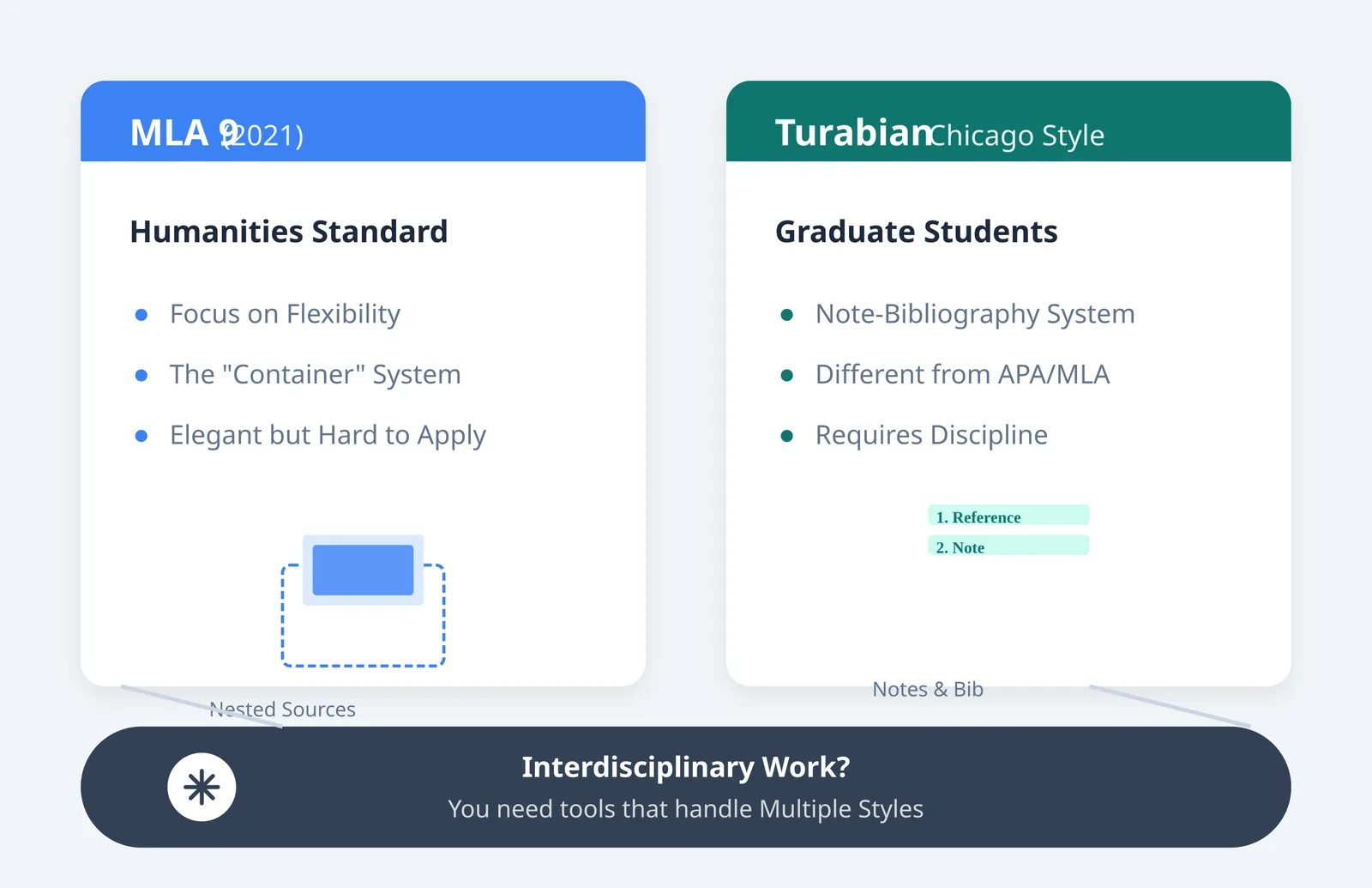
For humanities courses, MLA 9 is the standard, and it works on a "container" model rather than a fixed template. That flexibility sounds nice in theory but gets confusing fast in practice, because you have to decide which container a source belongs in before you can format it correctly. MLA 9 tools help by prompting you for the right information based on the source type instead of expecting you to know the container structure by heart.
Graduate students frequently run into Turabian, sometimes called Chicago style for students. Its note-bibliography system is fundamentally different from how APA and MLA handle in-text citations, using numbered footnotes instead of parenthetical references. If your coursework moves between disciplines, a tool that handles APA, MLA, and Turabian in one place saves you from relearning a citation system every semester.
Free Citation Tools vs. Paid Academic Writing Software: What's the Real Difference?
The real difference is depth and reliability, not just price. Free tools are fine for a single quick citation. Paid tools earn their cost when you're managing a full paper, multiple sources, and a style you don't use often.
| Factor | Free citation generators | Paid academic writing tools |
|---|---|---|
| Style updates | Often lag behind current editions | Typically updated as styles change |
| Source types supported | Usually books, articles, websites | Often includes podcasts, social media, datasets, and more |
| In-document formatting | Rare, usually just generates a citation to copy | Formats margins, spacing, and headings inside your document |
| Research organization | Minimal or none | Tagging, notes, and searchable reference libraries |
| Support when something looks wrong | Limited or community forums only | Direct support from the product team |
If you only need one citation for a short assignment, a free generator is fine. If you're writing a longer paper with a dozen or more sources, in a style you don't use every week, the time saved by a paid tool usually outweighs the cost. Most paid tools, including PERRLA, offer a short free trial so you can test that before committing.
How Do You Choose the Right Academic Writing Tool?
Choosing the right tool comes down to matching it to your discipline, your writing environment, and how often you cite unusual source types. Work through it in this order:
-
Check accuracy first. Confirm it supports the current version of your required style (APA 7, MLA 9, or Turabian). Many free tools lag behind by years and will quietly hand you outdated formatting.
-
Check source coverage. Can it handle podcasts, social media posts, datasets, and government reports, or only books and journal articles? This matters more than students expect once they start researching outside a library database.
-
Check where you actually write. If you live in Word, a Word add-in beats a web tool you'd have to export from. If you collaborate in Google Docs, pick something built for that environment.
-
Check the user experience. A confusing interface adds its own cognitive load on top of the formatting rules you're already trying to avoid thinking about.
-
Check support. When you hit a genuinely weird citation, like an interview with no clear author or a source with no date, can you actually get help, or are you on your own?
How Do Formatting Tools Help You Protect Your Writing Flow?
The real benefit of a good formatting tool isn't just time saved, it's momentum kept. Writing requires sustained focus, and every time you stop to check a citation rule, you break that focus and have to rebuild it.
Picture writing a full draft without stopping to worry about citation format. You mention a source, mark it, and keep writing. Later, you come back and the citation is already formatted correctly, in the right style, with the right punctuation. That's the difference between formatting as an interruption and formatting as something that happens quietly in the background while you think.
Frequently Asked Questions
What is the best tool for APA, MLA, and Turabian formatting?
The best tool depends on where you write and how often you switch styles. If you need all three styles in one place and write mainly in Word or Google Docs, look for a tool built specifically for those environments rather than a standalone citation generator that only formats a single reference at a time.
Are free citation generators accurate enough for a college paper?
Free generators are usually accurate for common source types like books and journal articles, but they often lag behind the current edition of a style and rarely format the document itself. For a short paper with simple sources, they're usually fine. For longer papers with unusual sources, a paid tool tends to be more reliable.
Does Google Docs support APA or MLA formatting on its own?
Not fully. Google Docs has basic formatting options but no built-in system for APA, MLA, or Turabian citation rules. You either format manually or use a tool designed to add that citation management on top of Google Docs.
How is APA 7 different from older APA editions?
APA 7 simplified the heading system, changed DOIs to full URLs instead of the old "doi:" prefix, and updated the "et al." rule to apply from the first citation when a source has three or more authors. Students who learned APA in an earlier edition often carry over rules that no longer apply.
Conclusion
Choosing an academic writing tool is personal. It depends on your discipline, your writing environment, and your budget.
Many students find success with PERRLA's comprehensive approach, which handles APA, MLA, and Turabian across both Word and Google Docs.
The right tool amplifies your thinking instead of getting in its way. It handles the mechanics so you can focus on the argument. Whether you choose PERRLA or something else, decide deliberately how you'll manage the technical side of your writing. Don't let formatting just happen to you.
Your papers represent real work. They deserve to be presented professionally, and when you take formatting stress off the table, you create room for deeper engagement with your ideas. That's where the actual learning happens.