The Short Answer
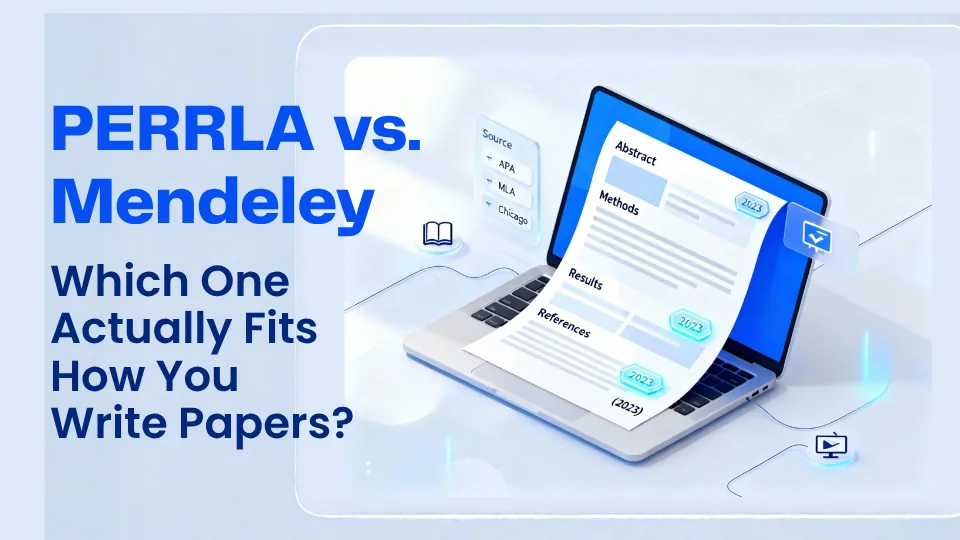
Mendeley is a reference manager built around collecting, organizing, annotating, and citing research. PERRLA is paper-writing software that combines research management with full-paper formatting for APA 7, MLA 9, and Turabian 9.
So the question isn't whether you need a research manager or a paper formatter. It's whether you want separate tools for different stages of the work, or one system that carries your sources all the way to the paper you submit.
Three Things Older Comparisons Get Wrong
Mendeley has been owned by Elsevier, the academic publisher, since 2013, and a lot of what's written about it online is out of date:
- Mendeley Desktop isn't gone, but it's frozen. The older app stopped offering new downloads in September 2022. In July 2025, Elsevier said it would keep it running, with essential maintenance only and no new features. Mendeley Reference Manager is the current app.
- There's no mobile app. Mendeley's iPhone and Android apps were pulled from the app stores in March 2021. On a phone or tablet, you use the web library.
- Mendeley Cite doesn't work in Google Docs. Elsevier's own help center says it's available only for Microsoft Word.
Where Each One Fits
Mendeley is the better tool if your budget is zero (its core tools are free, with 2 GB of storage), you write for journals in many citation styles, you work in a research group with a shared library, or you want AI help reading papers.
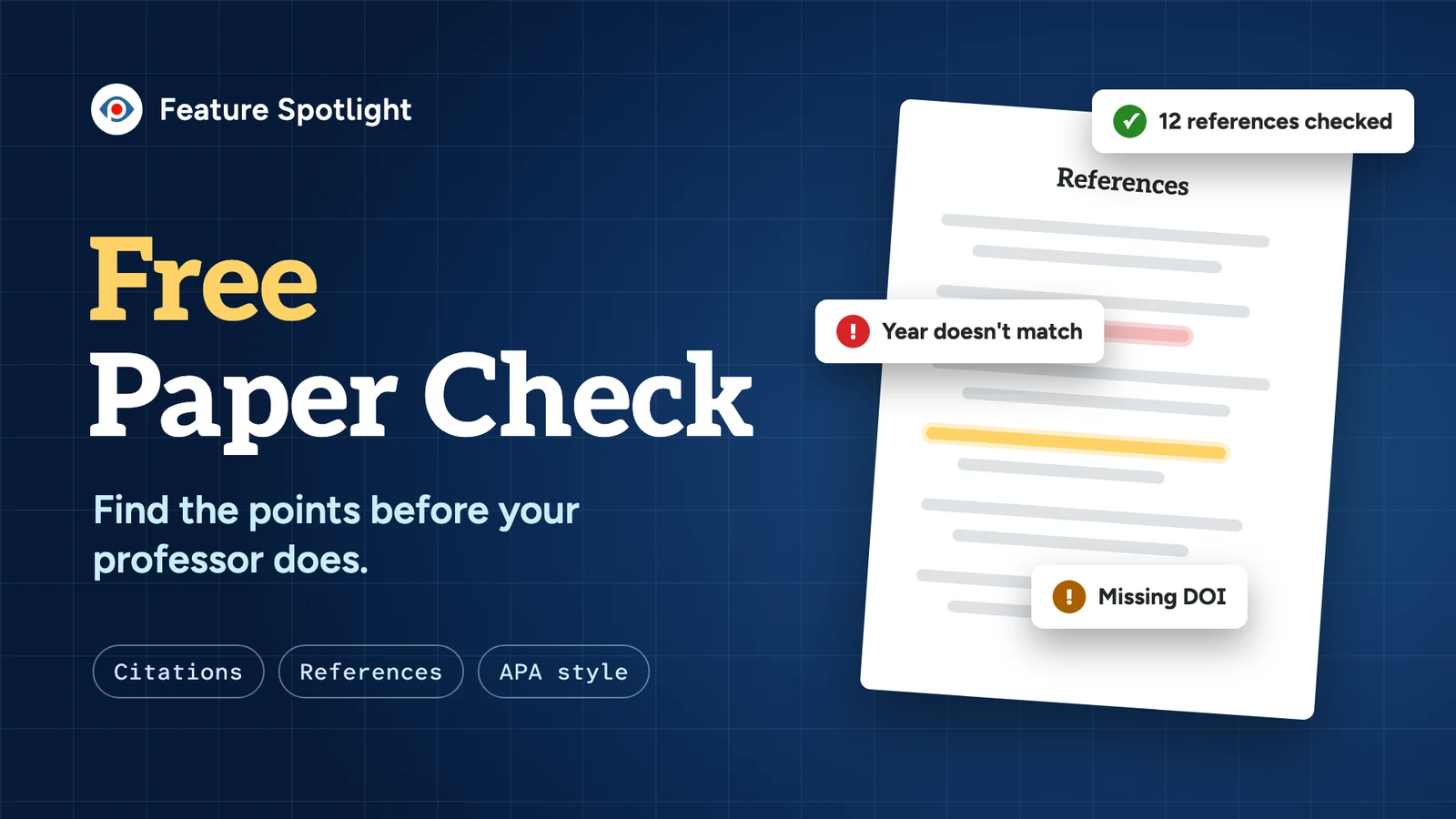
PERRLA fits if formatting is part of your grade. It sets up the title page, headings, margins, citations, and references in APA 7, MLA 9, or Turabian 9, in Word, Google Docs, or PERRLA Online. When you click I'm Finished, it reads the whole paper against the format and flags things like a citation after the period, a direct quote missing its page number, or a reference you never cited.
Already Have a Mendeley Library?
PERRLA doesn't connect to Mendeley directly, but Mendeley exports your references as a BibTeX (.bib) file, and PERRLA imports .bib files. In PERRLA Online, open Create reference, click Create from file, and drag the file in. Your PDFs and highlights stay in Mendeley, so attach the files you need afterward.
The Full Comparison
The full page has the side-by-side table, what each one costs in real dollars, the step-by-step export from Mendeley, getting help when something breaks, and how to use both.
Read the full comparison: PERRLA vs Mendeley
Comparing other tools too? See PERRLA vs Zotero and PERRLA vs EndNote.